
Comparing takes in a quiet room
You mainly listen for differences between recordings and don’t record with a microphone while listening. RTINGS.com describes open-back models as suitable for mixing and mastering.


If you’re comparing takes in a quiet room without recording with a microphone at the same time, open-back headphones suit the task. If you’re recording too, a closed-back model is generally more practical for reducing sound leakage. RTINGS.com and beyerdynamic describe these differences in use, but closed-back headphones won’t eliminate leakage completely. Also check the connection, cable routing and fit for your desk setup.
You mainly listen for differences between recordings and don’t record with a microphone while listening. RTINGS.com describes open-back models as suitable for mixing and mastering.
You compare takes and record vocals or instruments in the same setup. RTINGS.com says closed-back headphones are better suited to reducing leakage into a microphone.
You want to consider cable routing and storage. AKG describes the K371 as foldable and lists three detachable cables.
| What to consider | What should you look for? | Who is this important for? |
|---|---|---|
| Hearing differences between takes | Compare open-back models in a quiet room and don’t record with a microphone at the same time. | If my main aim is to judge differences between takes, I choose a quiet listening setup without recording with a microphone at the same time. Around 33% of consumers make critical comparison their top priority. |
| Recording without distracting leakage | If you’re recording at the same time, opt for a closed-back model and check with a test recording whether the microphone picks up the playback. | When I play back takes while recording vocals or instruments, I want to stop the sound from getting into the microphone recording. Around 27% of consumers make reducing this leakage their top priority. |
| Listening in a shared space | Assess the seal and fit; a closed-back design won’t block out all ambient noise. | If I work close to other people or want to reduce ambient noise, I pay attention to how the earcups fit. Around 20% of consumers make noise isolation in a shared or less quiet space their main concern. |
| Cables and storage | Check which cables and connectors are included with the model, where the cable connects and whether it’s practical to store. | With limited desk space, I want the cable to run neatly around my setup and the headphones to be easy to store. Around 20% of consumers prioritise a practical desk setup. |
An open-back design can let sound leak into the microphone. Closed-back headphones won’t eliminate leakage completely either.
Before a longer recording session, make a test recording at your usual listening volume and check whether the playback can be heard in it.
If leakage affects the recording, you may need to spend extra time recording it again.
A manufacturer’s description isn’t a comparative listening test, and it doesn’t tell you whether the fit or sound suits your needs.
Compare the same takes you’ve recorded yourself at the same volume, and assess the choice between open-back and closed-back designs separately from claims about sound.
The connection and included accessories can vary between models and versions.
Before buying, check the output on your computer or audio interface and the contents of the box for the exact version.
If the connection isn’t right for your setup, you may need a different cable or an adapter.
The DT 900 PRO X and DT 700 PRO X make the choice between open-back listening and a closed-back model for recording more straightforward.
The closed-back ATH-M40x is worth considering if isolation and one-ear monitoring are important to you.
The closed-back, foldable K371 is worth considering if storage and cable choice matter at a small desk.
According to the manufacturer, Sennheiser designed the open-back HD 490 PRO for producing and mixing.
This Joybuy selection includes headphones for listening at a small desk. For each version, check that the connection and fit suit your needs, and consider any sound leakage when comparing takes or recording at the same time.
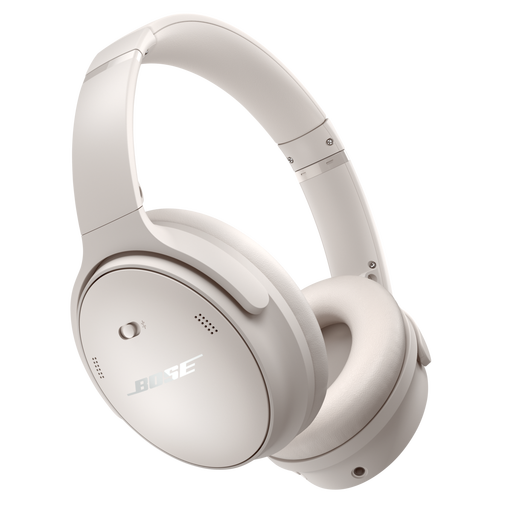 No image available
The product name mentions Bluetooth and noise cancelling; check that the connection options suit your audio interface and recording setup.
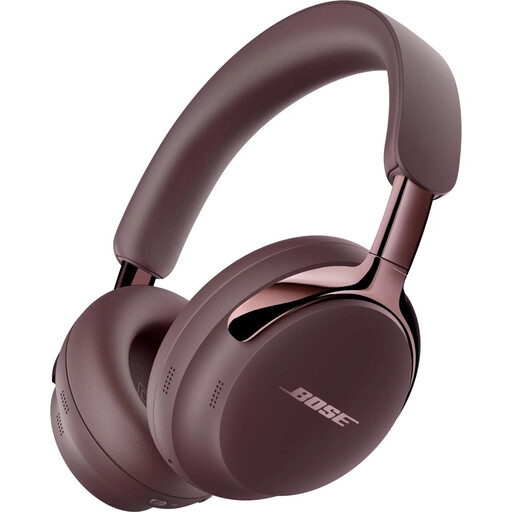 No image available
Before use, check that you have a suitable USB charger: according to the product information, this version is supplied without one.
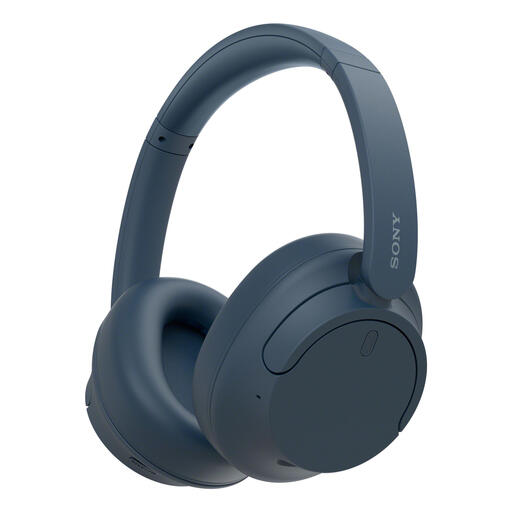 No image available
The product name mentions up to 35 hours of battery life and Quick Charge; check that the connection options suit the way you compare takes.
Yes, but if you’re recording with a microphone at the same time, a closed-back model is generally more practical for reducing leakage. Make a test recording, as even closed-back headphones can’t eliminate leakage, particularly at high volume.
Compare the plug with the output on your computer or audio interface, and check which cable is included. According to beyerdynamic, the DT 900 PRO X has a 3.5mm plug and a 6.35mm adapter; this applies to that specific model.
Keep the volume low and take breaks. The World Health Organization gives an average of 80 dB as a level at which you can listen for up to 40 hours a week, and 90 dB as a level at which that falls to four hours a week. These are listening guidelines, not measured levels for the headphones mentioned here.
For a distance purchase from a business, you’ll generally have a 14-day cooling-off period, with some exceptions. You’re also entitled to a product that meets reasonable standards. According to the Dutch government, there’s no fixed statutory warranty period in the Netherlands; if something goes wrong, contact the seller.
Not without checking the product rules that apply. According to the European Commission, CE marking is only mandatory for products covered by specific harmonised EU rules. Check which rules apply to the particular version; the word ‘studio’ alone doesn’t determine this.