
Drum editor in a quiet room
You edit recorded takes afterwards and want to assess detail and stereo positioning. Compare an open and a closed design to see which suits your listening space.


If you monitor while recording or work in a room with distracting background noise, start by comparing a well-fitting pair of closed-back headphones. For editing afterwards in a quiet room, an open-back model is also worth considering. An open design provides less isolation and can let sound leak out. Listen to the same drum clips, check how well your audio interface can drive the headphones, and make sure the cable runs freely around your two screens and controls.
You edit recorded takes afterwards and want to assess detail and stereo positioning. Compare an open and a closed design to see which suits your listening space.
You monitor while microphones or other sound sources are nearby. Sound leakage and distractions are important considerations here; Shure and Focusrite discuss this trade-off for studio recording.
You work for long periods between screens, your interface and keyboard. As well as fit, consider the connector, cable routing and how well your own setup can drive the headphones.
Choose this option: if you monitor near microphones or find background noise distracting. Shure and Focusrite describe closed-back models as useful for limiting sound leakage during recording.
Bear in mind: fit and isolation vary between models and people; test how the cable runs around your workstation, too.
Choose this option: if you mainly edit afterwards in a quiet room and don't need isolation.
Bear in mind: you'll still hear background noise, and sound can leak out. Focusrite and beyerdynamic describe open-back models as suited to quiet listening environments.
Choose this option: if you want to compare a semi-open design for reviewing recordings, such as the K240 Studio, which AKG offers for mixing and playback.
Bear in mind: don't assume semi-open means no sound leakage or background noise; try them in your own room.
| What to consider | What should you check? | Which shoppers should consider this? |
|---|---|---|
| Editing detail | Listen to the same drum clips at a comfortable volume; compare attacks, quiet background sounds and stereo positioning. | If you mainly want to assess detail in recorded takes, you need to be able to compare familiar passages accurately. Around 33% of shoppers put editing detail first. |
| Isolation and sound leakage | Check how the earpads seal and listen for sound leakage when monitoring near microphones. | Isolation matters more when you're working near microphones during a session or want to reduce background noise. Around 27% of shoppers prioritise this. |
| Comfort | Try the fit during a longer listening session and check whether the earpads are replaceable on the exact model. | When listening back repeatedly, you don't want pressure or an uncomfortable fit to become a distraction. Around 20% of shoppers put comfort first. |
| Connection and cable | Check the plug, the output on your interface and whether the cable runs freely around your screens and controls. | If your interface and controls sit between two screens, you'll need a suitable connection and a cable that doesn't get in the way. Around 20% of shoppers start with these practical considerations. |
Sound from the headphones can get picked up in a recording. Whether this is a problem in your room depends on your setup and the model you choose.
First decide whether you'll only edit afterwards or also monitor with open microphones. Test for possible sound leakage in your actual setup.
A single specification doesn't tell you how headphones will work with your interface or how well you'll be able to assess editing detail.
Check how they work with your own interface and compare the same familiar drum clips at a comfortable volume.
Cables and included accessories vary by model. The practical cable route around two screens also depends on your workstation.
Check what's in the box and which plug is supplied, plan the cable route and try the fit during a longer listening session.
Its range includes the closed-back DT 770 PRO 80 Ohms and the open-back DT 900 PRO X: different designs for different listening environments.
The closed-back ATH-M50x is worth comparing if you're looking for over-ear headphones supplied with several cables.
The open-back HD 490 PRO is an option to compare for editing and mixing in a quiet room, but it won't provide the same isolation as closed-back studio monitor headphones.
The MDR-7506 is a wired option for recording and studio work if a fixed cable route suits your workstation.
The semi-open K240 Studio is another design to consider for mixing and reviewing recordings; don't treat it as a closed-back recording monitor without trying it first.
This Joybuy selection includes headphones and headsets with different connections and designs. For drum editing, check whether the connection, design and drive requirements of each model suit your listening space and audio interface.
 No image available
The product description mentions wired listening using the included 3.5 mm audio cable, even when the battery is flat.
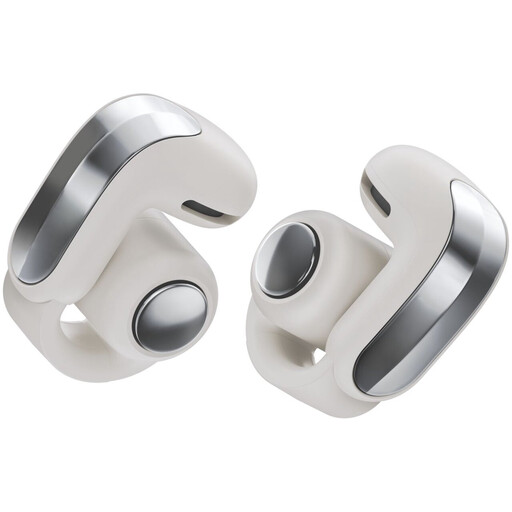 No image available
The product name describes these as open earbuds. Check whether this style suits the way you listen and assess drum recordings.
The product description lists a detachable cable with USB-C and 3.5 mm connectors, measuring 1 m long.
According to the product description, no charger is included and PD fast charging is not supported.
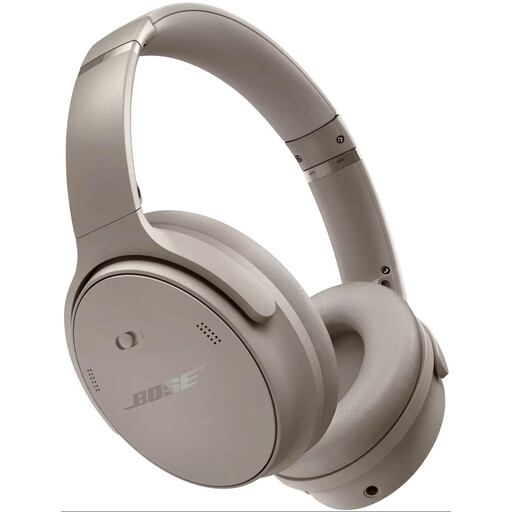 No image available
The product details list Bluetooth and active noise cancellation. For drum editing, assess separately whether the listening experience suits the way you work.
 No image available
The product details list stereo sound, a 3.5 mm connection and an included USB controller for wired connectivity.
The cable is 0.95 m long according to the product description; check whether that length suits your dual-screen workstation.
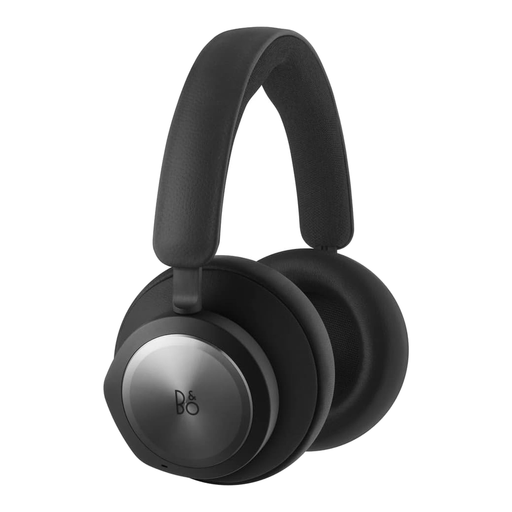 No image available
The product details list a 3.5 mm connection and a 125 cm cable. Check whether the length and connection suit your workstation.
The description mentions memory foam earpads for longer listening sessions; you'll need to assess the fit for yourself.
If you monitor near microphones or hear a lot of background noise, start with a well-fitting closed-back model. If you edit afterwards in a quiet room, compare an open-back model too; it provides less isolation.
Use a suitable headphone output and check the plug and any adaptor supplied with the exact model. Plan the cable route around your screens and controls. If in doubt, check the output and drive requirements of your audio interface, as impedance alone won't tell you whether the combination will work in practice.
Listen at a comfortable level and take regular breaks. The World Health Organization lists sound level, listening time and frequency of exposure as factors in safe listening; this doesn't prove that a particular model is safe at every volume.
Before buying, check whether parts are replaceable for your exact model. For example, beyerdynamic lists replaceable earpads for the DT 770 PRO 80 Ohms, and Sennheiser does the same for the HD 490 PRO.
When you buy as a consumer, you're entitled to a product that meets legal standards. According to the Dutch government, the statutory guarantee has no fixed term, and you should contact the seller if there's a fault. For many online purchases from a business, consumers have 14 days to change their mind, subject to conditions and exceptions. These consumer rules don't automatically apply to business purchases for a studio.