
The film-maker with a laptop
Wants to show their film with picture and sound, without relying on a particular TV app. Lenovo Netherlands recommends checking the laptop’s video output and whether you’ll need a cable or adapter.


For a group project film, a TV is suitable if your laptop can play the film through a compatible video output and the screen size works for the viewing distance and seating positions. Then check for reflections and clear dialogue: a 4K label or audio format alone doesn’t guarantee a better picture or clearer dialogue.
Wants to show their film with picture and sound, without relying on a particular TV app. Lenovo Netherlands recommends checking the laptop’s video output and whether you’ll need a cable or adapter.
Want to watch from the sofa and nearby chairs. The Consumentenbond points out that viewing distance, viewing angle and reflections all play a part in choosing a TV and where to put it.
Want to weigh up the TV, any extra audio equipment and energy use. According to the European Commission, the energy label for electronic displays, including TVs, uses a scale from A to G.
| What to consider | What to look for when buying | Who is this important for? |
|---|---|---|
| Playing your own film | Check the laptop’s video output, that there’s a spare HDMI input, and whether you’ll need a cable or adapter. Lenovo Netherlands notes that not every USB-C port supports video. | If I want to show the project film from my laptop, I want to know in advance whether the chosen connection will carry both picture and sound. Around 26% of consumers prioritise reliable source playback. |
| Size and placement | Measure the viewing distance and the space available for the screen and stand. The Consumentenbond suggests a comfortable viewing distance of around 2.4 times the screen’s diagonal measurement. | If I want to put the TV on an existing piece of furniture, both the viewing distance and the available space need to work. Around 21% of consumers prioritise a screen size that fits. |
| Picture quality from different seats | Compare the viewing angle and reflections for the specific model, ideally from similar seating positions and in similar lighting. The Consumentenbond explains that these features vary between TVs. | If housemates will be sitting at an angle to the screen or light will fall on it, I want to know how the picture looks from those spots. Around 21% of consumers prioritise viewing from different positions and how the TV handles light. |
| Clear dialogue | Test the sound on the specific TV with spoken dialogue. If you need extra speakers, check which connection they require. | For a film with lots of dialogue, I want to be able to follow it without having to connect extra equipment straight away. Around 16% of consumers prioritise clear speech; the Consumentenbond reports considerable differences in TV sound. |
| Shared costs and energy use | Compare the EU energy labels of models in a suitable size and check which cables or other accessories you’ll actually need. The European Commission uses a scale from A to G for electronic displays. | If we’re paying together, I want to factor in essential extras and energy use before we choose. Around 16% of consumers prioritise shared costs. |
The resolution of the film source affects the detail you can see. A 4K screen won’t turn content with a lower source resolution into an original 4K recording.
Check the resolution of the project file, and first consider the connection, screen size and seating positions.
Brightness, viewing angle and reflections are separate characteristics. The Consumentenbond highlights differences between TVs and display technologies; the technology name doesn’t tell you how a specific model will perform in your room.
Compare the model you’re considering from the intended seating positions and in similar lighting conditions.
A listed audio format doesn’t prove that speech will be easy to follow in your room. The Consumentenbond reports considerable differences in sound quality between TVs.
Test the sound on the specific TV and check that it has a suitable connection before choosing extra speakers.
In the Netherlands, the retailer is your point of contact if a product is faulty. The Dutch Government explains that there is no fixed statutory guarantee period.
Check what any additional cover gives you, and keep your proof of purchase.
The Dutch product page describes the LG 43UT73006LA as a 43-inch 4K LED-LCD TV with webOS.
The product page for the Philips 43PUS7000/12 describes a 43-inch 4K LED TV as a model to compare.
The Dutch product page identifies the QE43Q7F2AUXXN as a 43-inch Q7F2 QLED model.
This selection includes TVs with different screen sizes and display technologies. Start by checking the laptop connection, measuring the viewing distance and available space, then compare the models with seating positions and shared costs in mind.
 No image available
A 43-inch option to assess against the viewing distance and space available in your shared room.
The product name lists a 43-inch 4K Smart TV with Nano UHD AI.
 No image available
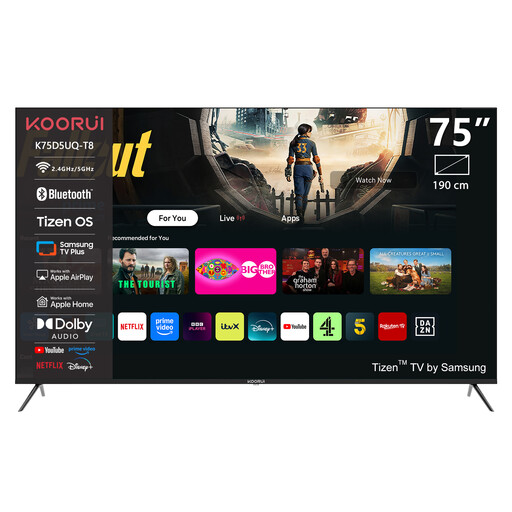
Consider this large screen only if the viewing distance and available space are suitable.
The product name lists 75 inches, 4K UHD, QLED and Tizen OS. The product information gives dimensions of 189 × 113,5 cm with the stand and a weight of 40 kg; it says at least three people are needed to lift and position it.
 No image available
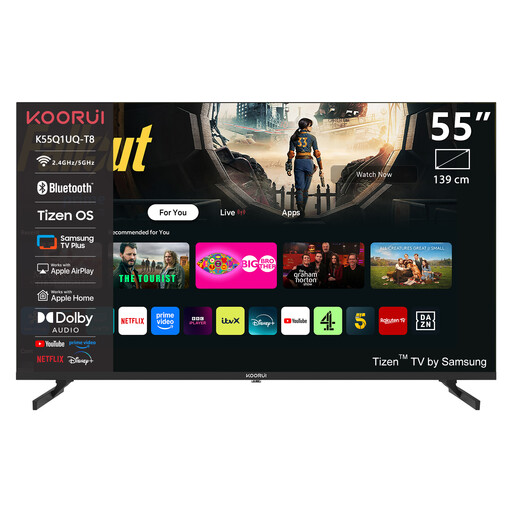
A 55-inch option to compare with the viewing distance and space available for the screen in your shared home.
The product name lists 55 inches, 4K QLED and Tizen TV.
 No image available
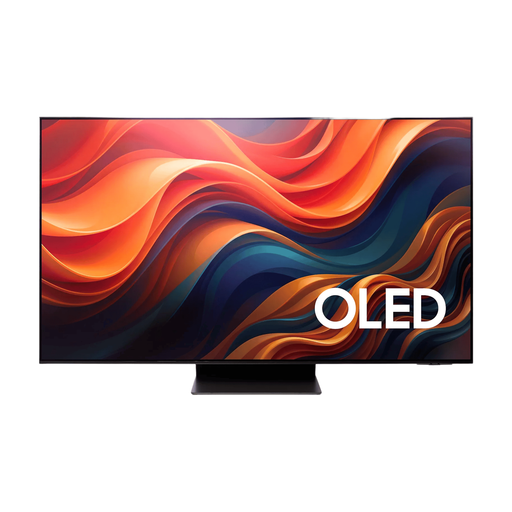
An OLED model to compare if its size suits the viewing distance and seating positions in the room.
The product name lists 65 inches, 4K and OLED. Check reflections and picture quality from the places where your housemates will be sitting.
 No image available
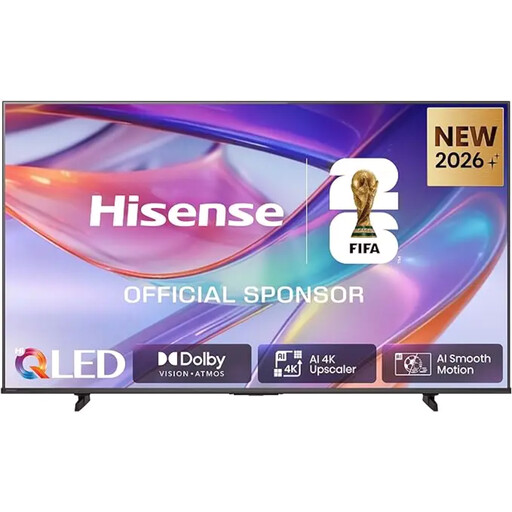
A very large screen to compare only if your room and viewing distance are suitable.
The product name lists 85 inches, 4K UHD, QLED and HomeOS 9.5. The product information gives a weight of 40 kg and recommends at least three people to lift and position it; a suitable, sturdy wall is needed for wall mounting.
Connect a laptop with a suitable video output to an HDMI input, then select that input on the TV. If your laptop only has USB-C, check whether that port supports video and which adapter you need. Also test beforehand that sound plays through the TV; Lenovo Netherlands points out that not every USB-C port can output video.
No. A 4K screen doesn’t require a 4K film, but content with a lower source resolution won’t automatically have the detail of an original 4K recording.
Check whether the app you want is available on each TV platform. The Consumentenbond points out that not every app is available on every smart TV; connecting a laptop via HDMI gives you another playback option.
Compare the energy labels of models in a suitable screen size. The European Commission uses a scale from A to G for electronic displays, including TVs.
In the Netherlands, the retailer is your point of contact if a product is faulty. The Dutch Government explains that there is no fixed statutory guarantee period; agree between yourselves who will keep the proof of purchase and contact the retailer.