
Housemates with several seating areas
Measure the distances from the sofa and other seats, then check the picture from the seats at either end. The Consumentenbond notes that viewing distance is a factor when choosing a screen size.


Start by measuring your viewing distances and checking how much daylight reaches the spot where you plan to put the TV. These factors will help you choose the screen size and technology. An LCD or QLED TV could suit a bright room, while OLED is worth considering if you often watch in a darkened room and want a good view from the side as well. Also check that you can play the film through your chosen app or a connected device.
Measure the distances from the sofa and other seats, then check the picture from the seats at either end. The Consumentenbond notes that viewing distance is a factor when choosing a screen size.
If you also watch films during the day, consider the amount of light, reflections and where the TV will go. The Consumentenbond highlights brightness as an important consideration for LCD TVs in bright rooms.
If you want to play a film through a streaming app, laptop or other player, check in advance that the app or connection you need is available. The Consumentenbond points out that not all smart TVs have the same apps.
Best suited to: bright rooms where brightness matters.
Bear in mind: QLED is a type of LCD; the name alone doesn’t tell you how a particular model performs.
Best suited to: comparing mini LED options with other LCD models for films with both bright and dark scenes.
Bear in mind: picture quality varies from model to model; the technology name alone is no guarantee of performance.
Best suited to: film nights in a darkened room, especially if housemates will also be watching from an angle.
Bear in mind: LCD TVs can often be brighter in a well-lit room. The Consumentenbond notes that OLED typically offers deeper blacks and a wider viewing angle.
| What to consider | What to look for | Who is it most important for? |
|---|---|---|
| Screen size and seating | Measure viewing distances and available space; check the picture from the seats at either end too. | If I want a good view from different seats, distance and viewing angle are crucial. Around 28% of consumers prioritise a good view from multiple seats. |
| Daylight and reflections | Check where the TV will go at the time you usually watch, and compare how reflective the specific model is. | If we also watch films during the day, I want windows and incoming light to interfere with the picture as little as possible. Around 22% of consumers give daylight and reflections top priority. |
| Playing films | Check whether your chosen app is available, or which input you’ll need for a laptop or player. | If I want to start a film from a particular app or my own device, I want to know in advance that it will work. Around 22% of consumers prioritise playback and connections. |
| Shared costs | Agree on a shared budget and compare the energy label and consumption per 1,000 hours of the models you’re considering. | If we’re paying for and using the TV together, I want to take both the purchase price and electricity use into account. Around 17% of consumers put shared costs first. |
| Dark scenes in films | Compare reviews of the specific model and consider whether you usually darken the room for film nights. | If we mostly watch in the evening, I want to be able to make out dark scenes clearly, even from a seat beside the sofa. Around 11% of consumers give contrast in a dark room top priority. |
Viewing distance and the resolution of the source material affect how much difference you’ll notice on a bigger or sharper screen.
Measure the room and viewing distances before choosing a screen size. Also check the resolution of the film source.
QLED is a type of LCD. OLED and LCD involve different trade-offs in brightness, black levels and viewing angle.
Compare the specific model’s features with the light levels and seating in your room, rather than relying on the technology name alone.
Not every app is available on every smart TV platform, so you may need an additional playback device.
Check that the exact app is available before buying. If you use a laptop or player, check which connection you’ll need too.
An additional warranty product doesn’t replace your statutory rights if a TV fails to meet what you could reasonably expect when used normally.
ACM ConsuWijzer explains that your statutory rights apply even if you haven’t bought an extra warranty. Compare any additional cover with the rights you already have.
The 55P71K and 55C71K are among the models worth considering when comparing LCD and mini LED options.
The Philips 55PUS8500/12 is worth a look if you’d like Ambilight around the screen.
The Samsung QE55Q7F3AUXXN is a 55-inch 4K QLED model to include in your comparison for a shared living room.
The LG OLED55C55LA is a 55-inch 4K OLED model with webOS that you can compare with LCD models, for example if you tend to watch films in a darkened room.
This Joybuy selection includes OLED, LCD/QLED and mini LED models for a film night with your housemates. Compare the model specifications and connections with your seating, light levels and chosen film source.
 No image available
An OLED model to consider if you often watch films in a darkened room.
55 inches; OLED; 4K; smart TV.
 No image available
A 55-inch 4K model to compare if you’re looking for a large screen for film nights together.
55 inches; 4K.
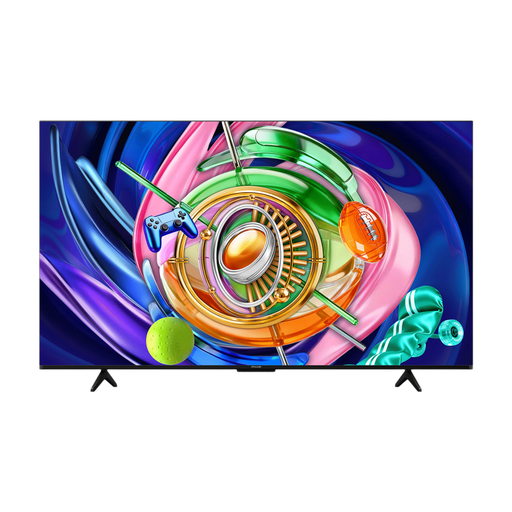 No image available
A mini LED model to compare with other screen technologies for your film night.
55 inches; 4K; mini LED; 144 Hz.
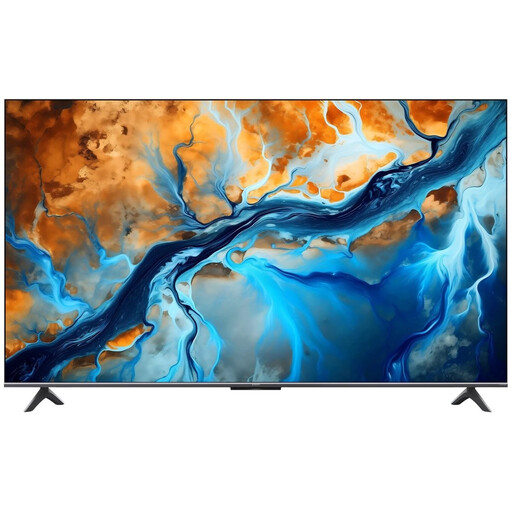 No image available
A mini LED model to compare if you want to play a film through a smart TV app.
55 inches; mini LED; 144 Hz; 4K; Google TV; Dolby Atmos.
 No image available
A QLED model to compare when looking at LCD options for your shared living room.
55 inches; 4K; QLED; 144 Hz.
Measure the viewing distances to where you plan to put the TV and check how much space is available. The Consumentenbond suggests dividing the distance in centimetres by 2.4 as a rough guide to the screen’s diagonal size. Then check the view from every seat.
No, not every smart TV has the same apps. Before buying, check whether the specific app is available on the platform. If you’re using a laptop or player, check which connection you’ll need too.
Compare the energy labels and consumption per 1,000 hours of the models that suit your room. Milieu Centraal also recommends adjusting screen brightness to match the light in the room.
For a TV bought online, you’ll generally have a statutory cooling-off period of up to 14 days after delivery. Check which terms and exceptions apply. The retailer also remains responsible for your statutory rights if a product fails to meet what you could reasonably expect when used normally.
That depends on the rights to the film and who comes to watch. Auteursrecht.nl describes an exception for screenings within a strictly domestic circle of family, close friends or a similarly close-knit group; a student society doesn’t automatically count. So, if you have a larger or less close-knit group, don’t assume the screening is private and check whether you need permission.
Agree on which accounts and permissions you’ll use on the TV, and read the privacy statement before connecting it to the internet. The Dutch Data Protection Authority warns that a connected TV may record your viewing habits.