
Viewer looking for a specific performance
First wants to know where the full recording is available and whether that service works on the shared TV. Only then can they tell whether they need an extra device.


Don’t automatically buy an extra streaming player: first check whether the performance you want plays through a working app on the shared TV. If you do need a device, choose one with a supported TV app and a remote for shared use, or look for Ethernet if the network connection is a bottleneck. A 4K label alone doesn’t guarantee a better theatre recording.
First wants to know where the full recording is available and whether that service works on the shared TV. Only then can they tell whether they need an extra device.
Doesn’t want to rely on casting during a long performance when it might not work on an isolated shared network. A player with Ethernet may be useful if there’s a working network socket by the TV.
Wants a clear TV interface and a remote for a viewing night, without needing to use one housemate’s phone for every action.
First check whether the performance you want plays on your existing TV. If it doesn’t, choose a device based on the apps it supports, its network connection and the controls that suit your viewing nights.
| Buying concern | What should you check? | Who cares most about this? |
|---|---|---|
| Access to the performance | Check that both the service and the specific title are available through the app or playback method on the device. | If I want to watch a particular recording, I first find out where it’s available and whether the TV supports that service. Around 36% of consumers put access to the performance top of their list. |
| Connection to the home network | Check whether casting requires the same local network, and whether the model you’re considering has Ethernet if there’s a network socket by the TV. | If housemates can’t see each other’s devices on a shared network, I don’t want to rely on casting alone. Around 29% of consumers give network connectivity their highest priority. |
| Shared controls | Check whether it has its own TV interface and remote, and which power supply or cables are included with that model. | For a viewing night, I want housemates to be able to control the stream from the sofa without needing my phone. Around 21% of consumers care most about shared controls. |
| Unnecessary spending | Test the existing TV app before choosing an extra player; also check whether you’ll need an HDMI cable and access to the service. | If the TV already plays the performance I want, I don’t want to buy a device we don’t need. Around 14% of consumers put avoiding extra spending first. |
Product specifications don’t confirm that a particular production is available or that the service works on every TV platform.
First look for the full performance on the provider’s platform, then check which playback methods it supports.
On a network with client isolation, your phone and casting device may not be able to find each other.
Check in advance whether casting works on the network. If you don’t manage the router settings, compare a TV app you can control directly with a player that can connect via Ethernet.
Ethernet varies by model for the third-generation Apple TV 4K. Google says that an HDMI cable for the Google TV Streamer (4K) is sold separately.
Check the full model name, version, connections and box contents before choosing.
Check whether you’ll need an HDMI cable for the player you choose.
A title alone doesn’t confirm that the version on offer, its connections and product details match what you need.
Check the details of the exact model, including its ports and the CE marking on wireless equipment.
The Google TV Streamer (4K) is a standalone media player with a built-in Ethernet port.
The third-generation Apple TV 4K is an option if you want to use a TV app or AirPlay.
A compact stick may be a good fit if the theatre service you want works on the exact Fire TV model.
The Xiaomi TV Stick 4K (2nd Gen) is a compact Google TV stick for a TV with HDMI and a reliable Wi-Fi connection.
The LEAP NOVA-X is a stick-shaped alternative with Google TV to consider alongside other playback options.
The options below include two TVs with Google TV and a projector for watching theatre performances on a shared screen. For each exact model, check that the service and performance you want are available.
 No image available
Could be a good fit if you want a TV with Google TV; check in advance whether the theatre service you want is available on this model.
The product name lists a 43-inch QLED screen, 4K UHD, HDR10+ and built-in Chromecast.
 No image available
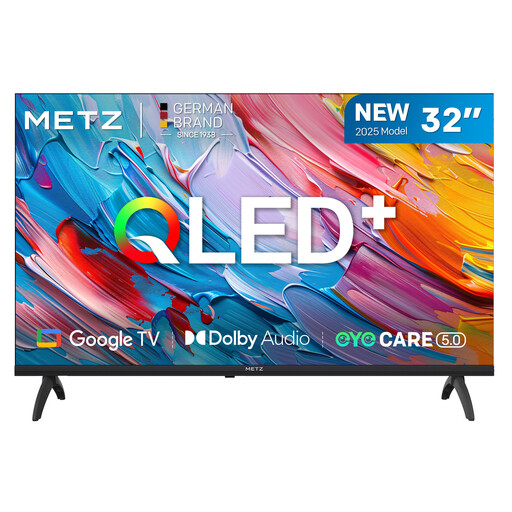
Could be a good fit if you’re looking for a compact TV with Google TV; check that the theatre service you want works on this model.
The product name lists a 32-inch QLED HD screen and Google TV.
 No image available
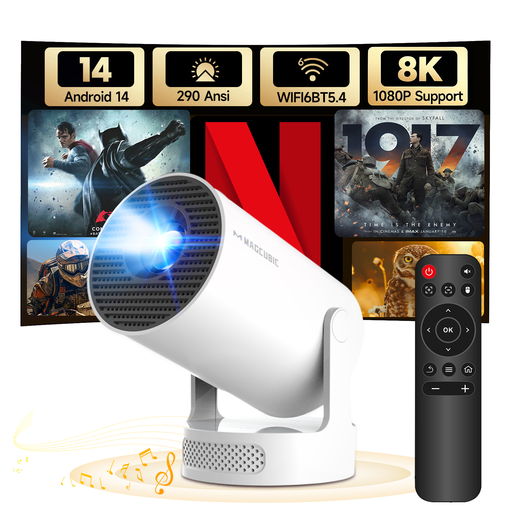
Could be a good fit if you’d prefer a projector to a fixed TV; first check that the service you want is available on the device.
The product name lists Android 14, Wi-Fi 6 and Bluetooth 5.4. You’ll need to adjust the picture using manual focus and manual 4-point keystone correction.
No, not if the recording you want plays through a suitable, working TV app. Test the specific service and title; National Theatre at Home warns that a TV browser or built-in Chromecast isn’t always supported.
Check that both devices are connected to the right local network. Google lists AP or client isolation on guest and shared networks as a possible cause. Only change router settings if the network administrator allows it.
Certain content may require DRM and HDCP support, according to National Theatre at Home. Check the entire playback chain, including the source device, connection and TV, before choosing a new streaming player as a solution.
Wireless equipment placed on the market in the Netherlands must meet the applicable European requirements and carry the mandatory CE marking. The Dutch Authority for Digital Infrastructure emphasises that you should check the actual model being offered; a general product family name doesn’t automatically confirm compliance for a specific model.
In the Netherlands, online purchases generally come with a 14-day cooling-off period after delivery, subject to statutory exceptions. ACM ConsuWijzer also explains that your statutory guarantee depends on what you can reasonably expect from the product under normal use; it isn’t always a fixed two-year period.