
Vandaag of morgen in huis

Kwaliteit gegarandeerd

Welkomstaanbiedingen ontgrendelen: GRATIS bezorging | Tot 80% korting | Gratis 30 dagen JoyPlus-proefperiode
Download de app
Buying an SSD seems simple until you have to choose between an internal SSD, external SSD, NVMe SSD, M.2 SSD or portable SSD. Manufacturers quote high speeds, large capacities and sturdy enclosures, but those specifications are only useful if they suit your device and how you plan to use it.
Most poor purchases come down to three common pitfalls:
An internal M.2 SSD usually uses NVMe over PCIe. Check your motherboard or laptop manual to see:
A PCIe 4.0 SSD can generally work in an older PCIe system, but its speed will be limited by the older interface. A PCIe 5.0 SSD, such as the Samsung 9100 PRO, requires a compatible PCIe 5.0 slot and adequate cooling.
For an external SSD, the USB port is especially important. A USB-C connection doesn’t automatically mean your device supports USB 3.2 Gen 2x2. The cable, port and controller all affect the transfer speed.
Choosing between a 1TB SSD and a 2TB SSD depends on your files and how you use the drive:
Bear in mind that the available space will be lower than the stated capacity. The operating system and formatting use some of it. You’ll still need a separate backup for important files; an SSD isn’t a replacement for a backup system.
Sequential read and write speeds are useful for large files, but tell you less about opening individual documents or starting programmes. For a gaming SSD, load times, compatibility and heat are also important.
A fast PCIe 5.0 SSD can get hot during sustained use. Check that your desktop has adequate airflow and whether a heatsink is included. If you’re choosing an SSD for PS5, also check the size, maximum thickness and Sony’s official compatibility information. A heatsink may be necessary, but it mustn’t be too large for the expansion slot.
For external models, a sturdy enclosure, the right cable and protection against dust or splashes are all worth considering. A stated drop-resistance rating doesn’t guarantee protection against every impact. Handle the drive with care and safely eject it before unplugging the cable.
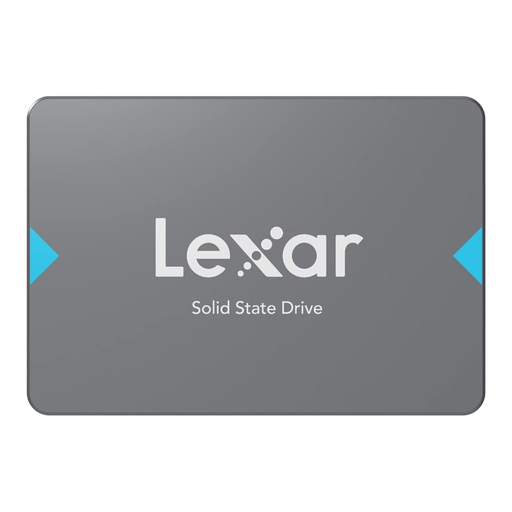
Why it suits this profile: This 2TB SATA SSD is designed for desktops and laptops with a 2.5-inch SATA connection. According to the product information, it offers read speeds of up to 550 MB/s.
The SATA connection makes compatibility more straightforward than with NVMe models. However, check that your device has a spare 2.5-inch bay and a SATA cable.
2TB of storage, a 2.5-inch form factor and a SATA III interface for everyday files and programmes.
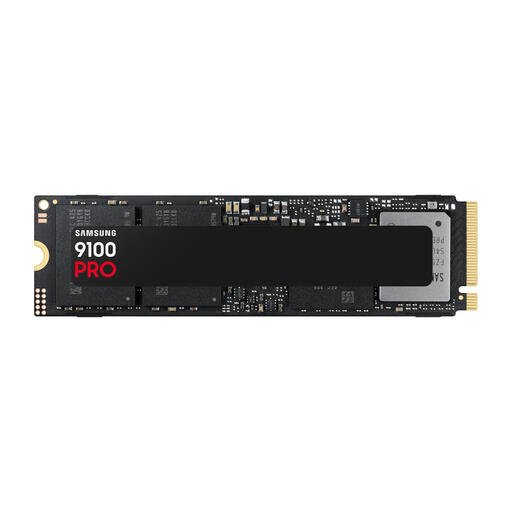
Why it suits this profile: According to the product information, this M.2 SSD supports PCIe 5.0 x4 and delivers read speeds of up to 14.700 MB/s and write speeds of up to 13.400 MB/s.
The specifications make it clear that you’ll need a PCIe 5.0 motherboard and suitable cooling. That way, you won’t pay for speed your system can’t make use of.
2TB capacity, PCIe 5.0 x4, NVMe 2.0 and stated random write performance of up to 2.600K IOPS.
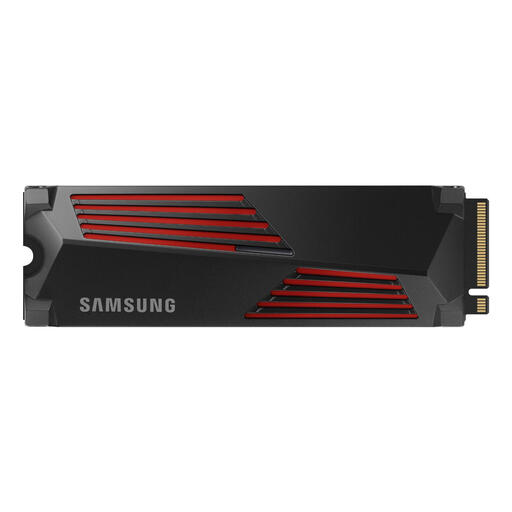
Why it suits this profile: This PCIe 4.0 M.2 SSD has a built-in heatsink and is listed in the product information as suitable for PlayStation 5 and high-performance desktops.
The heatsink means you’re less likely to need to choose separate cooling. If you’re using it with a PS5, still check your console’s current size and installation requirements.
2TB of storage, PCIe 4.0 x4, stated speeds of up to 7.450/6.900 MB/s and a built-in heatsink.
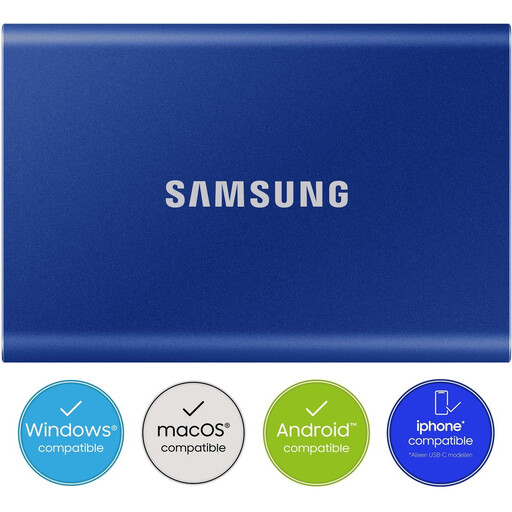
Why it suits this profile: This compact external USB-C SSD is designed for use with Windows, macOS, Android devices, cameras and games consoles, among other devices.
The included USB-C-to-C and USB-C-to-A cables make it easier to connect to different devices. However, your device’s port determines the final speed.
2TB capacity, USB 3.2 Gen 2, stated read and write speeds of up to 1.050 and 1.000 MB/s, plus AES-256 hardware encryption according to the product information.
We’ve put together a complete, up-to-date list of products that meet these strict selection criteria and the applicable European safety regulations.
According to the stated interface and speed specifications, NVMe over PCIe can offer significantly higher sequential speeds than SATA. In practice, the difference depends on your computer, files and programmes. A SATA SSD may be a suitable upgrade for an older system.
Lifespan depends on factors such as write load, temperature and model. Check the stated TBW rating: Total Bytes Written indicates how much data can be written to the drive according to its specifications. Always back up your files, as an SSD can fail unexpectedly too.
1TB may be enough for a modest games library. If you store several large games, updates and other files, a 2TB SSD gives you more room. If you have a PS5, also check that the model, heatsink and dimensions meet the console’s requirements.
