
Team around one table
You’re presenting an update while several colleagues contribute around the same table, and remote participants need to be able to follow the conversation.


First, match the speakerphone to the distance between speakers and the size of the room. Then check that its connection and platform variant are compatible with your meeting laptop. For a small table, a portable model with microphones all around or full-duplex audio may be suitable. A larger room calls for checking the stated coverage or whether two devices can be linked. Manufacturer specifications are no guarantee that every voice will sound equally clear in your room.
You’re presenting an update while several colleagues contribute around the same table, and remote participants need to be able to follow the conversation.
Speakers are further apart, so the stated microphone coverage and option to expand the setup matter alongside portability.
You use different laptops or rooms and want to know how to connect before the meeting. Check the ports, platform variant and power supply.
Choose this option: if participants sit close together and you carry the device between workspaces.
Bear in mind: the number of microphones or battery life alone doesn’t tell you how clearly voices will come through in your room.
Choose this option: if participants sit further apart and you want to check your table layout against the stated coverage.
Bear in mind: manufacturer specifications don’t measure how clearly people will be heard in your meeting room.
Choose this option: if one device may not cover the table sufficiently and you’re considering linking two devices.
Bear in mind: this setup requires a second compatible device; the stated group size is a manufacturer claim.
| What to consider | What should you check? | Who is this important for? |
|---|---|---|
| Clarity when several people are speaking | Check the microphone setup and full-duplex specification for the exact variant; test it from different seats. | If I’m presenting at a table with several speakers, I want remote participants to be able to follow everyone. Around 36% of consumers say clear audio from multiple speakers is their top priority. |
| Connection to your laptop and platform | Check USB-A, USB-C or Bluetooth, and make sure the exact Teams or UC variant works with your laptop and meeting platform. | When using different laptops or meeting platforms, I want to know in advance that the connection and variant are compatible. Around 29% of consumers prioritise connection and platform compatibility. |
| Table coverage | Compare the distance to the furthest speaker with the stated coverage; check whether devices can be linked for the variant you’ve chosen. | If speakers sit further apart, I want to know whether the furthest speaker is within the stated coverage. Around 21% of consumers prioritise room coverage. |
| Portability and use away from a fixed power source | Check the stated talk time and included cable; charge the device before your presentation. | For meetings in different locations, I want a device that’s easy to carry and doesn’t always need to be near a fixed power source. Around 14% of consumers prioritise portability. |
The number of microphones doesn’t tell you how clearly the furthest participant will be heard in your table layout.
Also compare the stated coverage and test the device from different seats before an important meeting.
The coverage for up to 20 people quoted by Yealink applies to two linked SP96 devices, not one.
Check how many devices your chosen setup requires before comparing prices.
The expanded SP96 setup described requires a second SP96.
For a consumer purchase, your statutory rights are separate from any additional commercial guarantee. Consumer protection rules don’t automatically apply to business purchases; Business.gov.nl explains the difference.
Check whether you’re buying as an individual or on behalf of a business, and keep your purchase and warranty details.
The Speak2 55 is a portable option for a small-group update, especially if you use different laptop connections.
The Sync 40 is worth considering if stated room coverage and the option to link two devices are important to you.
The SP96 is worth considering for a larger meeting setup where you’re thinking of linking two speakerphones.
The PowerConf S3 is a portable USB-C and Bluetooth option for a small meeting table.
This selection includes conference speakerphones and portable speakers whose product information mentions hands-free or meeting use. Check that each model’s connection and microphone function are suitable for your meeting app.
 Image unavailable
The product name describes this as a Bluetooth conference speakerphone, which may suit a meeting setup where you want a wireless connection.
Bluetooth; colour: white.
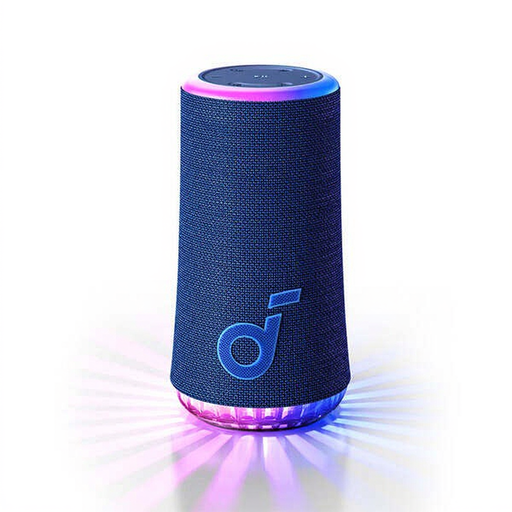 Image unavailable
This model may be suitable if you want to take part in a call hands-free. Check that its microphone works with the meeting app and setup you use.
 Image unavailable
This model may be worth considering for a portable conference setup. Check that the listed connections and variant are compatible with your laptop and meeting platform.
The product name lists Bluetooth and USB-A.
 Image unavailable
The product name describes the BV800 as a portable Bluetooth speaker. If you’re considering it for a project update, check that its microphone function is suitable for your meeting app.
The product name also lists an FM radio, AUX input and LCD screen.
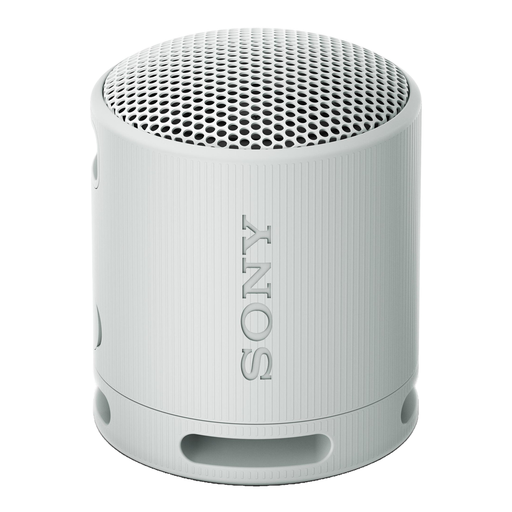 Image unavailable
This portable Bluetooth speaker may be useful when working in different locations. Before choosing it for meetings, check that its microphone function is compatible with your meeting app.
The product name lists USB-C, a stated battery life of 16 hours and the colour light grey.
Start by placing it centrally among the people in the room, then compare the distance to the furthest speaker with the model’s stated coverage. HP lists a microphone range of up to 2.5 m for the Sync 40; test your actual setup with a call.
No. Jabra states that Teams certification depends on the variant. Check the full model details before ordering.
For a consumer purchase in the Netherlands, your statutory rights apply; an additional manufacturer’s guarantee doesn’t replace them. Different consumer protection rules apply to business purchases, so check who the legal purchaser is and which contractual service applies. Business.gov.nl explains the difference.
The Dutch Authority for Digital Infrastructure outlines the requirements for radio equipment on the Dutch market and states that the manufacturer applies the CE marking when the equipment meets all requirements. If in doubt, check the marking and product documentation for the specific variant.