
Soundtrack listener with limited space
You stream film music separately from your TV and want a compact speaker that works with your devices and music service. Sonos lists Wi-Fi, Bluetooth and AirPlay 2 for the Era 100.


If you mainly listen to soundtracks streamed as music, choose a speaker that works with your music service and devices. Then decide whether one compact speaker is enough, or whether you’d prefer a stereo pair or spatial audio. If you also want to watch films on your TV with synchronised sound, check the TV connection or a setup explicitly supported for TV use: Sonos says the Era 100’s line-in isn’t intended for a TV.
You stream film music separately from your TV and want a compact speaker that works with your devices and music service. Sonos lists Wi-Fi, Bluetooth and AirPlay 2 for the Era 100.
You want to spread your music across a wider soundstage and are considering two compatible speakers or a model for spatial audio. Apple describes a stereo pair of two HomePod mini speakers; Sonos also describes this option for two Era 100 speakers.
You want to hear TV audio as well as stream soundtracks as music. The connection and setup supported by your TV are key; Sonos lists HDMI eARC for the Beam (Gen 2).
A good fit if: you mainly stream individual soundtracks and want to keep the space used to a minimum.
The trade-off: one speaker doesn’t create a separate left-right stereo pair. Sonos says the USB-C line-in on the Era 100 isn’t intended for a TV.
A good fit if: you want to hear separate left and right channels and have space for two speakers. Apple describes this for two HomePod mini speakers; Sonos does the same for two Era 100 speakers.
The trade-off: you’ll need two mutually compatible devices. Also check that your music source is supported.
A good fit if: you want to play music specifically mastered for spatial audio. Sonos describes the Era 300 as a speaker for Dolby Atmos audio.
The trade-off: a standalone Era 300 isn’t automatically a TV surround sound system. The surround setup described by Sonos requires two Era 300 speakers and a compatible soundbar.
A good fit if: you want to hear your TV’s audio when watching films. According to Sonos, the Beam (Gen 2) has HDMI eARC and can also stream music.
The trade-off: check that the connection and audio features work with your TV and source. This is a different setup from one standalone music speaker.
First decide whether you’ll stream music separately or need TV audio. Then compare playback compatibility, the sound coverage you want and the space available for the complete setup.
| What to consider | What should you check? | Who is this important for? |
|---|---|---|
| Sound and placement | Compare one speaker with a supported stereo pair and, where possible, listen to the sound for yourself; size alone doesn’t tell you how a speaker sounds. | If I want to hear soundtracks clearly without setting up lots of equipment, I consider both the setup and the sound. Around 29% of consumers prioritise sound and compact placement. |
| Playback compatibility | Check that your music service, phone and preferred way of controlling playback work with the specific model. | If I want to keep using my own device and music service, a compatible playback option is essential. Around 29% of consumers prioritise compatibility with their music source. |
| Music or TV audio | Decide whether you’ll only stream music or also want to hear films through your TV. If it’s the latter, check the connection and supported setup. | If I want to hear my TV during a film, I first check that the speaker is suitable for this. Around 21% of consumers give TV audio top priority. |
| Stereo or spatial audio | Check which audio format your source provides and which speakers are needed for the setup you want. | If I want to spread my music across a wider soundstage or play spatial audio recordings, I check what complete setup is needed. Around 14% of consumers mainly choose based on stereo or spatial audio. |
| Voice control and privacy | Read the privacy policy and check the account, microphone and update settings available on the model you choose. | If I want to use voice control or limit it, I check the controls and available privacy options in advance. Around 7% of consumers prioritise voice control or privacy. |
A speaker that can stream music isn’t automatically suitable for playing audio from a film on your TV. Sonos says the Era 100’s line-in isn’t intended for a TV.
First decide whether you’ll play music separately or also need TV audio; then choose a suitable connection.
Support for spatial audio on one speaker isn’t the same as the TV surround setup described by Sonos.
Check the music format and the complete setup required. For the Era 300 surround option described, Sonos specifies two Era 300 speakers and a compatible soundbar.
According to Apple, the original HomePod mini requires compatible Apple devices and Wi-Fi for setup.
Before buying, check the generation, setup requirements and support for your music service on the model being offered.
The Era models reviewed are suited to streaming music independently or choosing a specific stereo pair or spatial audio setup. The Beam (Gen 2) is the TV soundbar option.
The original HomePod mini reviewed is an option if you use Apple devices and might want to use two speakers as a stereo pair.
The JBL Authentics 200 reviewed is aimed at anyone looking for a smart speaker with Wi-Fi, Bluetooth and a choice of two voice assistants.
The 2025 version of the Echo Studio reviewed is an Alexa option for anyone considering spatial audio or using a Fire TV setup supported by Amazon.
These Joybuy products are soundbars for anyone who wants to play film soundtracks and other audio through a TV. Before buying, check which connections and features suit your TV and the setup you want.
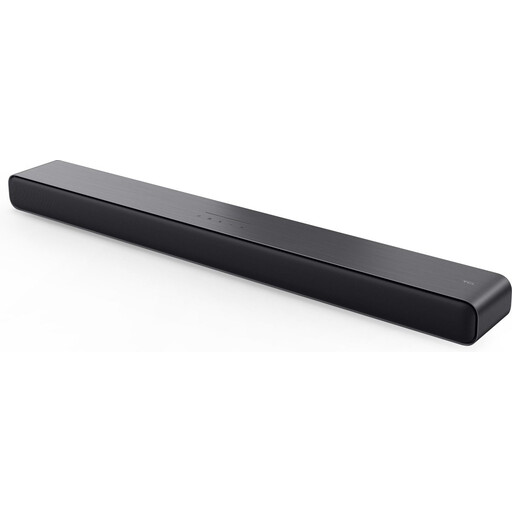 No image available
A soundbar option for anyone who wants to play films and music through a TV.
Listed features: Dolby Atmos, DTS Virtual:X, HDMI ARC/eARC, Bluetooth 5.2 and app control.
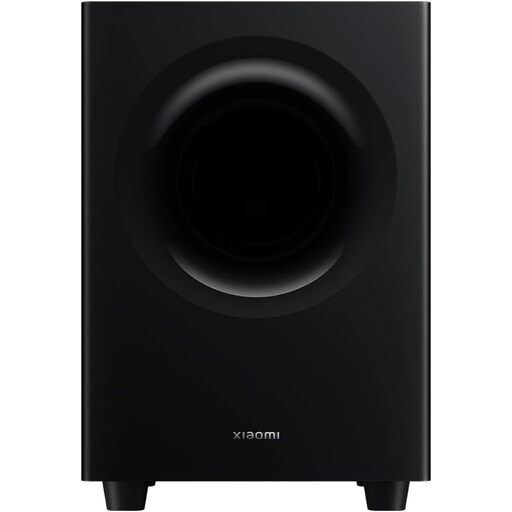 No image available
A soundbar for anyone who wants to combine TV audio and music with wireless playback options.
Listed options include Dolby Atmos, TrueSpace, Bluetooth, AirPlay 2, Spotify Connect and Chromecast.
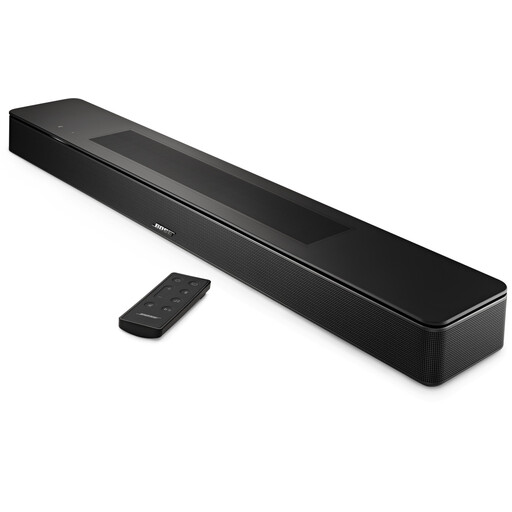 No image available
A TV soundbar for anyone who wants to stream music as well as watch films.
Listed features include Dolby Atmos, TrueSpace, five drivers and a dialogue mode. Music options include Bluetooth, AirPlay 2, Spotify Connect and Chromecast.
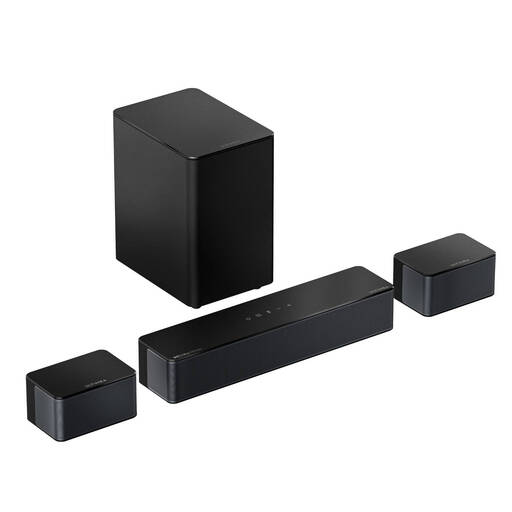 No image available
This TV audio setup includes a soundbar, two surround speakers and a wireless subwoofer.
Listed features include HDMI eARC, Bluetooth 5.4 and a Music mode. The two surround speakers are wired; the description mentions 20-foot extension cables for positioning them.
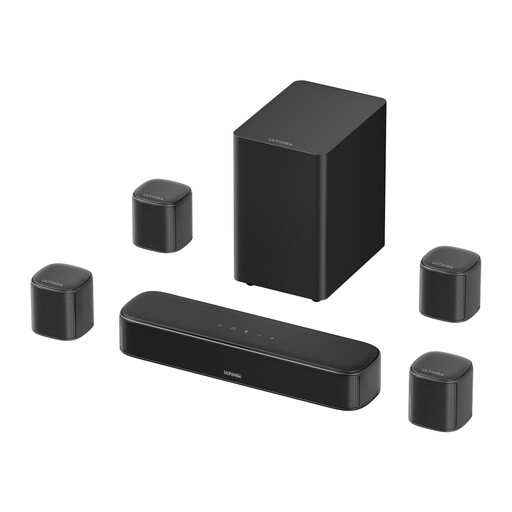 No image available
A multi-speaker TV audio setup for anyone with room for several speakers in the living room.
The description lists Dolby Atmos, HDMI ARC, app control and adjustable EQ. The setup includes three main speakers and four surround speakers.
Not without checking the connection or whether the TV setup is explicitly supported. Sonos, for example, says the Era 100’s line-in isn’t intended for a TV; according to Sonos, the Beam (Gen 2) has HDMI eARC for TV use.
Read the privacy policy and check the account settings and available security updates. The Dutch Data Protection Authority advises reviewing your account and device settings; also check which voice and microphone settings are available on the model you choose.
In the Netherlands, the seller is responsible for providing an appropriate solution if the product doesn’t meet what you could reasonably expect. ACM ConsuWijzer also states that online purchases generally come with a cooling-off period of up to 14 days after delivery; check the relevant exceptions and returns policy.
Wireless radio equipment sold in the Netherlands must meet the applicable European requirements and carry the mandatory CE marking. The Dutch Authority for Digital Infrastructure also lists cybersecurity requirements from 1 August 2025 for equipment to which they apply, so check the details of the specific product on offer.