What should you consider when choosing?
The main things to weigh up are where you listen, how you play music, what volume feels comfortable and how simple you want the whole setup to be.
| What to consider |
What to look for |
Who might care most? |
| Music in different areas |
Compare one listening position with two possible positions; check whether the exact model supports stereo pairing or grouping. |
If I move between the kitchen and seating area, I want music in both places without constantly turning one speaker up. Around 33% of consumers prioritise spreading music across different areas. |
| Playback method and home setup |
Check support for your music service, phone, Wi-Fi network and app; don’t assume that different multi-room systems are compatible. |
If I listen to a music service at home, I want to know whether the controls and connection will work with my devices. Around 27% of consumers prioritise the playback method and home setup. |
| Comfortable volume |
If possible, listen at your usual volume and from your own listening positions; check that it’s easy to adjust the volume. |
If background music at a moderate volume matters to me, I want to assess the speaker in my own space. Around 20% of consumers prioritise comfortable listening at a modest volume. |
| Simplicity of the whole setup |
Count the speakers you’ll need and check the connections and any adapters, such as a line-in adapter. |
If I want fewer devices and straightforward connections, I weigh up that simplicity against the option to expand. Around 20% of consumers prioritise keeping the whole setup simple. |
Speakers and audio at Joybuy
This Joybuy selection includes speakers for Bluetooth or network streaming, as well as a soundbar. For each model, check which playback option works with your listening positions and existing devices.
 No image available
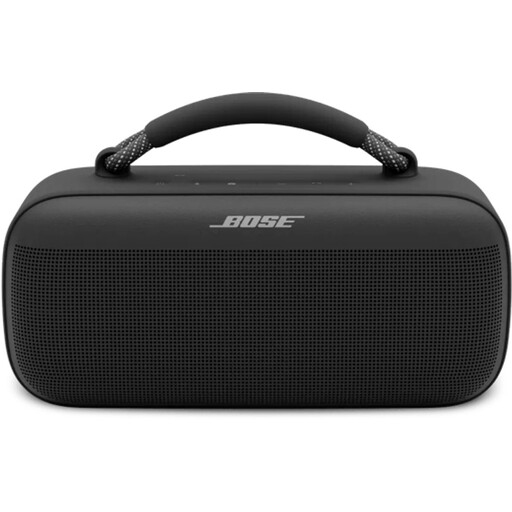
Bose SoundLink Max Bluetooth speaker, black
Could suit you if you want to use Bluetooth or one of the listed streaming options; the product information says it can be used at home and on the go.
The listed playback options are Bluetooth, Spotify Connect and AirPlay. The product information also mentions a built-in battery and control via a mobile app.
View at Joybuy
 No image available
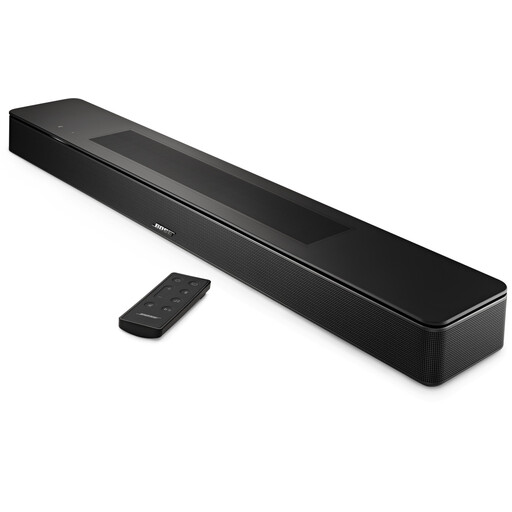
Bose Smart Soundbar, black
Could suit you if you want to stream music through a soundbar; the product information says you can stream music from the soundbar.
The listed streaming options are Bluetooth, AirPlay 2, Spotify Connect and Chromecast. The product information mentions five drivers and TrueSpace processing.
View at Joybuy
 No image available
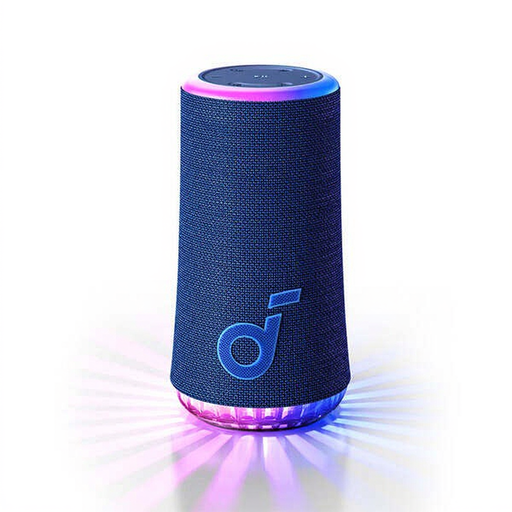
soundcore Glow Bluetooth speaker, blue
Could suit you if you’re looking for a speaker that the product information says can be used at home and on the go.
Bluetooth is the listed wireless playback option. The product information mentions a built-in battery and control via a mobile app.
View at Joybuy
 No image available
Edifier ES300 Wi-Fi and Bluetooth speaker, 60W
Could suit you if you want to stream over Wi-Fi at home and group several speakers; check that the listed features work with your devices.
The product information lists Wi-Fi streaming, AirPlay 2 and multi-room grouping. It also mentions a built-in battery with up to 12 hours of playback, USB and AUX inputs, and app control.
View at Joybuy
 No image available
Edifier G1500 Hecate gaming PC speakers
Could suit you if you’re looking for a set of computer speakers with Bluetooth or wired connections.
The product information lists Bluetooth 5.3, USB and a 3.5mm AUX input. The set is described as having two full-range drivers for stereo sound.
View at Joybuy
Frequently asked questions
Do I always need two speakers for an open-plan living space?
No. Start with one speaker in a place where you usually listen. Two compatible speakers may be useful if you want separate positions or a stereo pair; check the pairing options for the exact model.
What do I need to set up to play music over Wi-Fi?
Before you buy, check that the model, your home network, phone and preferred playback option all work together. Sonos describes setting up the Era 100 over Wi-Fi using the Sonos app; Bluetooth is also available on this model.
Can I connect an existing audio source directly to a Sonos Era 100?
For the documented line-in, you’ll need a Sonos Line-In Adapter or Combo Adapter, sold separately. Also check the connection on your source device and factor the adapter into your choice.
Who should I contact if a product develops a fault after I buy it in the Netherlands?
According to the Dutch government, if a product is faulty, you should contact the seller to put things right. There is no fixed statutory guarantee period in the Netherlands, according to its guidance; a manufacturer’s guarantee is in addition to your statutory protection.


