
Listening from a fixed spot
You want to hear the spatial arrangement of a brass band recording and can place two speakers to the left and right of your listening spot. Sonos offers stereo pairing for supported combinations of models.


If you usually listen from one fixed spot and want to hear brass band instruments spread further to the left and right, compare one speaker with a compatible stereo pair. If you want to play music in different parts of your living room, one speaker may be more practical; in that case, check that your music source and preferred controls are supported. As Genelec explains, the room and speaker placement affect what you hear from your listening spot.
You want to hear the spatial arrangement of a brass band recording and can place two speakers to the left and right of your listening spot. Sonos offers stereo pairing for supported combinations of models.
You want to start music easily as you move around the room. The music service and controls need to suit the way you listen; a precise stereo image from one particular seat may be less important.
You want to be able to control your music, while deciding for yourself whether to use a built-in microphone and voice service. The Dutch Data Protection Authority recommends checking the privacy policy and security of smart devices.
Best if: easy setup and playing music in different parts of the living room matter more to you than a separate left-right stereo image.
Bear in mind: a claim about room-filling sound doesn’t tell you how the speaker will sound from your seat.
Best if: you usually listen from one spot and prioritise stereo separation.
Bear in mind: you’ll need two compatible speakers and space to position them; Sonos limits stereo pairs to supported combinations.
| What to consider | What to look for when buying | Who should prioritise this? |
|---|---|---|
| Stereo separation and placement | Think about where you usually listen and check whether the exact models can be paired for stereo. | If I usually listen from one fixed spot, I want to hear instruments to the left and right and have room for two speakers. Around 36% of consumers prioritise stereo separation and placement. |
| Music source | Check how you’ll play brass band recordings: through your music service, AirPlay, Bluetooth or an input. | If I want to keep using my current music service or device, I’ll check the available playback options first. Around 29% of consumers give compatibility with their own music source top priority. |
| Everyday controls | Check which voice assistant and controls the model offers, and whether you can use it without voice control. | If I want to start music or adjust the volume quickly, I want controls that suit my everyday needs. Around 21% of consumers focus above all on ease of use. |
| Microphone and privacy | Read the privacy policy and check the microphone and account settings for the exact model. | If I’d rather limit voice control, I want to know in advance which settings I can change myself. Around 14% of consumers make microphone privacy their top purchasing priority. |
What you hear also depends on the room, speaker placement and where you’re listening from. A product claim can’t predict how brass band music will sound from your usual seat.
Decide where you usually listen and assess the setup from that spot.
Not every combination can be set up as a stereo pair. Sonos only allows supported combinations of models.
Before buying, check the pairing instructions for both exact models.
JBL states that compatible streaming services in the JBL One app are required for Dolby Atmos Music content on the Authentics 500. Sonos says an adapter is needed for the line-in connection on the Sonos Era 100.
For your chosen model, check the required playback method, content and any accessories.
According to Sonos, you need a line-in adapter to connect a line-in source to an Era 100.
The Era 100 is an option as a standalone Wi-Fi speaker or, with a second supported speaker, as a stereo pair.
The Authentics 500 is a standalone speaker for anyone looking to compare the listed streaming and voice control options.
The second-generation HomePod is a good fit for buyers who use the listed Apple playback methods and may want to pair two speakers.
The Lifestyle Ultra Speaker is an option if you want to start with one speaker and consider a stereo pair later.
This selection of Joybuy products includes Bluetooth speakers for wireless playback, as well as models that, according to the product information, can be used as a stereo pair of two speakers.
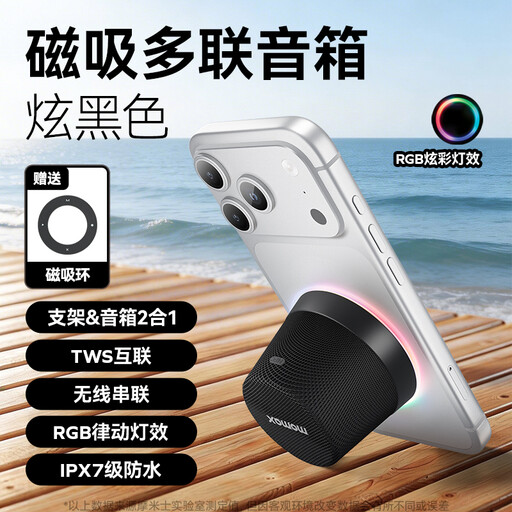 No image available
Suitable for playing Bluetooth audio from a smartphone or tablet. The product information lists Bluetooth 5.3, touch controls and a built-in microphone.
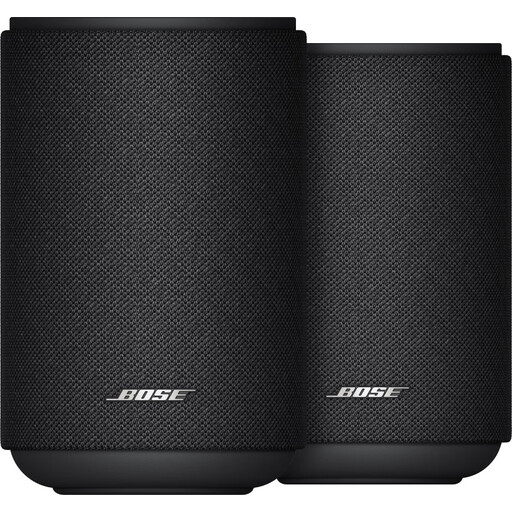 No image available
Suitable if you want to use two speakers as a stereo pair. The product information lists Wi-Fi, Bluetooth and app controls; assess the placement from your usual listening spot.
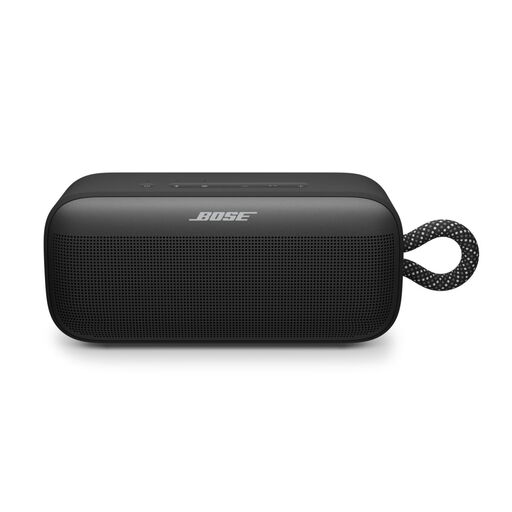 No image available
Suitable for wireless listening via Bluetooth. The product information lists a carry loop, sound adjustment in the Bose app and a stereo mode for two SoundLink Plus speakers.
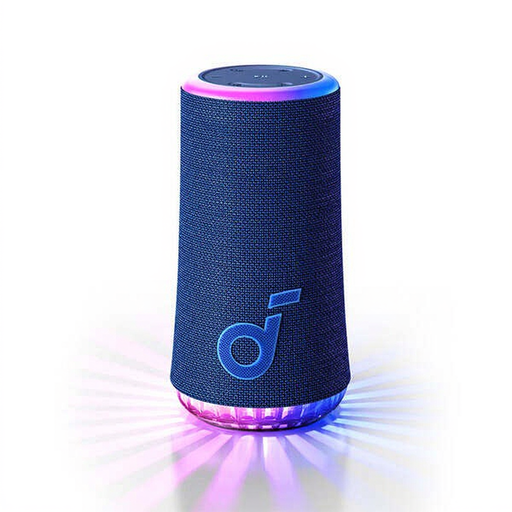 No image available
Suitable for playing Bluetooth audio from a smartphone or tablet. The product information lists USB-C and battery life of up to 12 hours, depending on use.
 No image available
Suitable if you want to play music over Wi-Fi or Bluetooth. The product information also lists AirPlay 2, USB and AUX.
No. One speaker may be enough if you want a simple setup; a compatible stereo pair is designed to play sound separately on the left and right. The room and speaker placement affect what you hear from your listening spot.
Use a combination supported by Sonos and create the pair in the Sonos app. For its stereo pair, Sonos recommends leaving 2.5 to 3 metres between the speakers and sitting 2.5 to 3.5 metres away; these are Sonos guidelines, not general measurements for other brands or rooms.
That depends on the speaker and playback method you choose. Sonos says you need a line-in adapter to connect a wired source to the Era 100; also check that the exact model supports your music source and service.
The Dutch Authority for Digital Infrastructure outlines the applicable European requirements for radio equipment and the CE marking for compliant equipment placed on the EU market. The regulator states that additional cybersecurity requirements apply from 1 August 2025; whether they apply depends on the product version and when it is placed on the market.
According to the Government of the Netherlands, a 14-day cooling-off period applies to many distance purchases, with some exceptions. Check the information about your specific purchase to see which terms apply.