
Residents who need extra ports
Your hub has an Ethernet port and you want to connect it, along with other wired devices, to the existing network without managing network settings.


If you simply need extra wired connections, a compact, unmanaged gigabit switch is the straightforward choice. Only choose VLAN management if you can also configure the shared router or gateway; separate networks may need additional settings to allow smart devices to discover one another. PoE is only useful if the connected device supports the right standard and there is enough power available.
Your hub has an Ethernet port and you want to connect it, along with other wired devices, to the existing network without managing network settings.
You share the studio or network infrastructure and want to find out whether separate networks are possible without disrupting how your smart devices work.
You want to power compatible equipment over Ethernet, so you need to check the PoE standard and total power budget.
First decide whether you just need more connections or also want to separate network traffic. Then check how many ports you need and whether the hub or switch itself needs to be powered via PoE.
| What to consider | What to look for | Who this matters to |
|---|---|---|
| Enough wired connections | Count the uplink to the existing network, as well as the hub and any other devices. With a five-port switch, one port used for the uplink leaves room for up to four directly connected devices. | If I want to connect my hub and other devices by cable without managing settings, I focus on the number of free ports; around 40% of consumers in this situation say that adding ports is their main priority. |
| Network separation and device discovery | Check whether you are allowed to manage the gateway and whether it supports the necessary VLAN settings and any required mDNS configuration. | If I share the studio with others, I want to control which devices can reach one another without losing control of my smart devices; around 30% of consumers say network separation is their top priority. |
| PoE compatibility and power | Check the PoE standard and power requirements for each device. If you have several devices, compare their total consumption with the switch’s overall power budget. | If I want to power a compatible network device over the same Ethernet cable, I check that the output and power are suitable for that device; around 20% of consumers say Power over Ethernet is their main priority. |
| Switch power and placement | Check whether the switch has PoE-in or PoE-out, and which power supply is required for the exact model. | If there is little room for a separate adapter where the switch will go, I check whether it can be powered through a compatible PoE uplink; around 10% of consumers prioritise the switch’s power supply and placement. |
Assigning VLANs on the switch does not replace the settings and access rules on the gateway. Some services that use mDNS may need additional gateway configuration to discover devices across VLANs.
Check who manages the gateway and whether they can configure the required networks and communication between them.
Allow time for gateway configuration and troubleshooting any device discovery issues.
The PoE input on the Ubiquiti USW-Flex-Mini can power the switch itself; that does not mean the switch can also power a connected hub.
Check for each port whether it receives or supplies power, and compare the requirements with the hub’s power specifications.
The hub may still need its own power adapter.
The connection from the switch to the router or existing network also uses a port.
Before you buy, count one uplink, the hub and every other device you want to connect directly.
If there are not enough ports left, you may need a second switch or a model with more ports.
The TL-SG105 and TL-SG105E are two five-port gigabit models with different management features.
The GS305EP combines five gigabit ports with management features and PoE+ outputs.
The USW-Flex-Mini can itself receive power through a compatible PoE uplink.
These product picks focus on adding wired connections, including both unmanaged switches and PoE models. For each device, check that the number of ports, power method and any management features suit your network.
 No image available
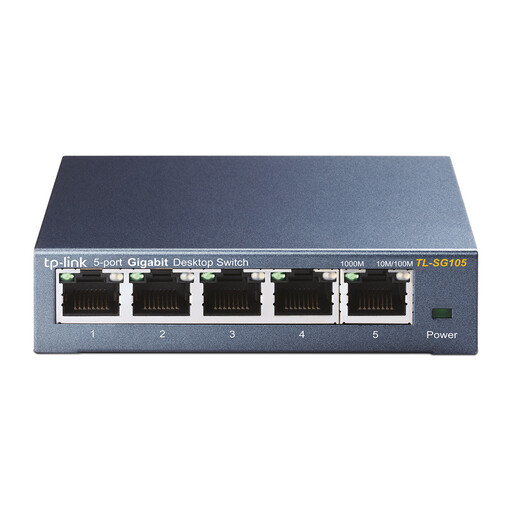
A good choice if you want to connect wired devices to the same existing network without configuring the switch.
Five 10/100/1000 Mbps RJ45 ports; the product description mentions plug-and-play operation and desktop or wall mounting. This model does not provide configured network separation on its own.
 No image available
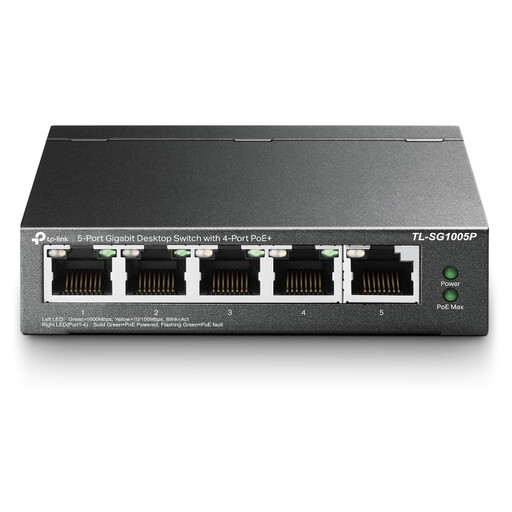
An option if you need wired connections and want to power a compatible device over Ethernet.
Five gigabit ports and four PoE ports, according to the product information. Check the PoE standard and power requirements of each connected device.
 No image available
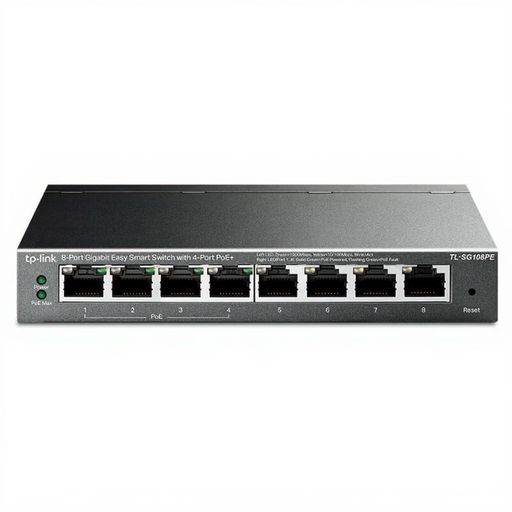
Suitable for a setup with several wired devices that also need PoE connections.
The product title lists eight gigabit ports and PoE on four ports. Check PoE compatibility and make sure connected devices stay within the available power budget.
 No image available
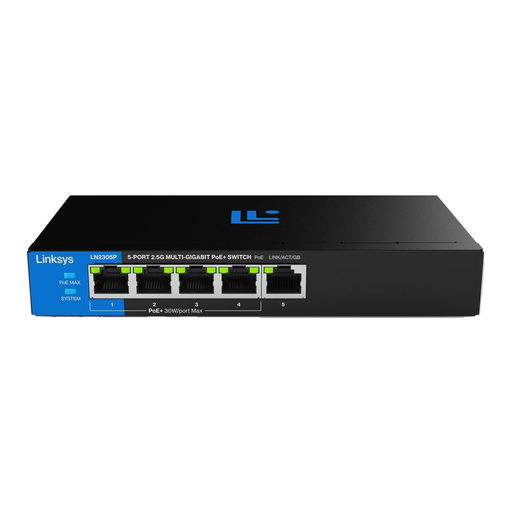
An option if you want to power compatible devices via PoE+ and need the stated 2.5 Gbps Ethernet ports.
Five Ethernet ports, four PoE+ ports and a total PoE budget of 60 W, according to the product description. Check that the PoE standard and total power are suitable for your equipment.
 No image available
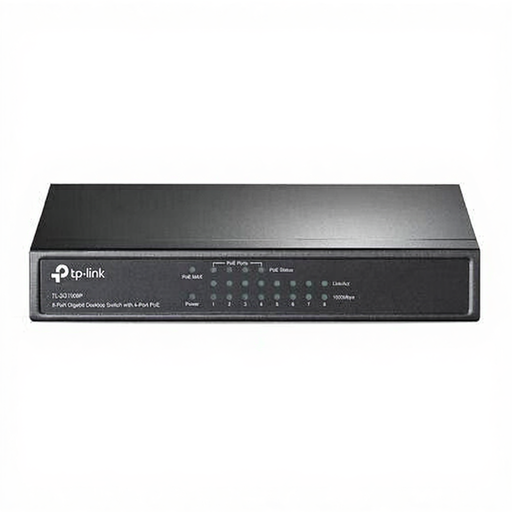
Suitable if you want to connect more wired devices and power a few compatible devices via PoE.
Eight gigabit ports and four PoE ports, according to the product information; operation is described as plug-and-play. Do not exceed the available PoE power.
Yes, if your hub has an Ethernet port: connect the switch to the existing network, then plug the hub into one of the switch’s ports. Check your hub’s manual. Home Assistant says that Home Assistant Green uses an Ethernet cable and its own power adapter, and that an internet connection is required for initial setup.
Not automatically in every configuration. The gateway must support separate networks; services that use mDNS may need extra gateway configuration to discover devices across VLANs. Check which protocols your hub and app use.
No, the number of PoE outputs varies by model. NETGEAR specifies four PoE+ outputs for the GS305EP; on the Ubiquiti USW-Flex-Mini, port 1 can instead receive PoE power for the switch itself, while ports 2 to 5 are data ports.
When you buy as a consumer, you are entitled to a product that is fit for purpose. According to the Dutch government, the seller is your point of contact for a solution; a manufacturer’s warranty is in addition to your statutory rights.
Electrical and electronic equipment is covered by applicable EU product rules; CE marking is required when the rules for that particular product say so. Check the compliance information for the switch and its power supply. A CE declaration from the manufacturer is not an independent conformity test.