
A hub with extra wired devices
You already have a network connection in your garden office and want to connect the hub alongside, for example, a computer. Count how many spare ports you need, including the port for the connection to your home.


If you already have a working network connection to your garden office, a gigabit switch can distribute it to your smart-home hub and other wired devices. Choose PoE or VLAN management only if your connected devices or network setup require it; a switch won’t connect the garden office to your home or automatically power a hub over Ethernet. If you still need to set up the connection, first assess the cable route and the equipment required at each end.
You already have a network connection in your garden office and want to connect the hub alongside, for example, a computer. Count how many spare ports you need, including the port for the connection to your home.
You may also want to power a compatible device via PoE. If so, check the PoE standard, the power required and the total power budget of the exact switch variant.
You still need to set up the connection to your garden office, or you want to configure network segmentation. The switch is just one part of the setup: you’ll also need to assess the cable route or network configuration.
First check whether your network already reaches the garden office. Then count the ports you need and decide whether you need PoE or VLAN management.
| What to consider | What to look for when buying | Who is this important for? |
|---|---|---|
| Connection to the garden office | Check whether you already have a working network connection. If you need to install a new connection, factor in the equipment required at each end and protection for the equipment. | If the connection isn’t in place yet, I first want to know how the network will reach the garden office; a switch won’t set up that connection. Around 36% of consumers put the connection first. |
| Power over PoE | Check the power requirements of each device, then compare the PoE standard, power per port and the switch’s total power budget. | I may want to power a compatible access point or camera over Ethernet, but I won’t assume that my hub supports PoE. PoE power is the main concern for around 29% of consumers. |
| Number of ports | Count the connection to your home, the hub and all other planned wired devices separately. | I want to connect my hub and other wired devices without running out of ports; the number of connections comes first for around 21% of consumers. |
| Management and device discovery | Choose VLAN features only if you need that network setup. After configuration, check that the hub and relevant integrations can still communicate with each other. | If I want to organise my network, I also want to know whether devices will still find each other afterwards. Management and device discovery come first for around 14% of consumers. |
According to Home Assistant, some integrations discover devices using mDNS/Zeroconf or SSDP. So a switch with VLAN features doesn’t guarantee that device discovery will continue to work with every network configuration.
Extra switch ports distribute an existing connection, but they don’t replace the connection between the buildings.
First check your existing connection. If there isn’t one, plan the route and the required connection equipment as separate parts of the setup.
The power supply method depends on the exact hub model. An Ethernet port on a device doesn’t automatically mean it supports PoE.
Compare the hub’s manual with the PoE standard and power output of the exact switch variant.
Some integrations use mDNS or SSDP to discover devices. Network segmentation can affect the connectivity needed for this.
Use management features for a specific purpose, then check that the devices you need are still reachable after configuration.
Relevant models range from unmanaged switches to variants with VLAN features or PoE. Always compare the exact version.
The DGS-1005P is worth considering if you need PoE+ for additional devices.
The GS1200-5HP v2 is an example of a web-managed switch that combines VLAN features with PoE+.
These Joybuy switches are designed to extend an existing network connection in your garden office. Choose a PoE or managed variant only if your connected devices and network configuration require it.
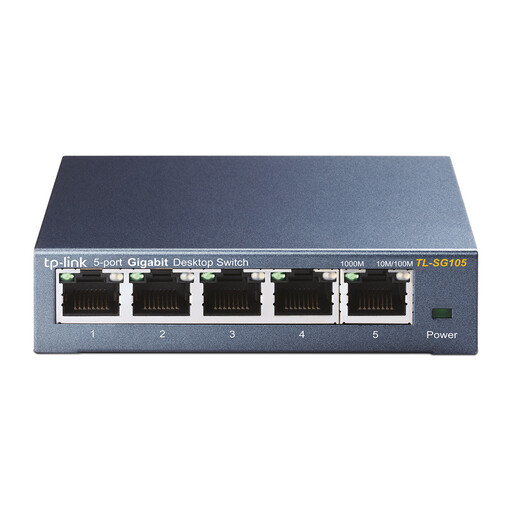 No image available
Suitable for a garden office that already has a network connection, where you want to connect your hub and other wired devices.
TP-Link lists five 10/100/1000-Mbps ports for the TL-SG105. This switch won’t set up the connection to your home.
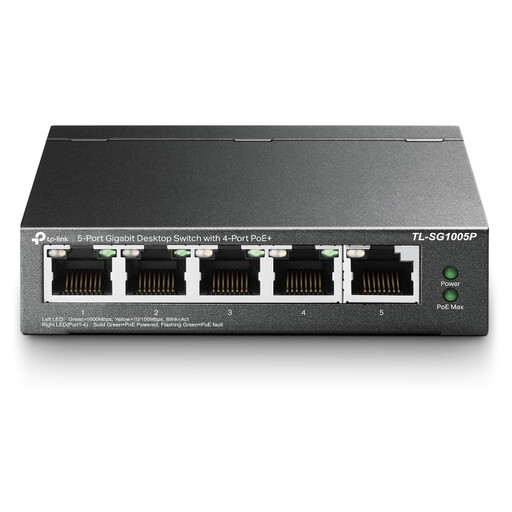 No image available
Consider this variant if you want to connect compatible PoE devices as well as your hub; first check the power requirements of each device.
The product name lists five gigabit ports and PoE. Before planning your connections, check the PoE standard and available power for this exact version.
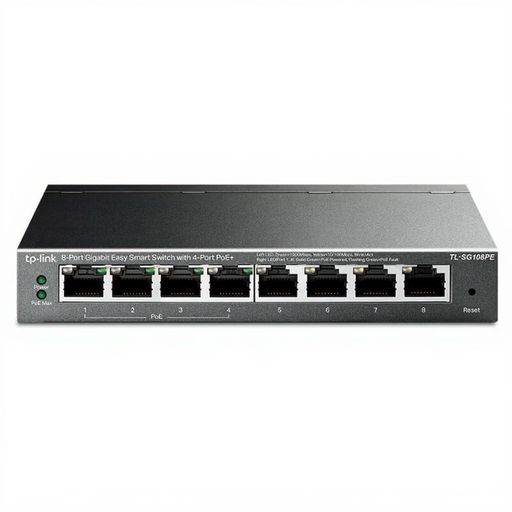 No image available
An option to consider if you want to connect several wired devices and power compatible devices via PoE.
The product name lists eight gigabit ports and four PoE ports. Check the revision, PoE standard and total power budget of the version on offer.
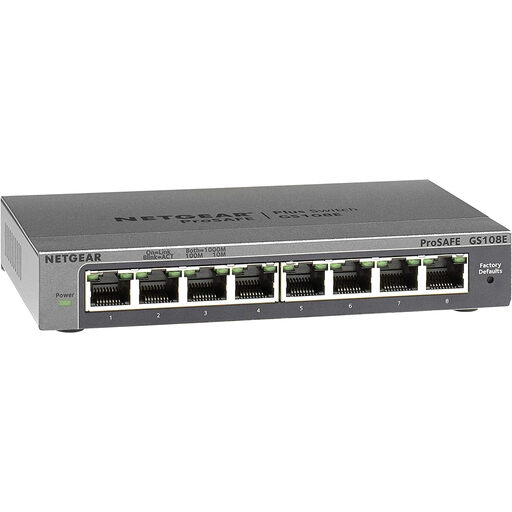 No image available
Consider this model if you want to manage your network deliberately; check that the configuration works with your hub and other devices.
If you segment your network, it’s a good idea to test device connectivity and any mDNS or SSDP discovery in use.
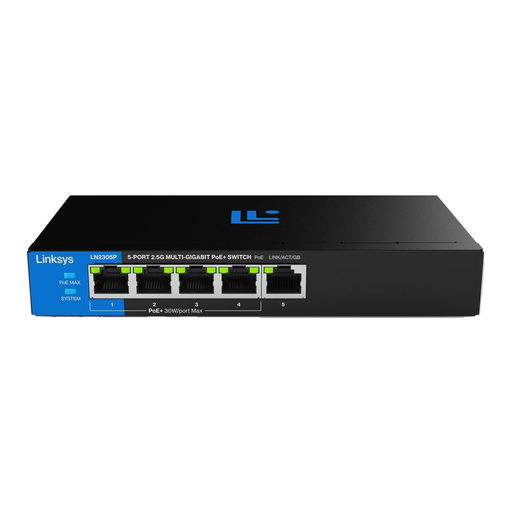 No image available
Consider this unmanaged PoE variant if you want to power compatible devices and don’t need VLAN configuration.
Check the exact port speed, PoE standard and total power required by your connected devices.
No. First work out how the network will reach your garden office, then connect a suitable switch if you want to link several wired devices there. Fibre-optic connections require suitable equipment at each end; if you use an outdoor copper connection, you’ll need to consider how to protect the network equipment.
Only if your exact hub and chosen power solution are suitable. For example, the Hue Bridge Pro installation instructions specify its own USB-C power cable, even when using an Ethernet connection. Check your hub’s manual before choosing PoE as a power option.
Check your network configuration and connectivity between the devices involved. Some Home Assistant integrations use mDNS/Zeroconf or SSDP to discover devices; VLAN features on a switch don’t guarantee that discovery will work with every configuration.
According to the Kadaster, you must submit a KLIC notification if you’re going to dig with machinery, even if someone else is doing the work on your land. Submit the notification at least 3 and no more than 20 working days in advance. A notification isn’t legally required for digging by hand, but cables and pipes can still be damaged.
According to ACM ConsuWijzer, where the applicable statutory guarantee applies, the seller is responsible for providing an appropriate free remedy, such as a repair or replacement. A stated manufacturer’s guarantee period doesn’t automatically limit your statutory guarantee.