Mouse options at Joybuy
These mice suit different priorities for a small desk, such as a vertical grip, easy storage, quiet operation or a wired connection.
 No image available
Wireless vertical mouse with 6 buttons, 2.4 GHz, USB-C
Suited to anyone looking for a vertical grip and controls for working with longer documents.
The product details list a 4-way scroll wheel, six buttons and 800–1600 DPI.
The listed 2.4GHz connection uses a USB receiver; check that your computer has a suitable port.
View at Joybuy
 No image available
Microsoft Surface Arc Mouse Violet
An option if you’re looking for a Bluetooth mouse that folds flat for storage after use.
The product description says it supports vertical and horizontal scrolling.
View at Joybuy
 No image available
HP 285 Silent Wireless Mouse
Suited to anyone looking for quiet operation and a wireless connection using a receiver.
The product description mentions reduced noise from the main buttons and a range of up to 10 metres for the 2.4GHz connection.
You’ll need a suitable USB port for the receiver mentioned.
View at Joybuy
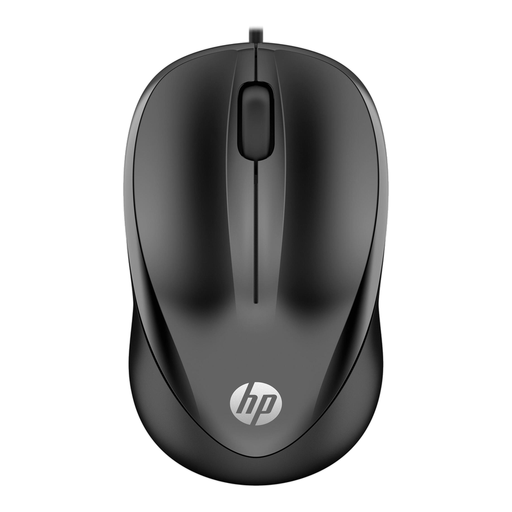 No image available
HP Wired Mouse 1000, USB Type-A, 1200 DPI, 3 buttons
A wired option if you’re looking for a scroll wheel and a USB Type-A connection.
The title lists a 1200 DPI optical sensor; the product description gives a 1.5 m cable and three buttons.
View at Joybuy
 No image available
HP 125 Wired Mouse, 1200 DPI
Suited to anyone looking for a wired mouse with a scroll wheel and USB connection.
The product details list a 1.8 m cable, USB Type-A and three buttons.
View at Joybuy
Frequently asked questions
Is a trackball always the smallest option?
No. A trackball doesn’t need to move across the desk while you use it, but its body still needs a dedicated spot. Measure the available space, and remember to allow for the cable if you choose the wired Kensington Orbit.
Do you need a USB receiver for the Pebble Mouse 2 M350s?
Not if you use a compatible Bluetooth Low Energy connection. Logitech says the mouse supports a Logi Bolt receiver, but that it isn’t included. Check which connections and ports your computer supports.
Can an ergonomic mouse prevent discomfort when you work at a computer for long periods?
There’s no guarantee. Arboportaal recommends varying screen-based tasks and taking regular short breaks. You should also choose a mouse that suits your hand and workstation.
What are your rights if a mouse bought online doesn’t work properly?
According to the Dutch government, when you buy as a consumer, you’re entitled to a product that works properly, and the seller must resolve problems with a faulty product. For distance purchases, you’ll often have a 14-day cooling-off period. Check which terms apply to your purchase.
Do screen-work rules also apply if you put together a programme at home?
The specific regulations described by Arboportaal apply to employees and include a condition for more than two hours of screen work per day. Don’t assume these workplace rules are a legal requirement for private use at home; advice on varying your tasks and setting up your workstation can still be useful.


