Start by deciding where your sleep sounds will come from and how you want playback to stop. Then consider where you listen in your large living room. Sonos documents Sleep Sounds via Sonos Radio and an in-app sleep timer, while Apple offers built-in ambient sounds and Google provides ambient sounds for its smart speakers. With the Google Home Speaker (2026), test separately whether Dutch voice commands and the timer work. A second compatible speaker may be an option if one placement isn’t enough, but specifications can’t tell you how quietly or evenly the sound will carry in your room.
Who is this for?
Listeners with an established bedtime routine
If you want to start a familiar sound and have it stop after a set time, compare the sounds available and how the timer works. Sonos documents an in-app sleep timer, while Apple describes ambient sounds for HomePod.
Listeners in different parts of a large room
If you want to listen from different parts of your living room, try one speaker first and then consider whether a setup with two compatible speakers would suit you. Sonos and Apple describe options for pairing speakers, but the result depends on how you position them in your room.
Listeners with existing devices and control preferences to consider
If you want to keep using an existing phone or audio source, or have preferences about microphone use, check compatibility and control options for each model. The Dutch Data Protection Authority also advises you to consider privacy and data security when using smart devices.
What should you look for when choosing?
Start with the sound source you want and when playback should stop. Then check whether one speaker sounds quiet enough in the places where you listen.
| What to consider |
What should you check? |
Who is this important for? |
| Sleep sounds and when playback stops |
Compare built-in ambient sounds with a station or audio from your phone. Sonos documents an in-app sleep timer; check how to start and stop playback from your chosen source. |
I want to start a familiar sound easily and make sure it doesn’t keep playing if I fall asleep. Around 33% of consumers prioritise sound and a stop time. |
| Sound in different parts of the room |
Decide where you listen and test one speaker there at a low volume. Only then compare a setup with two compatible speakers; manufacturers’ specifications don’t measure the result in your living room. |
I want to hear the sound quietly in different places and decide whether one position is enough. Around 27% of consumers prioritise coverage across several listening spots. |
| Playback and controls |
Check that your phone, app and audio source work with the speaker. Test Dutch voice commands on the exact model; having an assistant doesn’t guarantee that every command is available. |
I want to keep using my existing phone and audio source, and control the speaker in the way that suits me. Around 20% of consumers prioritise compatibility and controls. |
| Privacy and ongoing costs |
Check how to mute the microphone and review the terms for your chosen audio source. Sonos distinguishes between free Radio and the paid Radio HD option. |
I want to decide how I use the microphone and understand the terms that apply to my chosen sounds. Around 20% of consumers prioritise privacy and ongoing costs. |
Things to consider when buying
-
A large speaker doesn’t guarantee even sound throughout your living room
Claims of room-filling sound or a wider soundstage aren’t measurements of how it sounds where you listen.
First decide where you’ll listen and test one speaker at a low volume. Only then compare a setup with two compatible speakers.
-
Not every voice assistant understands the same Dutch commands
Sonos says Sonos Voice Control supports American English and French. Google describes Gemini for Home availability by language and country; JBL also warns that assistants may not be available in the same languages everywhere.
Check whether the Dutch command you want works on the exact model, and consider controlling it through an app as an alternative.
-
You don’t automatically need a paid audio plan for all sleep sounds
Sonos distinguishes between free Sonos Radio and the paid Radio HD option; the service and available content may vary.
First check whether the specific sound you want is available from your chosen source, then review the terms of any paid plan.
Brands to compare
Sonos
The Era 100 is worth considering if you’re weighing up Sleep Sounds via Sonos Radio and app-based controls.
- Sonos documents Sleep Sounds and an in-app sleep timer. According to Sonos, two Era 100 speakers can provide a wider soundstage.
- According to Sonos, Sonos Voice Control supports American English and French, but not Dutch. The claim of a wider soundstage isn’t a measurement of how it will sound in your living room.
Apple
HomePod (2nd generation) is worth considering if you have a compatible Apple device and want to use built-in ambient sounds.
- Apple documents ambient sounds, room sensing and the option to use two speakers as a stereo pair.
- These features don’t show how quietly or evenly the sound will carry to your listening spots. Also check how to set the stop time you want.
Google
The Google Home Speaker (2026) is worth looking into if you use Google Home and want a speaker with a microphone mute switch.
- Google documents ambient sounds for its smart speakers and says this model features sound that radiates in all directions and a hardware microphone mute.
- Check whether Dutch commands for sleep sounds and the timer work with the assistant on this model.
JBL
The Authentics 200 is worth considering if you want to play sleep sounds from a compatible source of your choice and adjust the tone on the speaker.
- JBL lists Wi-Fi, Bluetooth, several streaming options and controls for bass and treble.
- JBL warns that assistants may not be available in every country or language. Check separately that your chosen source and preferred stop time work.
Joybuy products
The products below include Bose speakers and TV-focused soundbars. Check whether your chosen sleep sound source and stop time work with each model.
 Image unavailable
Bose Lifestyle Ultra Speaker – Black
This model may suit you if you want to play sleep sounds from an audio source of your choice. Check that the source and stop time you want work for the way you plan to use it.
According to the product information, an app or service is required for use.
View at Joybuy
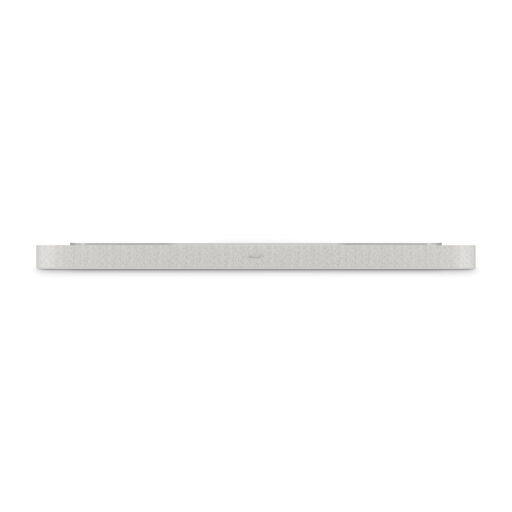 Image unavailable
Bose Lifestyle Ultra Soundbar – White Smoke
This is a TV-focused soundbar, not a standalone smart speaker. Choose this style only if it suits your listening setup.
The product information specifies placement beneath a TV and an HDMI eARC connection.
View at Joybuy
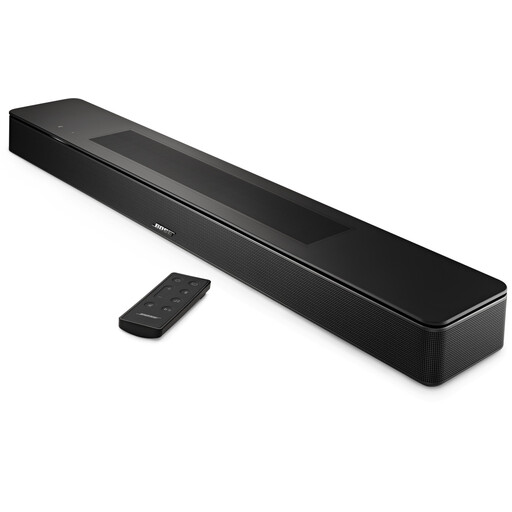 Image unavailable
Bose Smart Soundbar – Black
This soundbar may suit you if you’re looking for a TV-focused setup. Check separately that it works with your chosen sleep sound source and preferred stop time.
This is a soundbar, not a standalone smart speaker.
View at Joybuy
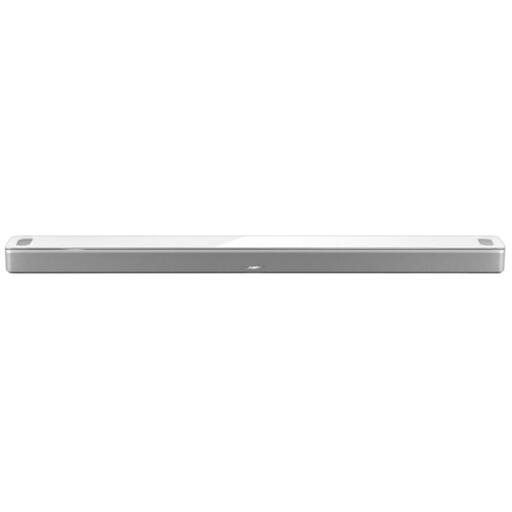 Image unavailable
Bose Smart Ultra Soundbar – White
This TV-focused soundbar may suit you if it fits your setup. Check that it works with your chosen sleep sound source and stop time.
The product information specifies placement by a TV and an HDMI eARC connection.
View at Joybuy
Frequently asked questions
Should I buy two speakers straight away for a large living room?
No. First test whether one speaker is quiet enough in the places where you want to listen. Sonos and Apple document options for using two compatible speakers, but those specifications don’t measure the result in your room.
How can I make the sleep sounds stop?
Sonos explains how to choose a duration using the sleep timer in the app. With a Google Home Speaker (2026), check whether the command and timer you want work with the assistant and language settings.
What setup and maintenance should I plan for?
For the Era 100, Sonos describes setup over Wi-Fi using the Sonos app. According to Google, the Google Home Speaker works with the Google Home app for iOS and Android. Check your privacy settings after setup. The Dutch Data Protection Authority advises you to consider privacy and data security when using smart devices.
Do I need to pay for a subscription to listen to sleep sounds?
Not just because you own a speaker. Sonos distinguishes between free Sonos Radio and the paid Radio HD option, and lists Sleep Sounds. Check the terms of your chosen service for the specific sound you want; other audio sources may have their own terms.
What are my rights if a product is faulty or I buy online in the Netherlands?
According to the Dutch Government, the seller must provide a solution if a product is faulty; the manufacturer’s warranty is in addition to your statutory rights. For distance sales, the seller must provide information including details of the cancellation period, which is usually 14 days. The relevant exceptions and terms still apply.


