
Sim racers short on desk space
If you need room for a wheel and your everyday desk setup as well as a monitor, start by checking the external dimensions, stand depth and mounting options. LG lists a stand depth of 253.7 mm for the 27GS75Q-B.


First measure the usable width and depth of your desk, allowing for your wheel and monitor stand, then decide how much side-to-side visibility you want. A compact screen generally takes up less space, a 27-inch QHD monitor can be a good middle ground, and a 34-inch ultrawide is worth considering if your screen, viewing position, game and PC can handle the extra width and resolution. Manufacturer specifications are not, in themselves, proof of better racing performance.
If you need room for a wheel and your everyday desk setup as well as a monitor, start by checking the external dimensions, stand depth and mounting options. LG lists a stand depth of 253.7 mm for the 27GS75Q-B.
If you want a wider cockpit view during a stint, weigh up an ultrawide against the space available on your desk and your PC’s capabilities.
If you’re planning long sessions, consider screen position, reflections and how the monitor’s refresh rate matches your PC’s output.
Choose this if: space alongside your wheel and keyboard is your main constraint. The AOC 24G4X is one example, with a 23.8-inch screen and Full HD resolution of 1920 × 1080 pixels, according to AOC.
Bear in mind: there’s less horizontal screen space than with an ultrawide, and the cockpit view also depends on your sim’s settings.
Choose this if: you want a larger main screen and can make room for a screen width of around 613.5 mm, plus the stand. LG lists a resolution of 2560 × 1440 pixels and a maximum refresh rate of 180 Hz for the 27GS75Q-B.
Bear in mind: it takes up more space than a compact screen and doesn’t offer the extra-wide aspect ratio of a 34-inch ultrawide. The maximum refresh rate doesn’t tell you what frame rate your PC will achieve in a game.
Choose this if: extra horizontal visibility matters and the screen, stand and viewing position will fit on your desk. The AOC CU34G2XP/BK is one example, with a 21:9 aspect ratio and 3440 × 1440 pixels, according to AOC.
Bear in mind: an ultrawide needs more desk width, and your PC has to process more pixels than with the 16:9 options mentioned here. Check that your sim supports the aspect ratio you want.
Choose this if: you have room for three screens, mounts and connections, and your sim supports this setup. iRacing provides instructions for configuring three monitors.
Bear in mind: space is a major constraint on a small desk, and iRacing’s instructions won’t necessarily apply to other racing games.
First compare the complete physical setup, then choose your preferred aspect ratio, and finally match the refresh rate to what your game, connection and PC can deliver.
| What to consider | What should you check? | Who is this important for? |
|---|---|---|
| Will the setup fit? | Measure the usable width and depth, then compare them with the monitor’s external dimensions, including the stand. Leave room for your wheel too. LG lists a width of 613.5 mm and a stand depth of 253.7 mm for the 27GS75Q-B. | I want room for my wheel and keyboard alongside the screen, and need to know whether the whole setup will fit. Around 36% of consumers put available desk space first. |
| How much peripheral visibility? | Check the aspect ratio, resolution and sim settings. Also make sure your PC can handle the refresh rate you want at that resolution. AOC lists a resolution of 3440 × 1440 pixels in 21:9 for the CU34G2XP/BK. | I want to see more of the cockpit during long stints, as long as the screen and viewing position fit on my desk. Around 29% of consumers give extra horizontal visibility top priority. |
| Smooth visuals | Check the maximum refresh rate for each input and your PC’s output. Dell lists a maximum of 180 Hz via DisplayPort and 144 Hz via the HDMI connections specified for the G2725D. | I want to know what my own PC can deliver in the sim I play and match the refresh rate accordingly. Around 21% of consumers prioritise smooth visuals on their own equipment. |
| Positioning for long sessions | Check the height and tilt adjustments, mounting options and light levels in your workspace. LG lists height adjustment and VESA 100 × 100 mm for the 27GS75Q-B. | I want to position the screen to suit where I sit and my long stints, without the stand getting in the way of my desk setup. Around 14% of consumers prioritise adjustability and positioning. |
The diagonal measurement doesn’t tell you how much space the monitor stand takes up. LG lists a stand depth of 253.7 mm for the 27GS75Q-B.
Measure the space for both your screen and wheel, then compare it with the monitor’s external dimensions, including the stand, before ordering.
If the stand doesn’t fit your setup, you may need a different mounting solution.
According to AOC, the ultrawide mentioned here has a resolution of 3440 × 1440 pixels, compared with 2560 × 1440 for the LG mentioned here. Your PC needs to be able to handle your chosen resolution and settings in your sim.
Check that your sim supports the aspect ratio and that your PC can handle the settings you want.
LG lists a 1 ms GtG response time for the 27GS75Q-B when set to ‘Faster’. This manufacturer specification is not, by itself, a comparison with other models under the same test conditions.
Check the test conditions behind response-time claims, and don’t treat a single figure as proof of a better racing experience.
The UltraGear 27GS75Q-B is an example of a 27-inch QHD screen for anyone considering a single adjustable 16:9 monitor.
The 24G4X and CU34G2XP/BK illustrate two different space requirements and aspect ratios: compact Full HD versus a 34-inch ultrawide.
The G2725D is a 27-inch QHD model where the maximum refresh rate available through each connection may be a deciding factor.
These product picks suit the compact single-screen route and the 27-inch QHD route for sim racing on a small desk. Before buying, check the external dimensions, stand and connections of the version you’ve chosen.
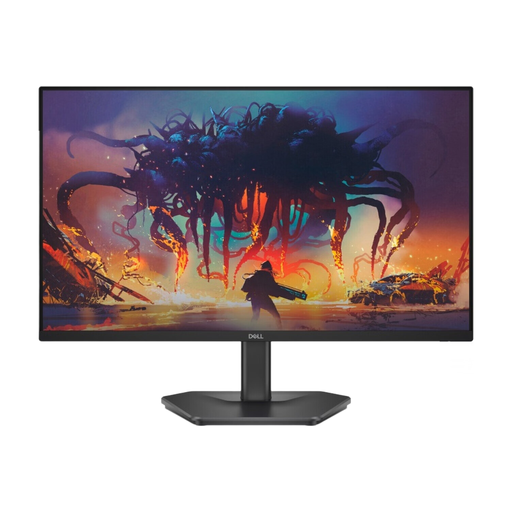 No image available
A compact single screen to consider if desk space is a priority. Check the external dimensions and stand to make sure it suits your setup.
The product information lists Full HD, IPS, 200 Hz and FreeSync Premium. DisplayPort 1.2 is also listed.
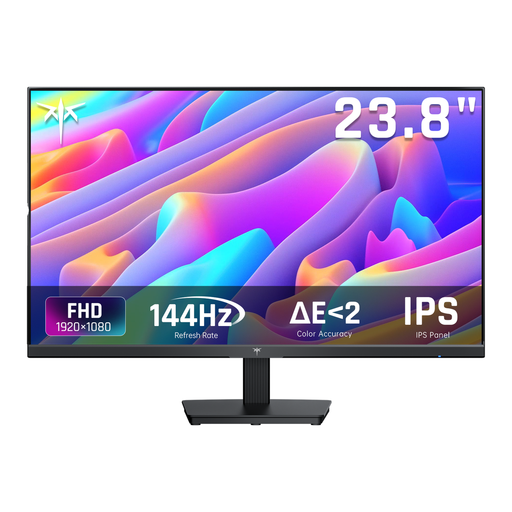 No image available
A 24-inch single-screen option for anyone looking for a compact setup. Compare the external dimensions and stand with the space available on your desk.
The product information lists Full HD, IPS, 144 Hz, Adaptive Sync, HDMI and DisplayPort.
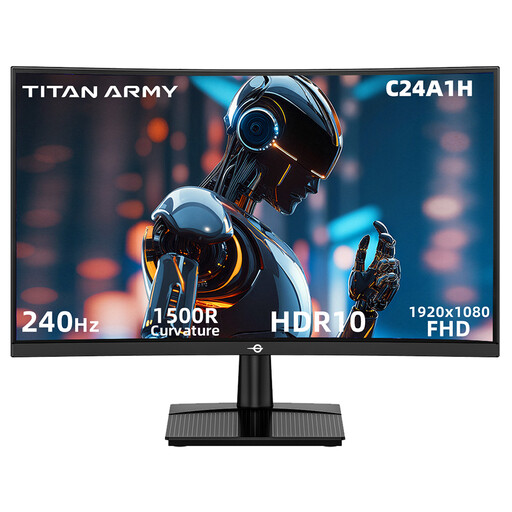 No image available
The 23.6-inch size suits a compact single-screen setup, but be sure to check the full external dimensions and space needed for the stand.
The product information lists a VA panel, 16:9, Full HD, 240 Hz, FreeSync and HDMI and DisplayPort inputs.
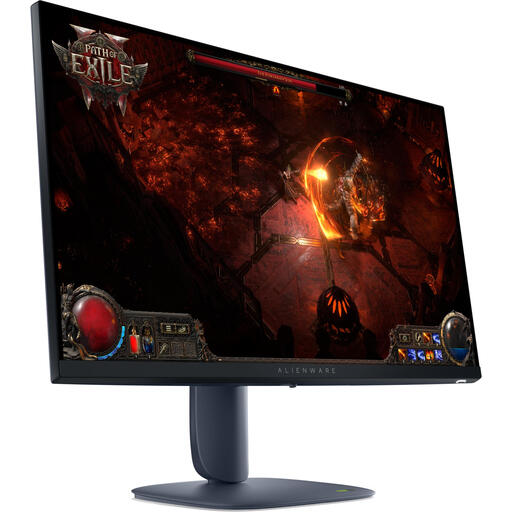 No image available
A 27-inch QHD option for anyone looking for a larger main screen. Measure the space for the monitor and stand alongside your wheel.
The product information lists IPS, 2560 × 1440 pixels, 180 Hz, G-SYNC and FreeSync compatibility, and an adjustable stand.
 No image available
An adjustable 27-inch option for anyone looking for more screen space. Check that the monitor stand will fit within the available desk depth.
The product information lists IPS, QHD, 180 Hz with overclocking up to 200 Hz, G-SYNC and FreeSync compatibility, and height, tilt and swivel adjustment.
For iRacing, its own support guide covers steps including connecting the screens to a dedicated graphics card and configuring them in the display settings. This doesn’t confirm that other games use the same setup process, so also check that three screens will physically fit.
No. For the models mentioned, 180 Hz is the stated maximum screen refresh rate. Check the supported input and whether your PC can reach the frame rate you want at your chosen resolution. Dell lists different maximums via DisplayPort and HDMI for the G2725D.
Follow the instructions for your specific model. The Joybuy product description for the LG 27GS75Q-B warns against pressing on the IPS panel or using harsh cleaning products. It also states that this model is no longer available on that product page.
For many distance purchases from a business, the Dutch government says you have a 14-day cooling-off period; whether this applies depends on the transaction. Your statutory guarantee is separate from a manufacturer’s warranty. According to ACM ConsuWijzer, the seller must offer a solution if a product proves faulty under normal use sooner than you could reasonably expect.
The information cited from Arboportaal concerns employers and employees who work with screens. These rules are not automatically legal requirements for screen sizes or mandatory breaks during private sim-racing sessions.