What should you look for?
Existing smart TV or laptop via HDMI
Suitable when: the film service you want already works on your TV, or you want to watch Eye Film Player on your TV using a laptop and HDMI.
Keep in mind: the range of apps varies by TV; for the laptop option, you’ll need compatible HDMI ports and a cable. Eye Filmmuseum describes this playback option.
Casting from a compatible device
Suitable when: you want to cast from Chrome on a desktop or Android device, or you’re using a mobile app with a compatible casting or AirPlay feature.
Keep in mind: Eye Film Player doesn’t support the Chrome casting option from Chrome on iOS. Check the exact instructions for your film service and source device.
Standalone streaming box or stick
Suitable when: your TV is missing the apps you want, or you’d prefer to navigate your TV using a remote control.
Keep in mind: check whether the app or playback option works on the specific device for each service; a separate player doesn’t guarantee access to every film.
First, work out how you’ll get the film you want onto your screen. The Consumentenbond treats screen reflections and visibility in direct light as TV features; a stated 4K output alone doesn’t tell you how clearly you’ll see dark scenes in daylight.
The percentages show an indicative breakdown of the main considerations for this viewing and purchasing decision.
| Consideration |
What should you check? |
Who is this most important to? |
| Visibility in daylight |
View the TV from your usual seat in daylight; look out for reflections and direct light. |
If dark scenes and intertitles need to remain clearly visible during the day, I’d first check for reflections and consider where the TV is placed; around 36% of consumers prioritise visibility in daylight. |
| Access to the film |
Search for the title and check the playback option for your source device, browser and TV. |
If you want to watch a particular silent film first, search for the title and a working option on your own TV; around 29% of consumers prioritise access to the film. |
| Easy TV control |
First check the apps on your TV; if you’re comparing a separate player, check how it’s controlled and which cables are included. |
If I want to control the service directly on my TV, I’d first check which apps already work on it; around 21% of consumers prioritise easy TV control. |
| Network connection |
Check which network connections the specific model has and what’s available by your TV. |
If you want to use a network cable by your TV, check the connections on the specific device; around 14% of consumers cite network connectivity as their main priority. |
Joybuy products
This selection includes projectors and TVs with Google TV. Check that the film you want is available through an app; by tall windows, reflections and visibility still depend on the screen and where it’s placed.
 No image available
XGIMI MoGo 4 Portable Projector, Full HD 1080p, Google TV, 450 ISO Lumens, 2.5-Hour Battery, EA SPORTS FC 26 Game Code, Match Night EU Edition
Could suit you if you want to watch the film you’re after through an available Google TV app; check that the title and app are available first.
Full HD 1080p; Google TV; 450 ISO Lumens; 2.5-Hour Battery; EA SPORTS FC 26 Game Code, Match Night EU Edition.
View at Joybuy
 No image available
CHiQ L32QM10E 32-Inch QLED Smart Google TV
Could suit you if you’re looking for a TV with Google TV apps; check that the film service and title you want work on this version.
32 inch; Full HD; QLED Pro; Google TV.
View at Joybuy
 No image available
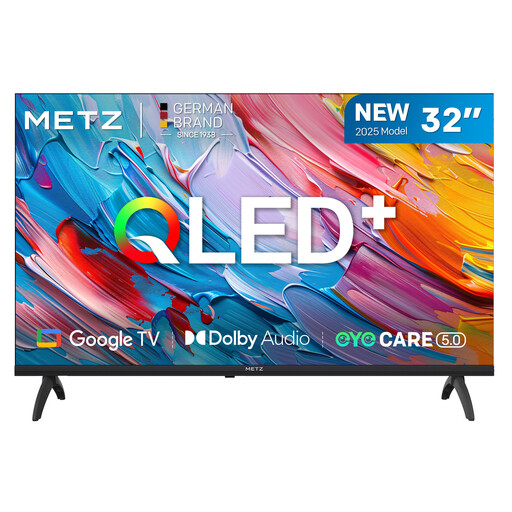
METZ 32MQF7000Z 32-Inch 2025 QLED HD Google TV, HDR10/HLG
Could suit you if you’re looking for a TV with Google TV; check that the app and silent film you want are available on the specific version.
32 inch; QLED; HD; Google TV; HDR10/HLG.
View at Joybuy
 No image available
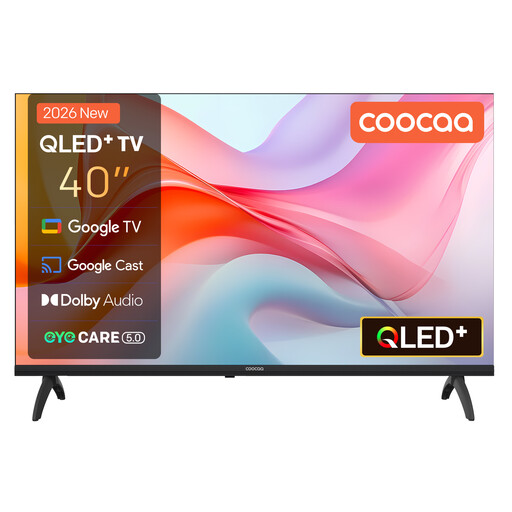
Coocaa 40CGQG41Z (2026), 40-inch QLED Smart TV, FHD Google TV, HDR10, Google Cast
Could suit you if you’re looking for a TV with Google TV and Google Cast; check first that the film service you want supports the playback option you need.
40 inch; QLED; FHD; Google TV; HDR10; Google Cast.
View at Joybuy
Frequently asked questions
Will a 4K streamer make silent films easier to see by tall windows?
Not automatically. The Consumentenbond assesses visibility in direct light and screen reflections separately for TVs. Check the screen and its position first; a player’s 4K output doesn’t indicate how visible the screen is in daylight.
How can you get Eye Film Player on your TV?
Eye Filmmuseum lists options including connecting a laptop via HDMI and casting from Chrome on a desktop or Android device to a compatible casting device. According to Eye, the Chrome casting option doesn’t work from Chrome on iOS. Also check the instructions for your source device and network.
Which extra cable might you need?
It depends on the player: Xiaomi lists an HDMI cable with the TV Box S (3rd Gen), whereas an HDMI cable is required separately for the Google TV Streamer (4K) and Apple TV 4K. Check what’s included with the specific version.
What can you do if a streamer doesn’t work properly after you buy it online?
For an online product purchase, you generally have a statutory 14-day cooling-off period from delivery, subject to legal exceptions. Separately, according to ACM ConsuWijzer, if a product doesn’t do what you could reasonably expect when used normally, the seller must put this right free of charge under the statutory guarantee. The cooling-off period and your rights when a product is faulty are separate matters.
What product regulations apply to a wireless streamer in the Netherlands?
The Rijksinspectie Digitale Infrastructuur describes the applicable European requirements for radio equipment and CE marking for products sold in Europe. Check the specific version on offer; a general mention of the brand alone doesn’t confirm that a particular device meets the requirements.


