
Daytime viewer beside tall windows
You want to see dark scenes and intertitles when daylight falls on or around the screen. Consumentenbond and RTINGS.com discuss why reflections and visibility in bright conditions matter when choosing a TV.


Start by comparing how the exact TV model handles reflections from windows and whether dark scenes remain visible from your viewing position; extra brightness won’t eliminate every direct reflection. An LCD or Mini LED TV could suit you if you watch during the day and can’t easily control the light from the window. OLED is worth considering if you can manage the light and black detail matters to you. Also check your film source and, if possible, try repositioning the TV first.
You want to see dark scenes and intertitles when daylight falls on or around the screen. Consumentenbond and RTINGS.com discuss why reflections and visibility in bright conditions matter when choosing a TV.
You can darken the room or move the TV, and value deep blacks and a clear picture from different seats. Consumentenbond describes OLED as an option for deeper blacks and typically a wider viewing angle.
You might use discs or digital files and want to check that the connections and playback options suit your setup. Consumentenbond points out that apps can disappear from smart TVs; extra 4K detail also depends on the film source.
View the TV in the daylight you usually watch films in. Then compare black detail, playback options and the practical implications of its size and positioning.
| Consideration | What to look for | Who is this important to? |
|---|---|---|
| Reflections in daylight | Compare reflections on the exact model and watch a dark scene from your usual seat. Also check whether repositioning the TV or adding window coverings would help. | If the window is reflected in my screen, I want to follow dark scenes without a bright patch dominating the picture. Around 40% of consumers therefore give reflections top priority. |
| Black detail and intertitles | Watch a scene with both dark and bright areas, and look out for shadow detail and clear text. If the TV has local dimming, check whether bright intertitles stand out in a distracting way. | When shadow detail matters to me, I also want to be able to read white intertitles clearly. Around 30% of consumers prioritise black detail and readability. |
| Your film source | Check that the connections, apps and support work with your files, discs or playback device. Set motion options to suit the film source you actually use. | If I play films from my own discs, files or device, I want to know that they’ll work with the TV. Around 15% of consumers prioritise compatibility with their film source. |
| Size, positioning and energy use | Consider viewing distance, available space and viewing angle. Compare the energy label for the exact model and see whether you can position the TV so the window is less distracting. | If I’m taking the room layout and running costs into account, I want a size and setup that suit my viewing position. Around 15% of consumers start by considering positioning and costs. |
Brightness and window reflections are different things. A brighter picture won’t necessarily stop a directly reflected window from obscuring a dark scene.
Check both reflection handling and dark scenes on the exact model, ideally in lighting similar to your own viewing conditions.
The finish alone won’t tell you how distracting reflections will be or how black will look in your room.
Compare information for the specific model and consider the angle at which daylight from the window hits the screen.
Apps can disappear from smart TVs. Consumentenbond therefore advises against assuming they’ll always be available.
Check which playback option you use now and whether there’s a suitable HDMI connection. An external playback device could be an alternative later on.
The BRAVIA 9 II is an RGB LED option to compare if you watch during the day.
LG OLED is worth comparing if black detail matters to you and you can control the light from the window.
The 65C6K in the Netherlands is a QD Mini LED model to compare if you’re considering an LCD TV with local dimming.
The 65MLED910/12 in the Netherlands combines QD Mini LED with Ambilight, for anyone considering lighting around the screen.
This selection includes OLED and LCD models, including QD Mini LED TVs, so you can compare different options for watching films in daylight. For each model, check the size and features listed in the product name.
 No image available
An OLED option to compare if black detail matters to you and you can manage the light from the window.
The product name lists 4K and four HDMI 2.1 connections.
 No image available
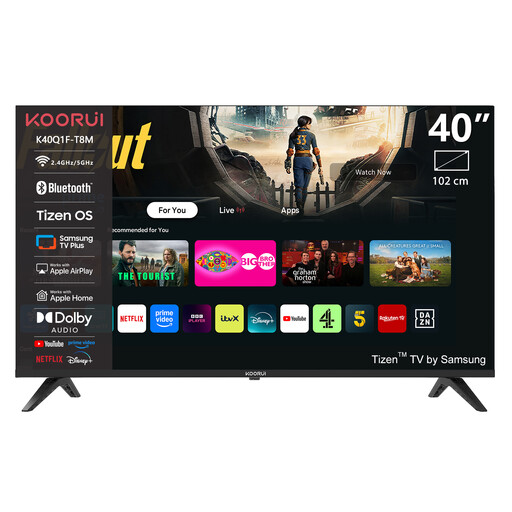
A 40-inch model to compare if you’re looking for a smaller screen.
The product name lists Full HD, QLED and Tizen OS.
 No image available
A large QD Mini LED model to compare if you have room for an 85-inch screen.
The product name lists 4K, 144 Hz and HDMI 2.1.
 No image available
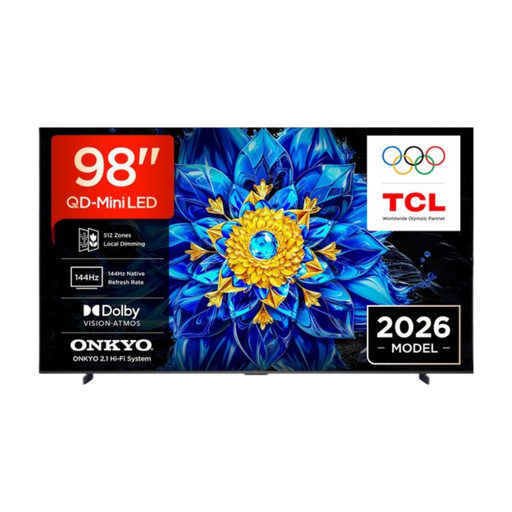
A 98-inch QD Mini LED option to compare if your room has enough space for this size.
The product name lists a 4K screen and Google TV.
 No image available
A QD Mini LED model to compare if you’re considering this screen technology.
The product name lists 4K HDR, 1000 nits and Google TV.
First, see whether you can move the TV out of the direct reflection angle or reduce the light. Then compare reflections on specific models; a bright or matt screen won’t automatically be free from distracting reflections.
Use the lighting conditions you usually have at home and a familiar scene with both dark and bright areas. Adjust the picture so detail remains visible in both.
Not necessarily: 4K only adds detail if the film itself contains it. Check the specifications of your film transfer and playback device before choosing a motion setting.
Check which apps are available, but don’t assume they’ll always be supported. Consumentenbond suggests an external playback device connected via HDMI as a possible alternative.
In the Netherlands, there’s no fixed statutory guarantee period for all products; if a product develops a fault, contact the retailer to put it right. The Dutch government explains this distinction. Electronic displays must meet EU energy labelling requirements; compare the label for the exact model and the HDR information shown separately.