
Players who want to keep the bedroom quiet
You share a room and want to hear game audio through a suitable headset or another private audio setup. Whether this works depends on both the controller and the device you play on.


Start with a controller that works with your console or PC and the game you play, then decide how you’ll listen privately. For supported PS5 games, DualSense offers haptic feedback and adaptive triggers, while Xbox and Switch controllers have different platform and audio connections. Available features depend on your device, connection and game.
You share a room and want to hear game audio through a suitable headset or another private audio setup. Whether this works depends on both the controller and the device you play on.
You’re interested in tactile effects in adventure games and want to check that your game and connection support the controller features you’re after.
You want a controller that suits the system you play on. Console controllers aren’t simply interchangeable.
First, check compatibility with your device and game. Then see whether the controller offers the audio connection and gaming experience you want.
| What to consider | What should you check? | Who is this most important for? |
|---|---|---|
| Compatibility | Check the exact console or PC model and, where necessary, the connection method and game support. | If your main concern is making sure the controller works with the device you play on, compatibility comes first; around 33% of consumers say this is their top consideration. |
| Private listening | Check where your headset connects and whether that setup works with your controller and device. | In a shared bedroom, you’ll want to listen through a working private audio setup, without assuming that every connection works wirelessly; around 27% of consumers make private listening their top priority. |
| Tactile effects | Check whether the game supports the haptics or vibration feature you want; some features also have specific connection requirements. | If you play adventure games for their tactile effects, support for that specific game and feature is key; around 20% of consumers put cinematic feedback first. |
| Comfort and power | Consider the shape of the controller and check how it’s powered and what you’ll need. | For longer gaming sessions, you’ll want a controller that feels comfortable in your hands and has a suitable power source; around 20% of consumers make this their top priority. |
With DualSense on PC, haptic feedback and adaptive triggers depend on game support. Sony states that haptics on PC require USB; using the headset connection through the controller on PC or Mac also requires a wired connection.
Before buying, check game support, the connection method and how your headset connects.
Some features may require a suitable USB cable or a different audio connection.
The original Nintendo Switch Pro Controller can be paired with Switch 2. Nintendo states that the Switch 2 Pro Controller is only compatible with Switch 2.
Check the full model name and compare it with your console.
ACM ConsuWijzer distinguishes between statutory rights and additional cover from the retailer or manufacturer. An additional warranty doesn’t replace your statutory rights with the retailer.
Check what any additional cover offers before choosing it.
DualSense is an option for PS5 players who want to use haptics and adaptive triggers in games that support these features. PlayStation also describes support for certain other devices.
The Xbox Wireless Controller is an option for Xbox and Windows PCs. Microsoft also lists support for iOS and Android.
The original Switch Pro Controller is designed for Nintendo Switch players looking for a traditional controller shape and HD Rumble. Nintendo also describes pairing it with Switch 2.
The Ultimate 2C Wireless is a separate option for Windows and Android users looking for the specified Hall Effect sticks and connection options.
This selection includes controllers for PS5, Xbox and Windows, Nintendo Switch and Switch 2, as well as a controller whose product information lists PC, Switch and smartphones. For each option, check that the model, game and headset setup you want suit the way you play.
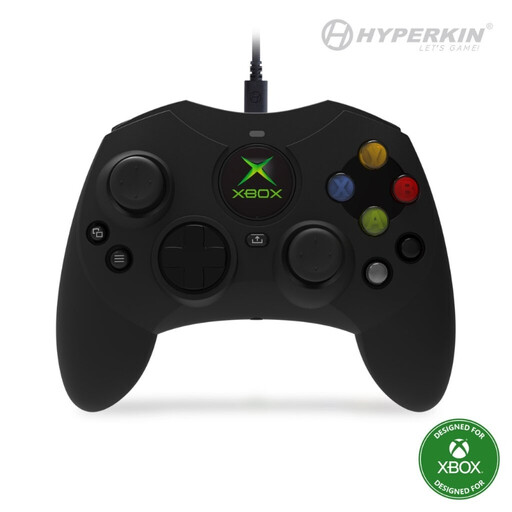 No image available
A wired option for players using Xbox Series X|S, Xbox One or Windows who want to connect a headset to the controller.
The product description lists a detachable 3-metre USB-C cable, a 3.5mm headset jack, Hall Effect sticks and impulse triggers.
 No image available
An option for Nintendo Switch players looking for a controller with HD Rumble; Nintendo also describes pairing it with Switch 2.
The product description lists motion controls and amiibo functionality. Nintendo gives battery life as around 40 hours, depending on use.
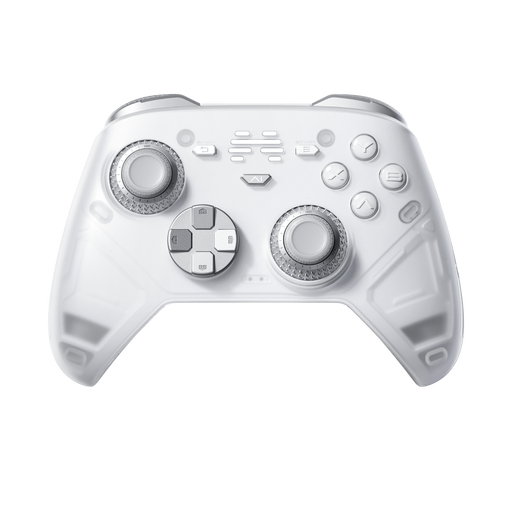 No image available
An option if you’re looking for a controller with haptic feedback and play on one of the listed devices.
The product information lists PC, Nintendo Switch and smartphones, as well as wired, wireless and Bluetooth connections. Check that the features you want and the game support are available on your device.
 No image available
For PS5 players who want to use haptic feedback and adaptive triggers in games that support these features.
The product description lists a 3.5mm headset jack. According to Sony, haptics on PC require game support and a USB connection; using the headset connection through the controller also requires a cable.
 No image available
For anyone looking for a controller for Nintendo Switch 2 and wanting to check that the features they need work with the system.
Nintendo states that the Switch 2 Pro Controller is only compatible with Switch 2. The product description lists HD Rumble, motion controls, amiibo functionality and a rechargeable battery.
No. Using the headset connection through the DualSense controller on PC and Mac requires a wired connection. Also check that your game supports the audio features you want.
Sony states that the game must support adaptive triggers and haptic feedback. Haptic feedback on PC also requires a USB connection.
Nintendo describes pairing via USB to the dock or syncing with the SYNC button. The system must be switched on; follow the steps for your Switch or Switch 2 model.
In the Netherlands, you have statutory rights in addition to any manufacturer’s warranty if a product doesn’t do what you could reasonably expect. Contact the retailer about repair or replacement; there isn’t one fixed statutory warranty period that applies to every controller.
ACM ConsuWijzer states that online purchases generally come with a statutory cooling-off period of up to 14 days after delivery. Also check the applicable terms and any legal exceptions for your purchase.