Measure the distance from your eyes to where you plan to position the screen, and use this as your starting point for choosing a screen size. The description ‘long viewing distance’ alone doesn’t determine which size is right for you. Then compare how the TV handles light and dark scenes in your room, and check whether your documentary source actually offers 4K or HDR. Placement, energy consumption and app support also matter.
Who is this buying guide for?
Viewers who sit further away
First, measure the distance from your seat to where you plan to position the screen, then compare suitable screen sizes. The Dutch Consumers’ Association uses the measured viewing distance divided by 2.4 as a starting point for the screen diagonal in centimetres.
Viewers who care about detail and contrast
If you watch documentaries with light and dark scenes, compare the contrast and picture technology of each model rather than relying on the 4K logo alone. The Dutch Consumers’ Association points out that the source must also have been recorded and made available in 4K for you to benefit from that resolution.
Viewers in a bright living room
If you often watch in daylight or with the lights on, it’s worth considering brightness and reflections, as well as viewing angle and contrast. The Dutch Consumers’ Association describes differences between LCD and OLED; the experience also depends on the specific TV and the room.
What should you look for when buying?
| What to consider |
What to look for when buying |
Who should give this more weight? |
| Screen size and viewing distance |
Measure from your eyes to where you plan to position the screen. The Dutch Consumers’ Association uses the distance divided by 2.4 as a starting point for the screen diagonal in centimetres. Compare nearby sizes and check the external dimensions, including the stand. |
If I sit a long way from the screen, I want a size that’s comfortable to watch and fits in the room. Around 36% of consumers put choosing the right screen size first. |
| Detail and contrast |
Compare the contrast, picture processing and viewing angle of models that suit your preferred size. Also check whether the documentary is actually available in 4K. |
For documentaries with dark scenes and fine details, I want to look beyond the resolution on the box. Around 29% of consumers give detail and contrast top priority. |
| Watching in ambient light |
Consider windows, lamps and where you sit. Compare reflections and viewing angles on the models you’re considering in conditions similar to those in your room. |
If I mostly watch during the day or with the lights on, I want to be able to judge the picture properly in that room. Around 21% of consumers put visibility in ambient light first. |
| Practical use |
Check that the TV supports the streaming app you need, or works with an external player. Also check the connections, dimensions, energy label and installation requirements for your setup. |
I want the TV to fit and work with the way I watch documentaries, without paying for features I don’t need. Around 14% of consumers give practical usability and running costs top priority. |
Common pitfalls
-
Choosing a screen size in inches without measuring the viewing distance
A spacious living room doesn’t tell you how far your eyes will be from the screen, or how much room the TV will take up.
Measure the viewing distance and the available width and height. Then compare screen sizes that fit both.
-
Treating QLED, mini-LED and OLED as quality labels
QLED and mini-LED are types of LCD technology; contrast, brightness and viewing angle vary between technologies and individual TVs. So the name of the technology alone doesn’t tell you how the picture will look in your room.
Compare specific models in the lighting conditions you watch in, and focus on the features that matter from your seating position.
-
Assuming 4K makes every picture sharper
The resolution and quality of the documentary source partly determine how much detail you’ll see. A 4K TV won’t automatically turn content that isn’t available in 4K into native 4K.
Check the quality your usual documentaries are available in before factoring in additional features.
-
Looking only at the TV itself
Where you plan to place the TV, its energy consumption and the warranty terms should all be part of your practical considerations.
Compare the energy label and installation requirements separately. An extended warranty doesn’t replace your statutory rights.
Brands and models to consider
TCL
The TCL 75Q7C is an example of a large mini-LED LCD TV that you can compare with other models.
- Tweakers describes the C7K/Q7C as a mid-range mini-LED model with capable SDR and HDR performance.
- Tweakers notes that HDR highlights may be less impressive than on more expensive mini-LED models. This assessment relates to the model range reviewed, not all TCL TVs.
LG
The LG OLED77B56LA is a 77-inch OLED option to compare if you’re looking for a large screen with OLED technology.
- LG lists a 4K OLED screen and deep blacks as features of this model.
- Check that the brightness and placement suit the ambient light in your room. The manufacturer’s description isn’t an independent comparison with other models.
Samsung
The Samsung QE75QN90FATXXN is a 75-inch Neo QLED mini-LED model to include in your comparison for a bright living room.
- Samsung lists 4K, mini-LED and Glare Free as features of this specific model.
- The name Glare Free doesn’t prove that reflections will disappear in every room. Assess the screen in the conditions you watch in.
Philips
The Philips 75PML9009/12 combines a 75-inch mini-LED LCD screen with Ambilight and Titan OS.
- Philips lists Ambilight, Dolby Vision and Titan OS as features of this model.
- Check whether the streaming apps you use are available on Titan OS. Statements about picture quality from Philips are manufacturer claims.
Joybuy products
This selection includes 75-, 77- and 100-inch 4K models featuring technologies such as QD-Mini LED, Micro RGB, QLED and OLED. Measure your viewing distance and check the space available before choosing a size.
 No image available
TCL 75Q7D Pro 75-inch 4K QD-MiniLED Smart TV
A 75-inch option to compare if you sit a long way from the screen and are considering a large display with QD-Mini LED.
The product information lists 760 dimming zones, HDR formats and an anti-reflective screen.
For wall mounting, the product information lists VESA 300 × 300 mm. Check that you have a compatible bracket.
View at Joybuy
 No image available
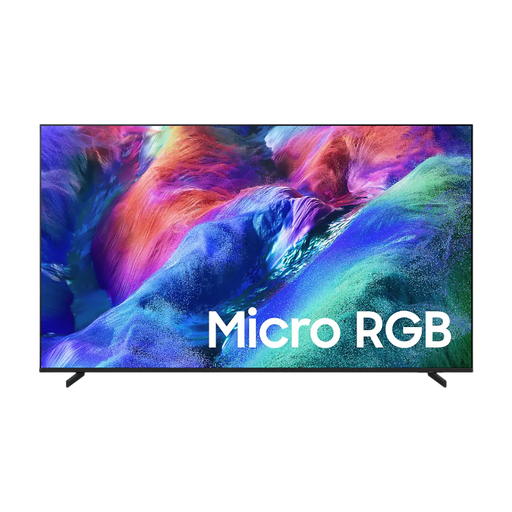
Samsung 75-inch Micro RGB R85H 4K Vision AI Smart TV
A 75-inch 4K model to compare if you’re considering a large screen and the stated Micro RGB features.
The product information lists HDR formats, a wide viewing angle, Tizen OS, Google Cast and a built-in SmartThings hub.
View at Joybuy
 No image available
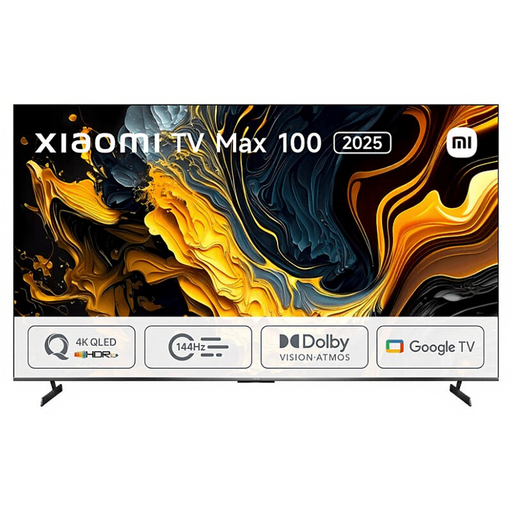
Xiaomi TV Max 2025 100 NGZEU1N
If your viewing distance and room are suited to an extra-large screen, this 100-inch model is one to compare.
The product information lists 4K, QLED, HDR10+, Android TV, Wi-Fi and Bluetooth.
The stated width is 222,9 cm; measure the available space before setting it up.
View at Joybuy
 No image available
LG OLED77B68LA 77-inch 4K OLED Smart TV
A 77-inch OLED option to compare if you’re looking for a large screen and want to consider how it handles dark scenes.
The product listing mentions 4K, Dolby Vision, Dolby Atmos and webOS 26, with streaming apps. Deep blacks are a product claim.
Also listed: α8 AI Processor 4K Gen3, 120Hz and VRR 144Hz.
View at Joybuy
 No image available
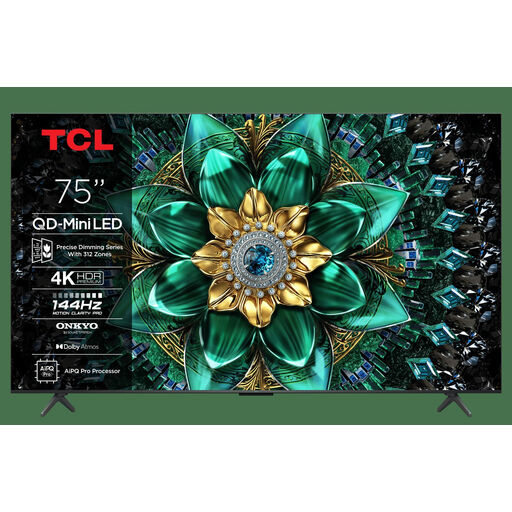
TCL 75Q6C 75-inch QD-Mini LED 4K TV
A 75-inch model to compare if you sit a long way from the screen and want to consider QD-Mini LED.
The product listing mentions 4K, HDR support and 1000 nits. It also lists Google TV, Dolby Vision IQ, Dolby Atmos and an Onkyo 2.1 sound system.
The product listing gives it an energy label rating of E.
View at Joybuy
Frequently asked questions
What screen size is right if the sofa is far from the TV?
Measure the distance from your eyes to where you plan to position the screen and use this as your starting point. The Dutch Consumers’ Association divides the distance by 2.4 to estimate the screen diagonal in centimetres, and recommends comparing nearby sizes. For a distance of 400 cm, the Association suggests 55–77 inches as a comfortable range, not a strict requirement.
Will every science documentary look sharper on a 4K TV?
No, not automatically. To see the extra detail in a 4K source, the content must also have been recorded and made available in 4K. So check the relevant service and documentary.
What should you check before positioning or wall-mounting the TV?
Check the exact model’s width and height, and allow for the stand if you’re using it. For wall mounting, also check the mounting instructions and the fixings required for that model.
Is an energy label compulsory for TVs in the Netherlands?
Yes. The Dutch Government lists televisions among the appliances that must carry an energy label. If energy consumption matters to you, compare the label for the exact model.
Do I have a cooling-off period when buying online, and does the statutory guarantee end after two years?
For a standard online purchase of a new TV, ACM ConsuWijzer says you will generally have a statutory 14-day cooling-off period after delivery. The statutory guarantee is not the same as a two-year manufacturer’s warranty: if a product doesn’t meet what you could reasonably expect under normal use, the seller is responsible for putting things right.


