
Vandaag of morgen in huis

Kwaliteit gegarandeerd

Welkomstaanbiedingen ontgrendelen: GRATIS bezorging | Tot 80% korting | Gratis 30 dagen JoyPlus-proefperiode
Download de app
Waiting for large files to transfer is a common frustration. Whether you're a video editor working with 4K footage, a photographer with thousands of RAW photos, or a gamer looking to expand your library, a slow external drive is a bottleneck for your productivity and enjoyment. A portable SSD seems like the logical solution, but the market is filled with marketing promises that don't always reflect reality.
Before you invest in new external storage, it's crucial to recognise two common pitfalls that often cost users time and money:
This guide will help you see through these marketing claims and make an informed decision, focusing on the specifications that truly matter.
To avoid buying an SSD that doesn't meet your expectations, there are a few key specifications you need to check. These will determine the actual performance and lifespan of your purchase.
The speed of a high-speed external SSD depends entirely on the weakest link: the SSD itself, the cable, and your device's USB port. The Samsung Portable SSD T9 1TB uses a USB 3.2 Gen 2x2 interface to achieve its advertised speed of 2,000 MB/s.
Check which port your device has:
Buying a USB-C SSD is a good start, but check your own hardware's specifications to avoid disappointment.
For professionals who work on the go, a rugged drive is a necessity, not a luxury. A drop-resistant SSD like the T9, with a specified drop resistance of up to 3 metres, offers a baseline level of protection. This means the drive should survive a fall from that height onto a wooden surface.
Additionally, data security is crucial. Look for models with AES 256-bit hardware encryption. This secures your data on the drive itself without noticeably impacting performance. If you lose the SSD, your files will still be protected from unauthorized access.
A good portable SSD works seamlessly with all your devices. Most modern SSDs are compatible with Windows, macOS, and Android. If you're looking for a portable SSD for Mac, it's wise to check whether the drive works out of the box or if it requires software installation. For external storage for gaming on consoles like the PlayStation 5 or Xbox Series X/S, you can use the SSD to store your game library, which can significantly reduce loading times compared to a traditional hard drive.
Based on objective specifications, we have selected several models that suit different user profiles.
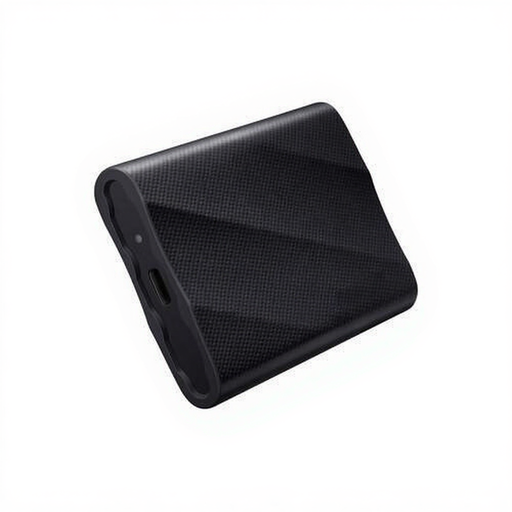
Why This Fits Their Persona: Ideal for video editors and photographers who work on location. The high speed makes it possible to edit 4K video files directly from the drive, which significantly speeds up the workflow. The rugged build provides peace of mind during transport.
This model delivers its promised speed, provided you have the correct USB 3.2 Gen 2x2 port. Knowing this beforehand prevents a disappointing purchase and allows you to maximise performance.
Read and write speeds up to 2,000 MB/s; drop-resistant up to 3 metres; hardware encryption.

Why This Fits Their Persona: For those looking for a fast and highly durable 1TB external SSD without needing the absolute top speed of the T9. Perfect for storing a game library or taking projects on the go. The IP65 rating offers extra protection against dust and water.
Its speed of ~1,000 MB/s is realistic for most USB 3.2 Gen 2 ports. You aren't paying extra for speed your hardware may not support, and instead, you get better protection against the elements.
IP65 dust and water resistance; excellent speed for most devices; great price-to-performance ratio.
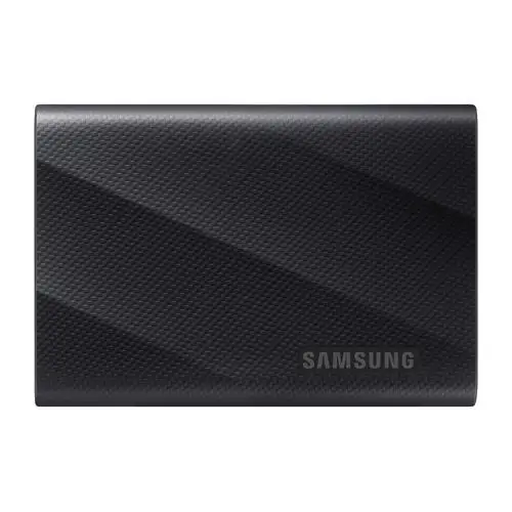
Why This Fits Their Persona: For users who manage vast amounts of data, such as complete video archives or a very extensive game collection. This drive combines the maximum speed of the T9 series with a massive 4TB storage capacity.
It avoids the pitfall of managing multiple smaller drives, which increases the risk of data loss and logistical issues. It provides a single, fast, and secure storage location for all your important files.
Massive 4TB storage capacity; maintains the 2,000 MB/s top speed; ideal for data consolidation.
We have compiled a complete, up-to-date list of products that fully meet these strict selection criteria and rigorous safety standards.
Yes, to achieve the advertised speed of 2,000 MB/s, your computer, laptop, or motherboard must have a USB 3.2 Gen 2x2 port. With a more common USB 3.2 Gen 2 port, the speed will be limited to about 1,000 MB/s. The drive will still work, but not at its full potential.
The main difference is speed and extra protection. The Samsung T9 is designed for maximum speed (up to 2,000 MB/s) via USB 3.2 Gen 2x2. The Samsung T7 Shield offers speeds up to 1,050 MB/s (via USB 3.2 Gen 2) and has the added benefit of an IP65 certification, meaning it is dust and water-resistant. The choice depends on your priority: pure speed or extra ruggedness for daily use.
Yes, on most platforms, you can install and play games directly from an external SSD. This significantly shortens loading times compared to a traditional HDD. For the PlayStation 5, there is one small caveat: you can play PS4 games directly from the SSD, but PS5 games must be moved to the console's internal storage to be played. However, you can use the external SSD to store (archive) your PS5 games.
