What should you look for when buying?
First, check that you can set your preferred day, time and rooms. Then consider whether the robot can complete the route through your home, and which maintenance tasks the station actually takes care of.
If you want a robot to do a weekly clean while you’re at work, the percentages below give a broad indication of the needs that may matter most.
| What to consider |
What should you check? |
Who should pay particular attention? |
| Scheduling a weekly clean |
Check that the exact model supports your chosen day, time and room selection, and find out what app connection it needs. |
If you want to come home to clean floors, the schedule needs to fit your working day. For around 31% of consumers, scheduling is the top priority when choosing. |
| A route without getting stuck |
Look at obstacle detection, no-go zones, thresholds and clearance under furniture; test the route while you’re at home first. |
If you have cables, toys or lots of furniture, you won’t want to come home to a robot that has stopped mid-clean. Around 25% of consumers prioritise completing the route above all else. |
| Your floors |
Take stock of hard floors, rugs, carpets, thresholds and stairs; check how the exact model handles mopping and carpeted areas. |
If you have different floor types, you’ll want to know where the robot can clean and which areas you’ll need to do yourself. For around 19% of consumers, suitability for their floors matters most. |
| Maintenance after a cleaning run |
Check which tasks the station automates and whether compatible dust bags, filters or mop pads are available. |
If you don’t want to empty the dust bin as soon as you get home from work, look at the station and the tasks you’ll still need to do. Around 13% of consumers prioritise less manual maintenance. |
| App privacy |
Read the privacy policy and check the privacy, security and account settings available. |
If you’d prefer to limit the data a connected device processes, check this before setting up an account. Data protection is the top priority for around 12% of consumers. |
Robot vacuum cleaners on Joybuy
These Joybuy picks are worth considering for scheduled cleaning runs. They include models with an auto-empty station, as well as versions that also mop or combine mopping with pad maintenance.
 No image available
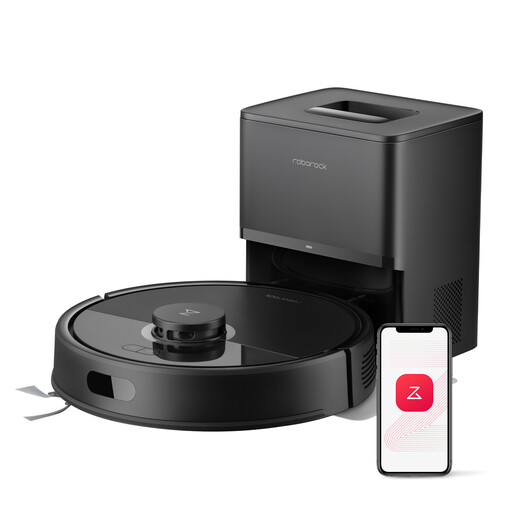
Roborock Q7 L5+ robot vacuum cleaner with mopping function
An option to compare if you want to combine an app-based cleaning schedule with automatic emptying.
The product title lists 8,000 Pa suction power, LiDAR navigation and a mopping function.
Joybuy
 No image available
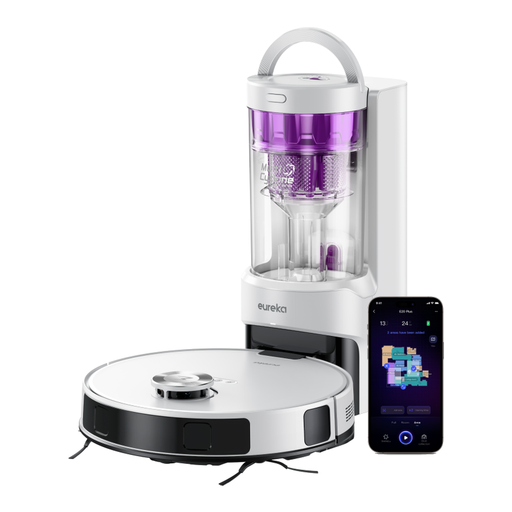
EUREKA E20 Plus
A good fit if you want to compare app-based cleaning schedules and a bagless automatic emptying station.
The product title lists 8,000 Pa suction power, DuoDetect AI 3D obstacle avoidance and a 45-day dust container.
Joybuy
 No image available
EUREKA J15 Pro Ultra
A model to compare if you want to mop and include pad maintenance in the same cleaning routine.
The product title lists 16,200 Pa, 75°C hot water cleaning and self-cleaning.
Joybuy
 No image available
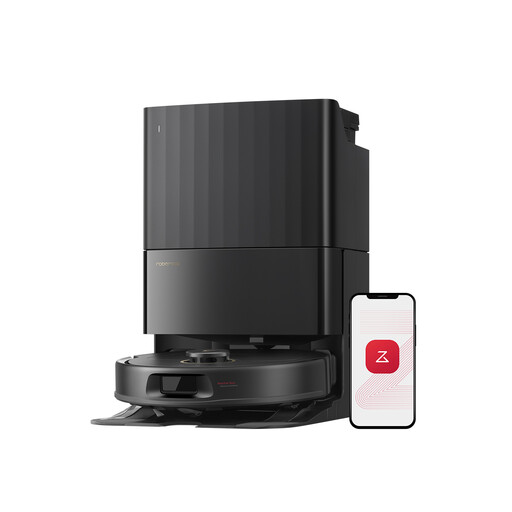
Roborock Qrevo S5V Black
A good fit if you want to combine vacuuming and mopping with a station that handles several maintenance tasks.
The product title lists 12,000 Pa suction power, FlexiArm mop pads, hot-air drying, obstacle avoidance and smart navigation.
Joybuy
 No image available
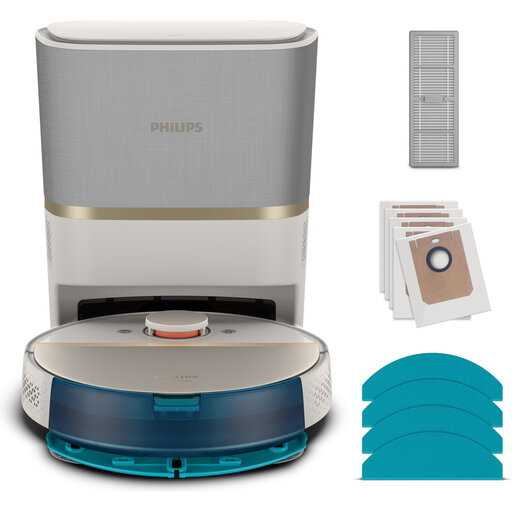
Philips XU7100/02 HomeRun 7000 Series
An option to compare if you want to combine app controls with an automatic emptying station.
The product title lists 5,000 Pa suction power, a runtime of 180 min, an auto-empty station and LiDAR navigation.
Joybuy
Frequently asked questions
How do you set up your first cleaning run while you’re at work?
On a model that supports it, set the day and time and, if needed, create a map first. Test the route while you’re at home, remove loose items and check that the doors you want open are open; the steps vary by model and app.
Can a robot vacuum cleaner replace your entire weekly clean?
No, not in every area of the home. The Consumers’ Association lists stairs, crevices, deep-pile carpets and hard-to-reach areas among the limitations; you’ll still need to clean these by hand.
What regular maintenance does an auto-empty station need?
An auto-empty station can reduce the need to empty the robot by hand, but it may take up space and use replacement dust bags. For the exact model, also check what maintenance is still needed for the water tanks and mop pads.
What should you look for when it comes to app privacy?
Read the privacy policy before buying and check the security settings available. The Dutch Data Protection Authority also recommends reviewing your privacy and account settings after installation; check whether the features you want are available without a cloud account for each model.
What are your rights in the Netherlands when buying online or if a product is faulty?
For a standard online consumer purchase, you generally have a 14-day cooling-off period after delivery, although exceptions may apply; ACM ConsuWijzer explains these rules. You’re also entitled to a product that is fit for purpose, and the seller is your point of contact if something is wrong. According to the Dutch government, the Netherlands has no fixed statutory warranty period.


