What should you look for when choosing?
First, work out which floors the robot can actually reach. Then consider whether an open staircase, noise or emptying the dustbin is the deciding factor for your everyday use.
| Consideration |
What should you check? |
Who is this important to? |
| Everyday dust pick-up |
Check that the robot can reach the rooms and doorways, and consider the floor types, loose cables and clearance under furniture. |
If I want the accessible floors cleaned regularly, a suitable route and schedule matter more than extra features; in this context, around 33% of consumers give everyday dust pick-up top priority. |
| An open staircase |
Check the manual and stair detection for the exact model variant; supervise the first run near any accessible stair edge. |
If the robot could get close to an open staircase, I want to know how the model detects the edge and to supervise its first run; around 27% of consumers put safe cleaning near a stair edge first. |
| Noise during use |
Compare noise data only when it has been measured under the same conditions, and check how loud the station is when it empties. |
If I work from home or live close to other people, I want to be able to schedule when the robot runs and factor in when it empties; limiting noise is the main concern for around 20% of consumers. |
| Emptying and maintenance |
Measure the space for the robot and station, and check which dust bags, brushes and filters fit the exact variant. |
If I want to empty the dustbin as little as possible, I’ll weigh up the convenience against the space needed for the station and replacement bags; around 20% of consumers prioritise less manual emptying. |
Robot vacuums at Joybuy
These Joybuy picks are aimed at everyday vacuuming and scheduled cleaning runs; some also come with an auto-empty station.
 No image available
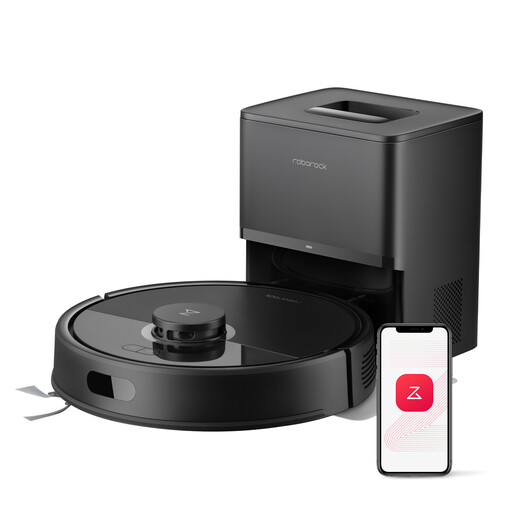
Roborock Q7 L5+ robot vacuum with mopping function
Suitable if you want to schedule cleaning runs via an app and empty the robot’s bin less often.
Automatic emptying, dual anti-tangle system, LiDAR navigation and 8,000 Pa suction power, according to the product title.
View at Joybuy
 No image available
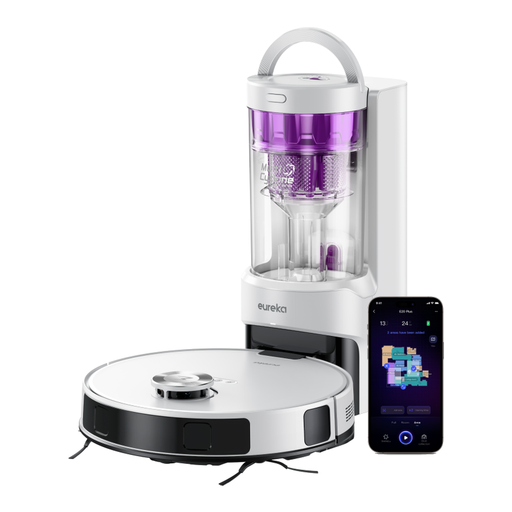
Eureka E20 Plus
Worth considering if you want to combine app-controlled cleaning runs with an auto-empty station.
The product title lists 8,000 Pa, 3D obstacle avoidance, an anti-tangle brush, app control and a dust container that holds up to 45 days’ worth of dirt. The title specifies hard floors as a suitable surface.
View at Joybuy
 No image available
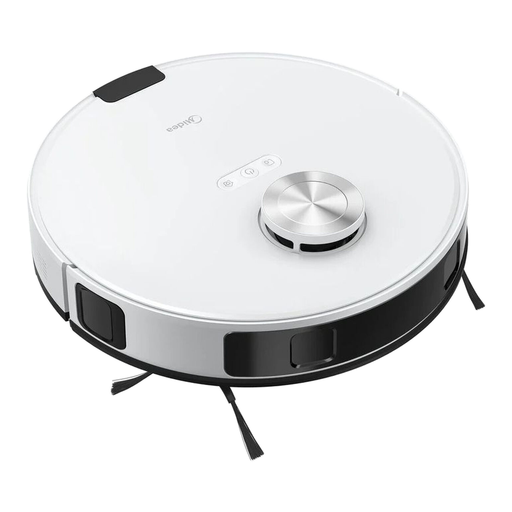
Midea M9, white
Suitable if you want to schedule cleaning runs via an app and are also looking for a mopping function.
The product information lists vacuuming and mopping on hard floors and carpets, app-based schedules and sensors for stair detection. For first use near stairs, it recommends supervision and ensuring the anti-fall sensors are clean and working properly.
View at Joybuy
 No image available
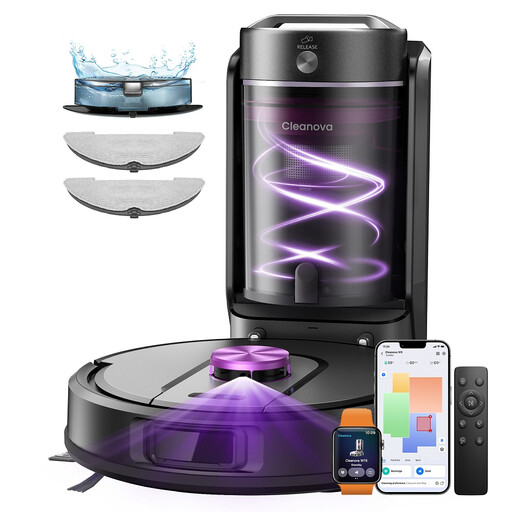
Vactidy W15 robot vacuum and mop
An option if you want to combine app-controlled routes and maps with a bagless auto-empty station.
The product title lists LiDAR navigation, 10,000 Pa, five maps and a quoted runtime of 180 minutes; carpets and hard floors are mentioned. According to the product information, the station needs at least 1 metre of clear space on either side and 2 metres in front.
View at Joybuy
 No image available
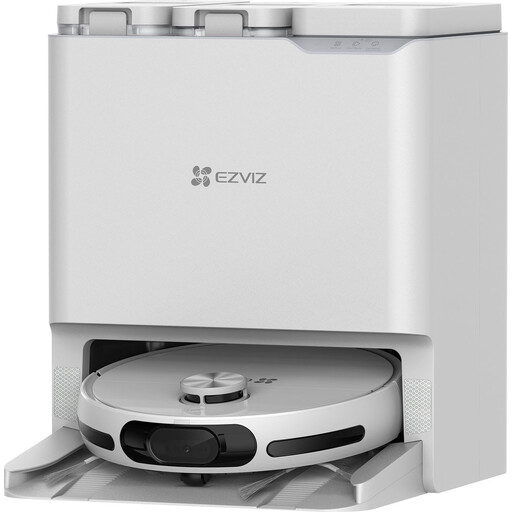
EZVIZ RS20 Pro
Suitable if you want to combine app or voice control with a station that empties the dust automatically.
The product information lists LiDAR navigation and a 0.35-litre dust container. The safety instructions recommend keeping the robot away from stairs using physical barriers, even when stair detection is available.
View at Joybuy
Frequently asked questions
Can a robot vacuum work safely near my staircase?
It depends on the stair edge and the detection features of the exact model. iRobot says the Roomba Combo Essential has sensors designed to help prevent the robot from falling down stairs; don’t assume this applies to other robots too. Check the instructions, keep the sensors clean and supervise the first run near the edge.
Do I still need to maintain the robot if the station empties its bin automatically?
Yes. The Consumers’ Association lists brushes, wheels, filters and sensors among the parts that need maintenance. With an auto-empty station, you’ll also need to replace the dust bag.
What can I do if a robot I bought online develops a fault too soon?
In the Netherlands, the seller must provide a solution if a product is faulty. According to the Dutch government, there is no fixed statutory warranty period; what you can reasonably expect depends, among other things, on the product and the sales information. Normal wear and tear or damage you cause yourself isn’t automatically covered by free repairs.
Can I return a robot vacuum I bought online?
According to ACM ConsuWijzer, online purchases usually come with a statutory cooling-off period of up to 14 days after delivery, although exceptions apply. Check the returns information and who the seller is before you buy.


