
Someone sharing a busy living room
You want to clean while you’re working, but there may be cables, shoes or other items on the floor. Check the route and navigation of the exact model, and clear the floor beforehand.


If you want to clean while you work, keeping the route clear is important: put away cables and loose items first, as navigation won’t stop a robot from getting stuck. Then consider whether an auto-empty station will fit in the available space and work with the maintenance arrangements you’ve made with your housemates. Check what information the app processes about your home, too. A robot is an extra helping hand; stairs, furniture, tight corners and tricky carpets still need attention.
You want to clean while you’re working, but there may be cables, shoes or other items on the floor. Check the route and navigation of the exact model, and clear the floor beforehand.
You don’t want to keep emptying the robot’s dustbin, and you can agree with your housemates where to put an auto-empty station and how to look after it.
You share your living space and want to know in advance what information the app collects and who can access the account or map.
Choose this if: a compact docking spot is important and someone is happy to check the dustbin after cleaning.
Consider: you’ll need to empty the robot’s dustbin yourself; not having a station says nothing about its navigation or cleaning performance.
Choose this if: you’re often out and your housemates are happy to agree on who empties and maintains the station.
Consider: the station needs extra space and may use replaceable dust bags; check the specific model and what maintenance it requires.
Choose this if: most of the accessible shared floor is hard flooring and someone is happy to maintain the mopping parts, too.
Consider: a mopping function won’t necessarily remove stubborn stains; check how the model handles rugs.
| What to consider | What should you look for? | Who is this important for? |
|---|---|---|
| Navigation around belongings | See how the model handles cables and furniture legs, and check whether no-go zones are available. | If I want it to clean while I’m working, I need the robot to follow a clear route through the shared room. Around 29% of consumers prioritise navigation around belongings. |
| Emptying and maintenance | Compare manual emptying with an auto-empty station; check where the station can go and who will look after the brushes and filters. | I don’t want to keep working out who empties the dustbin or maintains the station. Around 23% of consumers prioritise minimal ongoing maintenance. |
| Station and accessories | Check whether you need a station for the way you’ll use the robot and whether compatible bags and parts are available. | If we’re choosing a shared appliance, I don’t want us to buy a station or consumable we don’t need. Around 18% of consumers consider this a top priority. |
| Different floor types | Look for results on your own combination of hard flooring and carpet, and assess mopping performance separately. | I want to know whether the robot suits the floors in our shared spaces, without assuming that a mopping function can handle rugs, too. Around 18% of consumers focus mainly on the types of flooring in their home. |
| Privacy and access | Read about what information the app processes; discuss account access and the use of home maps with your housemates. | If I share a home, I want to agree in advance who can view the map and account. Around 12% of consumers prioritise privacy in a shared home. |
Cables and loose items can get in the way of the robot’s route. A robot won’t magically clean a cluttered room from top to bottom.
Clear the intended route and try a regular cleaning run first. Agree with your housemates who will put away loose items before scheduling a clean while you’re out.
Tidying takes time, and if the robot gets stuck, you may need to restart the cleaning cycle.
Automatic emptying takes care of one task, but the station, brushes and filters still need maintenance.
Check the dimensions, which bags fit the exact model, and who will take care of the maintenance.
A station needs space, and you may need to replace a used dust bag.
Mopping performance and how the robot handles carpets vary by model.
Check mopping performance separately and see how the exact model avoids rugs when the mopping function is on.
An app may contain information about the layout of a shared home.
Read the privacy policy and discuss with your housemates who will have access to accounts, maps and any camera features.
Philips offers robot vacuum cleaners in a range of configurations, including models with an auto-empty station.
According to eufy, the L60 range includes models both with and without a Self-Empty Station.
Roomba models combine vacuuming, mopping and automatic emptying in different ways.
The DEEBOT range includes robot vacuum cleaners with vacuuming and mopping functions; features vary by model.
This selection focuses on robot vacuum cleaners with automatic emptying, for scheduled cleaning in a shared space. Check whether the station will fit for each model, and find out what maintenance tasks and app features are included.
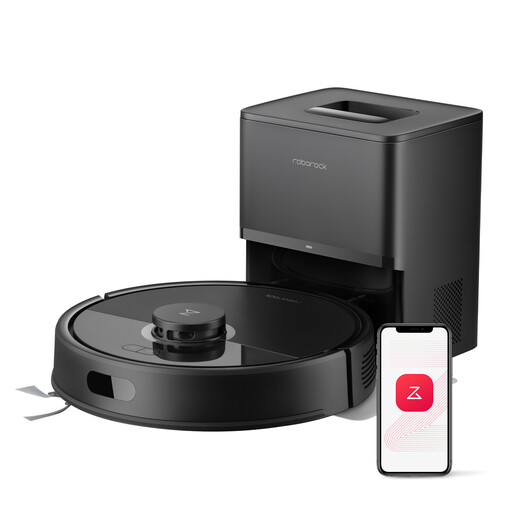 No image available
The product information lists app control and scheduling for cleaning while you’re out.
Listed features include LiDAR navigation, adjustable no-go zones, an auto-empty station and a mopping function. The product title lists 8.000 Pa and an anti-tangle system; check how the mopping function works on rugs.
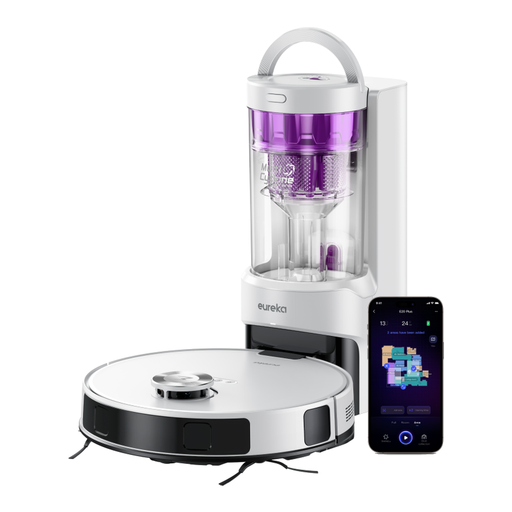 No image available
The product information lists app control, schedules and no-go zones for scheduled cleaning in a shared space.
The title lists 8.000 Pa, 3D obstacle avoidance and an anti-hair brush. The description mentions a self-emptying station; check what maintenance it requires.
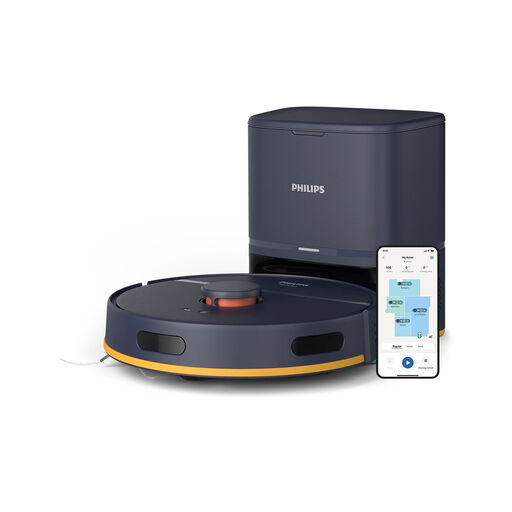 No image available
The product information lists cleaning schedules through the HomeRun app, making it suitable for use while you’re out.
According to the product information, this model has an auto-empty station with an S-bag and a mopping function. The title lists 6.000 Pa; Philips describes LDS navigation for the XU2100/15.
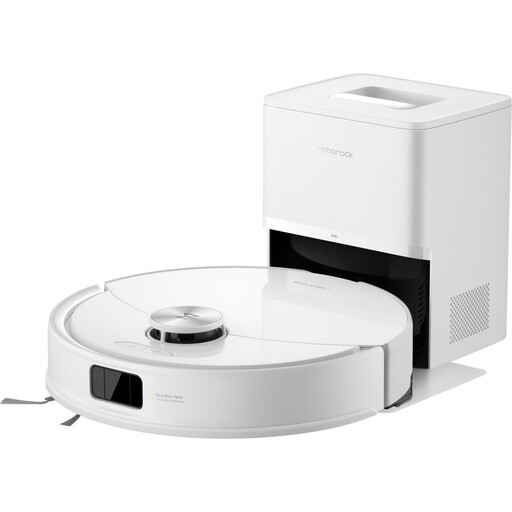 No image available
The product information lists app scheduling and automatic dust emptying for cleaning while you’re out.
The model number given is Q10VFP02-00. The description lists LiDAR navigation, obstacle avoidance and a mop that lifts by 8 mm when carpet is detected.
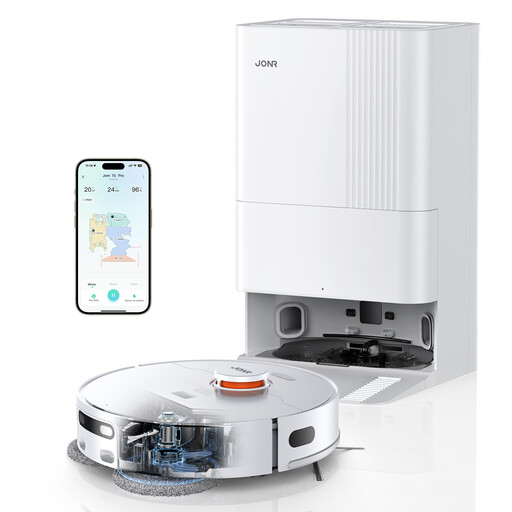 No image available
The instructions list app control and scheduled cleaning times, so you can set it to clean while you’re working.
The title lists 8.150 Pa, LiDAR navigation, obstacle avoidance and an all-in-one station. The manual requires 0,5 m of clear space on both sides and 1,5 m in front for placement.
Don’t count on it. The Consumentenbond highlights loose objects and cluttered rooms as limitations, and tests how models respond to cables and other obstacles. Clear the intended route before starting a cleaning cycle.
First, check the route and set no-go zones if the model has this feature. The Dutch Data Protection Authority recommends using a strong, non-default password for smart devices and enabling multi-factor authentication if the platform offers it. Also agree with your housemates who will have access to the account and home map.
Agree with your housemates who will empty the dustbin or station and look after the brushes and filters. When a consumer buys a product from a business, they have a legal guarantee: if a product is faulty, the seller must provide a solution. According to the Dutch government, there is no fixed statutory guarantee period of two years.
For distance purchases from a business, you can often change your mind within 14 days. According to the Dutch government, an online purchase from a private individual isn’t covered by these distance-selling rules. Before ordering, check who the seller is and what terms apply.