What should you look for?
Measure the available space first, then decide whether your priority is emptying the dust container by hand less often or being able to schedule the robot. A larger dock can be useful, but you’ll need a suitable spot for it.
| What to consider |
What to look for |
Who is this important for? |
| Space and access |
Measure the robot, dock, doorways and space beneath furniture separately. Follow the dock’s placement instructions too. |
If I have little floor space, I want the whole set-up to fit and the robot to be able to pass through the doorways. Around 31% of consumers put space and access first. |
| Scheduling and emptying |
Check that the exact model supports cleaning schedules and whether the dock empties the robot automatically. A self-emptying dock still needs maintenance and its bag will eventually need replacing. |
If I want the robot to clean while I’m at work, I want to empty the dust container by hand as little as possible. Around 31% of consumers prioritise independent cleaning and less frequent emptying. |
| Routes and floors |
Look for tests covering obstacles, returning to the dock and dirt pick-up on your type of flooring. Check whether features such as no-go zones are available on the exact model. |
If I leave the robot to move between furniture and over rugs unattended, I want it to be able to complete its route. Around 25% of consumers prioritise reliable routes. |
| Maintenance and app data |
Check which brushes, filters and, where applicable, dock bags you’ll need. Read the privacy notice and information about security and updates too. |
If I want to keep maintenance and app data use manageable, I look at replacement parts and privacy settings. Around 13% of consumers make this their main priority. |
Robot vacuums at Joybuy
These robot vacuums at Joybuy cater to different cleaning needs. Check each model’s dimensions, features and space requirements to make sure it suits your home.
 No image available
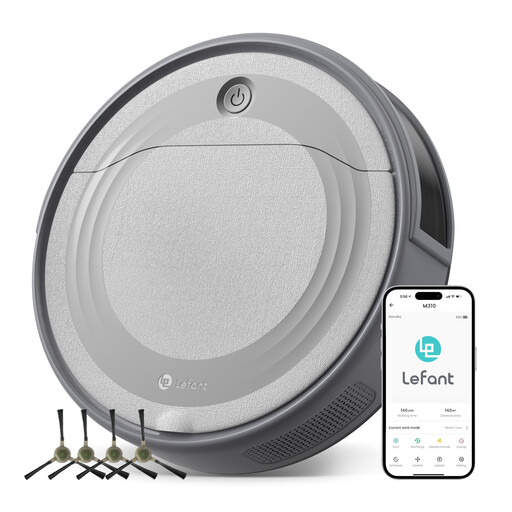
Lefant M310 robot vacuum, grey
An option if you’re looking for a model that lists obstacle avoidance as a feature. Check the dimensions before choosing it for a small home.
The product title lists 4500 Pa, a 180-minute runtime and 6 cleaning modes. These specifications alone don’t tell you how well it will clean your floors.
View at Joybuy
 No image available
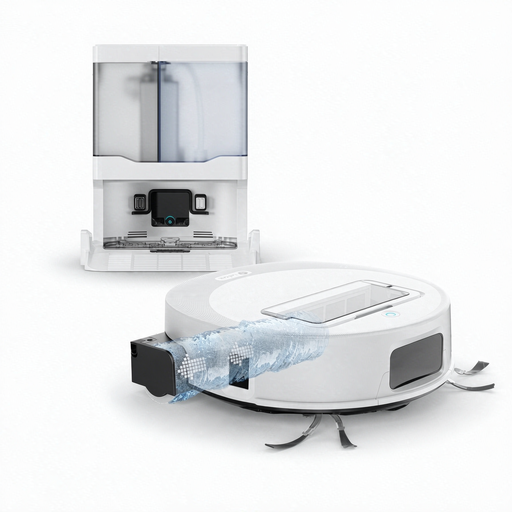
Lefant L12 Pro robot vacuum and mop
An option if you want to consider a mopping function and LiDAR navigation alongside vacuuming. Measure the robot and the space available for it before ordering.
The product title lists 20000 Pa, an extendable roller mop and LiDAR navigation. These details alone don’t tell you how well the model will clean your home.
View at Joybuy
 No image available
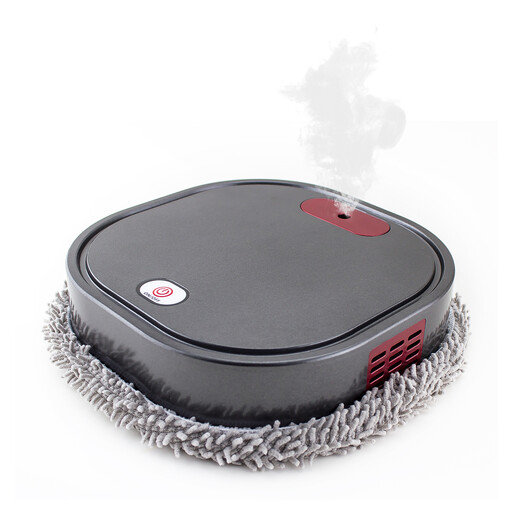
3-in-1 mini robot vacuum, black
The product name describes a mini version; check its actual dimensions and the space available in your home.
The title lists a noise level of 20-40 dB. The product information advises against using it on deep-pile carpets.
View at Joybuy
 No image available
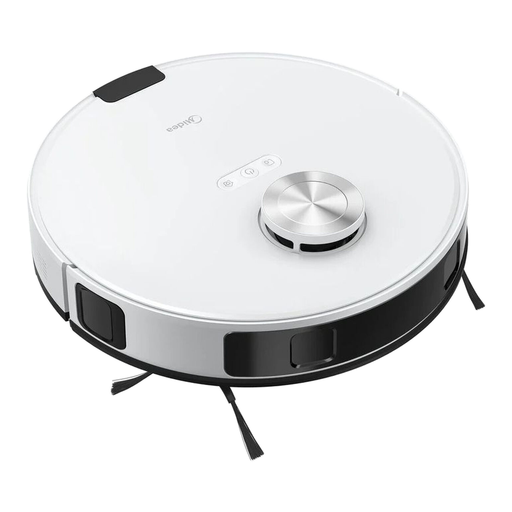
Midea M9 robot vacuum, white
Bear the controls in mind: you’ll need the app to access all the features. Check that it suits the way you plan to use the robot.
View at Joybuy
 No image available
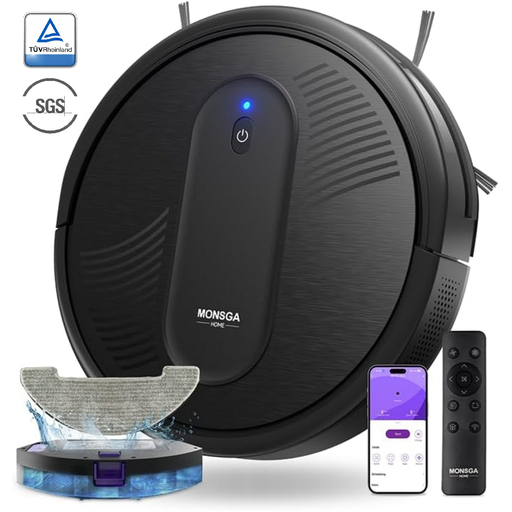
MONSGA MR1 robot vacuum
An option if you’re looking for a customisable cleaning schedule. Check the dimensions and how much space the dock needs.
The product title lists a 3.2-inch profile, 4000 Pa and a 140-minute runtime. It’s described as suitable for hard floors and low-pile carpets.
View at Joybuy
Frequently asked questions
Can I set the robot to start while I’m at work?
You can with models that let you set a schedule in the app; iRobot describes this feature for the Roomba Mini. Check that the exact version supports it, set up the robot in advance and clear loose items and cables from the floor. A scheduled start doesn’t mean the robot can reach every surface.
Where should I put a charging dock in a small home?
Follow the placement instructions for your chosen model and measure the clear space around the dock. For the Roomba Mini with AutoEmpty dock, iRobot specifies a hard, level surface, a tidy area and at least 1,5 metres from a staircase. This is a model-specific instruction, not a general requirement for all robot vacuums.
Is a self-emptying dock maintenance-free?
No. The dust bag will eventually need replacing, and parts such as brushes, filters, wheels and sensors need maintenance. Consumentenbond also notes that a self-emptying dock takes up more room than a standard charging dock.
What should I look for when it comes to privacy with an app-connected robot vacuum?
Before buying, read about the data the manufacturer processes and the security and update information available. The Dutch Data Protection Authority advises checking the privacy notice and security of smart devices.
Am I always entitled to exactly two years of legal warranty in the Netherlands?
No. According to the Dutch government, there is no fixed statutory warranty period in the Netherlands: you’re entitled to a product that meets the required standard for as long as you can reasonably expect it to. If there’s a fault, contact the seller; a manufacturer’s warranty or an extended warranty you’ve paid for doesn’t replace this legal right.


