What should you look for when choosing?
First, measure the clear route and the space for the station. Then check whether the model and app suit your floors and your plans to clean while you’re out.
| What to consider |
What should you check? |
Who should pay particular attention? |
| Cleaning while you’re out |
Check whether the model has a cleaning schedule and navigation, and whether the route to the charging station is clear. |
If you want it to clean while you’re working, you’ll want the robot to finish its run and return to the station. Around 31% of consumers give scheduled, unattended cleaning their highest priority. |
| Space for the robot and station |
Measure the robot’s height, the space under furniture, the station’s dimensions and the clear approach route. Also check which version of the station you’re buying. |
In a small flat, you’ll want a permanent spot for both the robot and station without blocking your route through the room. Around 25% of consumers prioritise a suitable footprint. |
| Maintenance between cleaning runs |
Check how to empty the dust container and how easy it is to access bags, brushes, filters and sensors. |
If you want to do as little as possible by hand, consider both emptying and the maintenance that’s still required afterwards. Around 19% of consumers put minimal maintenance first. |
| Floors and passages |
Check the types of hard flooring, rugs, thresholds and narrow passages in your home. Also check the settings for the exact version you’re considering. |
If you have different types of flooring, you’ll want to know whether the robot can handle your rugs and passages, particularly when mopping unattended. Around 13% of consumers say compatibility with their flooring and passages is the deciding factor. |
| Privacy and app control |
Read the privacy notice and check the security settings and account terms. |
If you’d prefer to limit the data a connected device processes, find out in advance how the app and provider handle it. Around 12% of consumers say privacy is their main concern when buying. |
Robot vacuum cleaners at Joybuy
These models combine robot vacuuming with features such as app control, mopping or automatic emptying. Compare the exact version and how much space its station takes up. Before buying, check whether the required CE marking and conformity documentation are available for that version. According to the Netherlands Enterprise Agency, CE is a declaration made by the manufacturer, not an independent safety certification mark.
 No image available
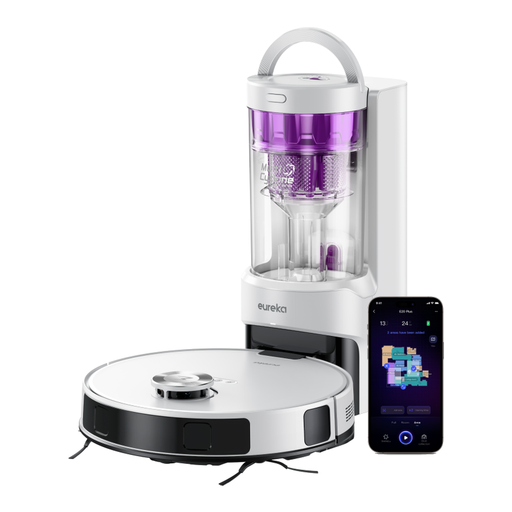
EUREKA E20 Plus
A good option if you want to schedule cleaning and empty the robot less often yourself.
The product description lists app schedules, LiDAR mapping, a bagless automatic emptying station and suction power of 8000Pa. You’ll still need to empty the dust container by hand when it’s full.
View at Joybuy
 No image available
EUREKA J15 Pro Ultra
A good option if you’re looking for a robot with a mopping function and a station for automatic emptying and mop maintenance.
The product name lists suction power of 16200 Pa; the product description mentions obstacle avoidance and a station that empties the dust container and maintains the mop pads.
View at Joybuy
 No image available
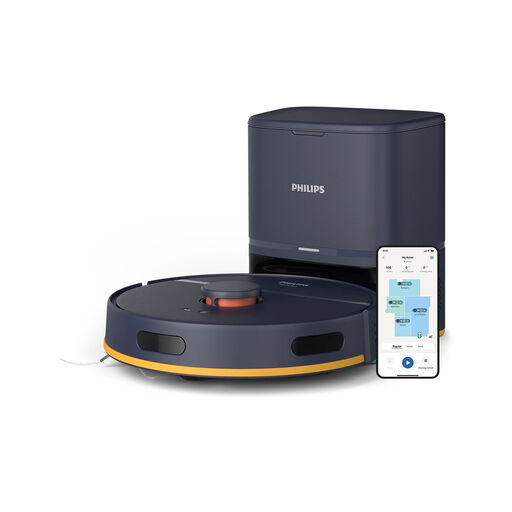
Philips HomeRun 2000 series XU2100/15
A good option if you want to combine app control, navigation and automatic emptying.
The product description lists an S-bag emptying station, LDS radar navigation, a mopping function and suction power of 6000 Pa. The S-bag needs replacing.
View at Joybuy
 No image available
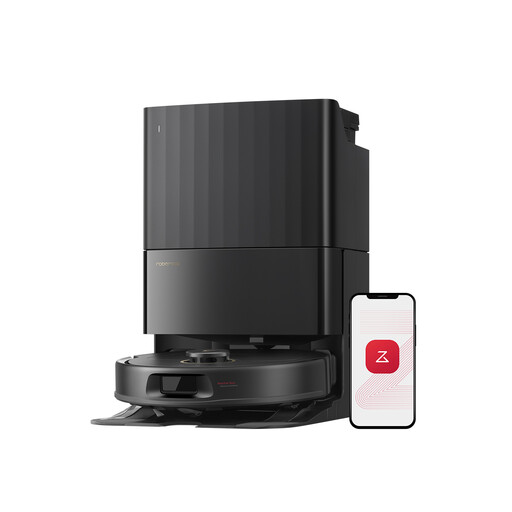
Roborock Qrevo S5V Black
A good option if you want a station that handles both dust emptying and mop maintenance.
The product name lists suction power of 12000 Pa; the product description mentions mop maintenance, automatic emptying, app control and navigation.
View at Joybuy
 No image available
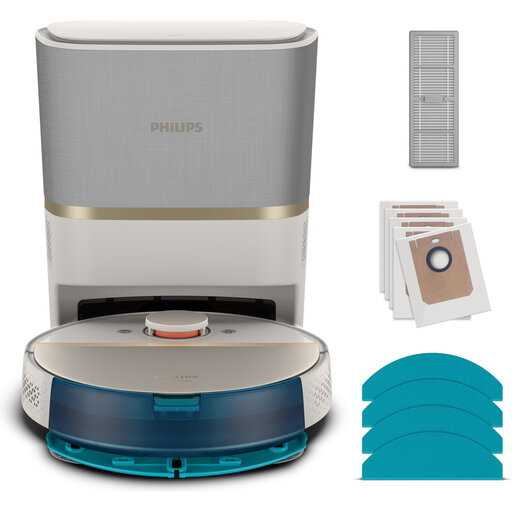
Philips XU7100/02 HomeRun 7000 series
A good option if you want to schedule cleaning through an app and are looking for an automatic emptying station.
The product name lists suction power of 5000Pa and LiDAR navigation; the product description mentions app control, a programmable schedule and automatic emptying.
View at Joybuy
Frequently asked questions
Can I set a robot vacuum cleaner to start while I’m working?
Yes. According to the Dutch Consumers' Association, many models let you set a cleaning schedule through an app. Check this for the exact version and clear the route first; a schedule won’t stop the robot from getting stuck.
Where should I put the charging station?
Choose a spot with a clear approach route and follow the model’s instructions. For the Roomba Mini with AutoEmpty dock, iRobot specifies a hard, level surface and a clear space around the dock. This instruction applies to that version.
Is an automatic emptying station maintenance-free?
No. You’ll eventually need to replace the dust bag, and the brushes, filters, wheels and sensors need maintenance too. Check in advance which consumables are compatible with the version you’re considering.
What should I check to protect the privacy of a robot with an app?
Before buying, review the privacy notice, data security and provider. The Dutch Data Protection Authority recommends this for smart devices. When setting up the robot, use a strong password and a secure network too.
What CE information should I check before buying?
For the exact version, check whether the required CE marking and conformity documentation apply. According to the Netherlands Enterprise Agency, by using the CE marking the manufacturer declares that the product meets the relevant rules; it isn’t an independent safety certification mark.
What can I do if the robot doesn’t meet reasonable expectations?
According to the Netherlands Authority for Consumers and Markets, the seller is responsible for the statutory guarantee. If a product is faulty, the seller must offer a suitable solution, such as a free repair or replacement, and sometimes a refund. A commercial manufacturer’s guarantee is separate.


