
Housemates with a cluttered hallway
Want to find out whether a robot can navigate around shoes, cables and doormats. The Consumentenbond identifies these as obstacles worth considering when choosing a robot vacuum.


A robot vacuum can keep on top of daily sand and crumbs if the hallway is clear enough and the thresholds are within the chosen model’s capabilities. Then choose between a simpler model that you empty yourself more often and one with a docking station, which takes up more space and still needs bags and other parts maintained.
Want to find out whether a robot can navigate around shoes, cables and doormats. The Consumentenbond identifies these as obstacles worth considering when choosing a robot vacuum.
Want to keep on top of everyday dirt while agreeing who will look after the dust container, brushes and, if applicable, the docking station. The Consumentenbond lists these as recurring maintenance tasks when using a robot vacuum.
Want to set schedules and agree who can access the account and home data. The Dutch Data Protection Authority advises checking the privacy notice and security, and reviewing the settings after installation.
First, check whether the robot can navigate the hallway. Then decide which trade-off matters most to you: emptying and maintenance, mopping, sharing the cost or controlling it through a shared app.
| What to consider | What to look for | Who is this important to? |
|---|---|---|
| Route and obstacles | Measure the thresholds and check the doormats and where the charging dock will go; compare these with what the model can handle. | If you want the robot to navigate the hallway, focus on obstacles and transitions between surfaces. Around 31% of consumers prioritise whether the robot can access the route. |
| Everyday dirt | Check results for your type of flooring and along walls; don’t rely on the stated suction power alone. | If you mainly want sand and crumbs cleared from a shared floor, look at the results on your own flooring. Around 25% of consumers prioritise everyday dirt. |
| Maintenance | Compare manual emptying with an auto-empty dock, and agree who will look after the brushes, wheels, filters and sensors. | If you know that regular emptying might otherwise be overlooked, ease of maintenance matters. Just don’t expect the robot to be maintenance-free. Around 19% of consumers prioritise maintenance. |
| Shared costs | Compare the same model and version, and check which replacement items you’ll need. | For housemates sharing the cost, both the model version and ongoing supplies matter. Around 13% of consumers prioritise shared costs. |
| Privacy and control | Read the privacy notice and check which features are available without the app; agree who will manage the account. | If several housemates can change schedules or account settings, agree in advance who has access and how home data will be handled. Around 12% of consumers prioritise privacy and shared control. |
The Consumentenbond treats dirt pick-up and navigation as separate things to consider. Edges, gaps and items left on the floor may still need to be dealt with by hand.
Check test results for your type of flooring and look at the route; don’t use a stated Pa value as your only buying criterion.
Allow for extra cleaning by hand along skirting boards, in gaps and around items left on the floor.
An auto-empty dock takes up space and doesn’t automate the cleaning of every part. The Consumentenbond lists brushes, wheels, filters and sensors among the components that need regular maintenance.
Check that the dock will fit, and agree who will empty it and maintain the robot.
How suitable a mopping function is depends partly on your floor and how the model handles mats. It won’t clear obstacles or clean spots it misses.
Check how the full model version handles doormats, and agree who will look after the mop.
The Government of the Netherlands states that there is no fixed statutory warranty period in the Netherlands. A paid plan is separate from your rights if a product is faulty.
Check what extra cover the plan provides, and contact the seller if the product is faulty.
The Dutch HomeRun 2000 Series includes models such as the XU2000/25 and XU2100/15.
The D10 Plus Gen 2 comes with a docking station, making it worth considering if you need to factor in a threshold and space for the dock.
The L60 SES comes with an auto-empty dock and laser navigation.
Rowenta describes the X-Plorer Serie 85+ RR87D5WH as a robot with laser navigation, a mopping function and an auto-empty dock.
The DEEBOT range includes various models for vacuuming, mopping and use with a docking station.
These Joybuy models are robot vacuums designed to care for your floors. The product information for these versions includes features such as mopping and automated emptying or maintenance through a docking station. Check the route, dimensions and maintenance requirements for each model.
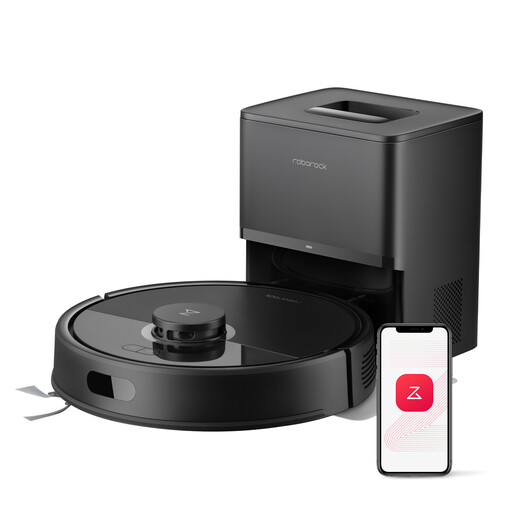 No image available
An option to consider if you’d like automatic emptying and a customisable cleaning route. Check that the robot and dock will fit in the space available.
The product information lists 8,000 Pa, LiDAR navigation, no-go zones, app schedules and automatic emptying.
 No image available
An option if you’re considering a robot with a mopping function. Check in advance whether the dock will fit and who will take care of maintenance.
The product name lists 16,200 Pa, anti-wrap technology, dirt detection, a brush lift and cleaning with water at 75°C.
 No image available
An option if you want to compare an auto-empty dock and obstacle avoidance. Measure the route and remember to factor in dock maintenance.
The product name lists 8,000 Pa and an auto-empty dock; the product information mentions LiDAR navigation and 3D obstacle avoidance. The stated runtime is 180 minutes.
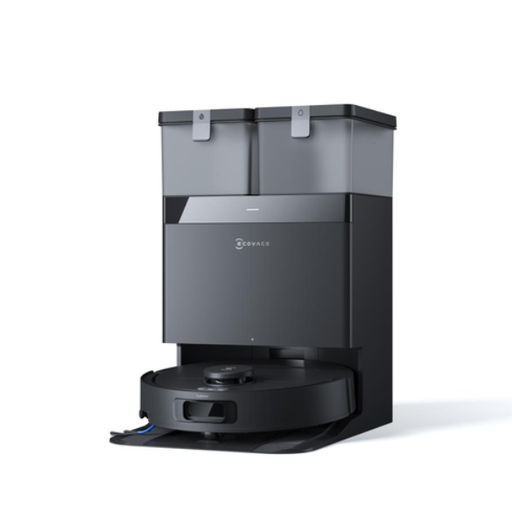 No image available
An option for housemates comparing a robot with vacuuming and mopping functions and an OMNI station. Check the space available and maintenance requirements.
The product name lists 25,000 Pa and ZeroTangle technology. The product information mentions TrueMapping, sensors and app control.
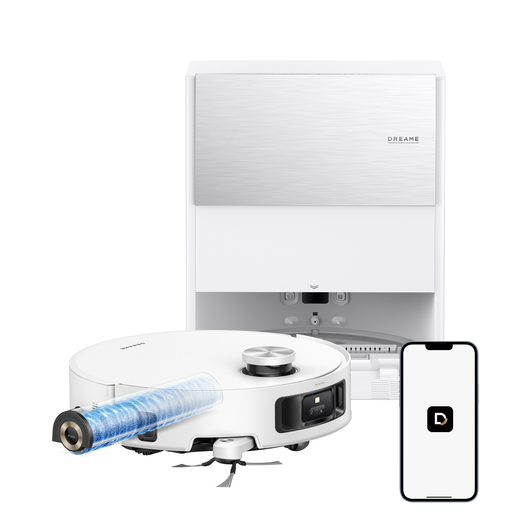 No image available
An option if you want to combine vacuuming and mopping, and factor in the dock’s role in maintaining the mop.
The product name lists 30,000 Pa, automatic mop lifting and hot-water mop washing. The product information also describes the roller mop being washed and dried at the base station.
At the very least, clear the planned route and check the doormats and thresholds. The Consumentenbond lists objects on the floor, cables and high thresholds as relevant limitations or test obstacles; obstacle detection doesn’t replace tidying up.
Agree who will look after the dock and the robot. The dust bag, brushes, wheels, filters and sensors still need attention, and a mopping function also means taking care of the mop.
No, that’s not the case in the Netherlands: according to the Government of the Netherlands, there is no fixed statutory warranty period. Assess a paid plan based on the extra cover it offers, and contact the seller if the product is faulty.
Specific EU rules may apply to electrical and electronic products, including rules on CE marking. According to the European Union, CE marking is only required for products covered by harmonised EU rules that require it; the mark alone does not prove that every individual product listing is safe.
Agree who will manage the account, who can change schedules and how you’ll handle home data. The Dutch Data Protection Authority advises checking the privacy notice and security before buying, then reviewing the privacy and account settings after installation.