What should you look for when choosing one?
First, check whether the model can navigate the open space systematically and whether its cleaning results suit your flooring. Then consider whether mopping, less frequent emptying or extra help with obstacles is worth the space and maintenance involved.
| What to consider |
What to look for |
Who is this important for? |
| Covering an open-plan floor |
Look at the navigation and mapping features, and compare separate results for navigation, dust and crumbs on your type of flooring. The Consumers' Association says camera- or laser-based navigation is more systematic than basic infrared sensors. |
If I want to avoid parts of a large room being missed, I look at both the route and how well the robot picks up dirt on my floor. Around 36% of consumers put covering the entire open-plan floor first. |
| Picking up everyday dirt |
Compare results for dust and larger crumbs on hard floors. A stated suction power figure alone does not tell you how well a robot will clean that floor. |
If I mainly want to remove dust, sand and crumbs from my floor, I compare the results that matter for that surface. Around 29% of consumers give tackling everyday dirt top priority. |
| What the station does |
Check its dimensions, which maintenance tasks it automates and which bags or pads it needs. A station does not take care of all maintenance. |
If I want to empty the robot less often or avoid cleaning mop pads by hand, I weigh that up against the space the station needs and its maintenance. Around 21% of consumers put reducing manual maintenance first. |
| Rugs and obstacles |
Check how the exact model handles obstacles, rugs and any mop-lifting function. Clear loose items away beforehand. |
If there are still things on the floor after moving, or a rug meets a hard floor, I look at how the model handles them. Around 14% of consumers put this combination of obstacles and mixed flooring first. |
Robot vacuums at Joybuy
This selection of robot vacuums at Joybuy is designed for cleaning open-plan floors. The models combine features such as mopping, navigation and station maintenance.
 No image available
EUREKA J15 Pro Ultra
An option if you want navigation, obstacle avoidance and automatic mop pad maintenance.
The product title lists a mopping function, 16.200 Pa, anti-wrap technology and cleaning with 75°C water. The product information says the station washes and dries the mop pads.
Do not vacuum hard or sharp objects such as glass or nails.
View at Joybuy
 No image available
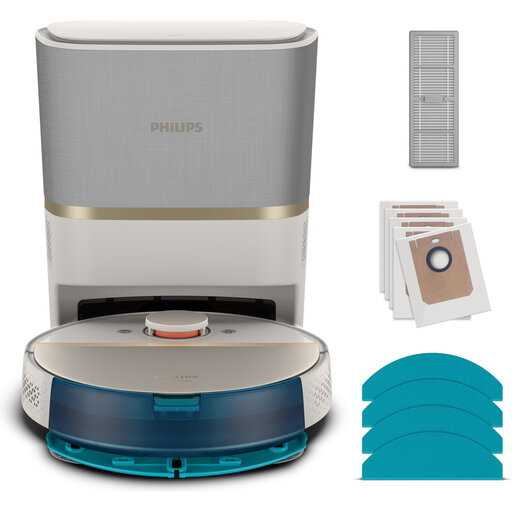
Philips XU7100/02 HomeRun 7000 Series
An option if you want to map an open-plan floor and are looking for a mopping function with automatic emptying.
The product title lists 5.000 Pa, a 180-minute run time, an auto-empty station and LiDAR navigation. The product information also mentions obstacle detection.
View at Joybuy
 No image available
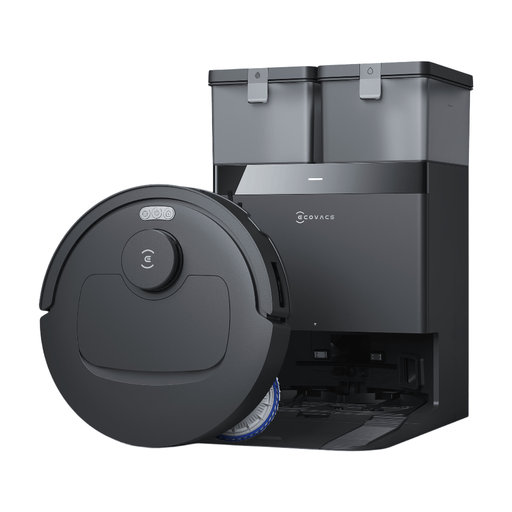
ECOVACS DEEBOT T30C OMNI Gen2
An option if you want to combine mapping with automatic emptying and mop pad cleaning.
The product title lists 20.000 Pa, OZMO Turbo 2.0 and mop pad cleaning with 75°C water. The product information mentions TrueMapping 2.0 and multi-floor management.
View at Joybuy
 No image available
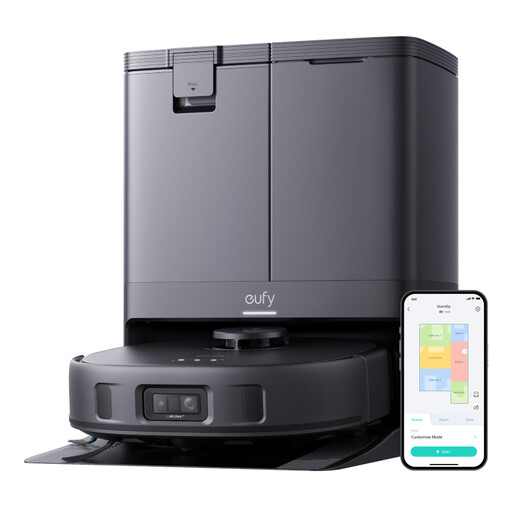
eufy X10 Pro Omni
An option if you want mopping, a station that maintains the pads and help with obstacles.
The product title lists 8.000 Pa, automatic mop pad washing and drying, and a self-emptying system. The product information mentions smart mapping.
The product warning says not to vacuum sharp objects, liquids or wet dust.
View at Joybuy
 No image available
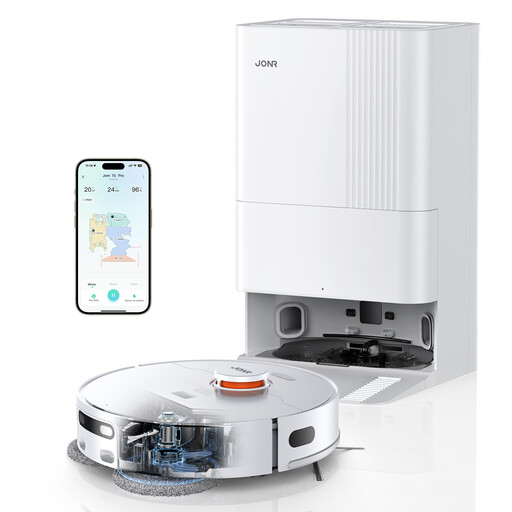
JONR T5 Pro
An option if you want LiDAR navigation, obstacle avoidance and a station for maintenance.
The product title lists a mopping function, 8.150 Pa, hot-air drying, an anti-tangle side brush and an all-in-one station. The product information mentions mapping and a cleaning route.
View at Joybuy
Frequently asked questions
Should I clear up before using the robot after moving?
Yes. Clear its route and remove any sharp debris left over from the move before you set the robot going. The Consumers' Association lists clearing the floor as a condition of use, and the Roborock manual consulted specifically warns against items including glass and nails. If there is construction or renovation dust, consult the manual for your own model.
How do I maintain a robot with an auto-empty station?
Replace the dust bag and maintain the brushes, filters and any mop pads according to the manual for your chosen model. Automatic emptying means you need to empty the robot's dust container less often, but the robot and station still need maintenance.
What warranty applies when buying in the Netherlands?
You are entitled to a product that does what you can reasonably expect it to do. If there is a problem, the seller must provide a solution. According to the Dutch government, the Netherlands does not have a fixed statutory two-year guarantee period for every product. A manufacturer's warranty is in addition to your statutory rights.
Can I return a robot vacuum bought online within 14 days?
For a standard online consumer purchase, you generally have a statutory cooling-off period of up to 14 days after delivery. There are exceptions, so check the applicable terms and the seller's information.
What can I do with an old robot vacuum?
According to Milieu Centraal, you can hand in a broken electrical appliance free of charge when you buy a new, similar appliance. If it still works, you can give it a second life.


