What to consider when buying
Start with cleaning the open-plan floor and the option to select a specific room afterwards. Then consider thresholds, different floor types and how much manual maintenance is involved.
| What to consider |
What to look for |
Who is it important to? |
| Dirt on the open-plan floor |
Compare results on hard floors and along edges. A single stated suction-power figure doesn’t tell you how well dirt is picked up in every area. |
If I mainly want to keep the large open-plan floor clean, I want to know how well the robot picks up dirt on my floor and along the edges. Around 33% of consumers prioritise everyday dirt on open-plan floors. |
| Selecting the next room |
Check whether the exact model lets you set and start individual rooms, and whether you can exclude zones. |
If I want to clean a specific room after the open-plan floor, a useful map with room selection is important. Around 27% of consumers prioritise targeted room cleaning. |
| Doorways and mixed flooring |
Measure the threshold and available clearance. If you’re choosing a robot mop, also check how the specific model handles rugs. |
If there’s a threshold or rug between rooms, I want to know whether the robot can manage the route and how mopping is configured there. Around 20% of consumers prioritise accessibility and different floor types. |
| Maintenance after cleaning |
Weigh up the space needed for a station and the required dust bags against how often you want to empty the robot’s dustbin yourself. |
If I want to empty the robot’s dustbin less often after a cleaning run, the station and its upkeep are also important. Around 20% of consumers prioritise less manual emptying. |
Joybuy products
These products are designed for robots with mapping or room-specific cleaning. Some models also combine these features with mopping and/or a self-emptying station. Check which room settings, mopping options and maintenance requirements suit your home for each model.
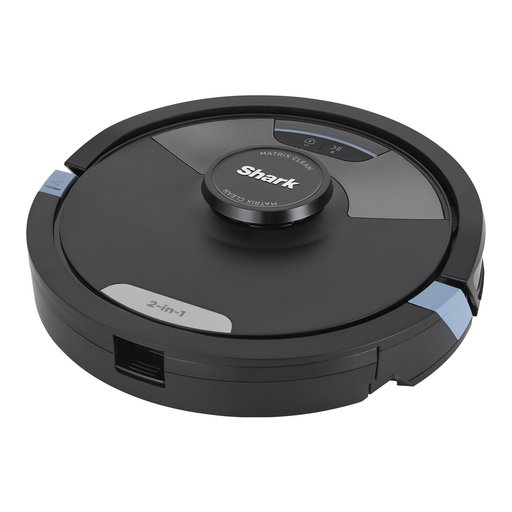 No image available
Shark Matrix Plus 2-in-1 robot vacuum cleaner with mopping function
Suited to anyone who wants to select zones in an app and empty the robot’s dustbin less often.
LiDAR map management; select cleaning areas in the app; self-emptying base; automatic carpet detection that lifts the mop.
View at Joybuy
 No image available
Eureka E20 Plus robot vacuum cleaner
Suited to anyone looking for map-guided cleaning and a base that empties automatically.
Stated suction power: 8000 Pa; LiDAR, app control and no-go zones; according to the product description, the mop lifts by 10 mm; the app only works with 2,4GHz Wi-Fi.
View at Joybuy
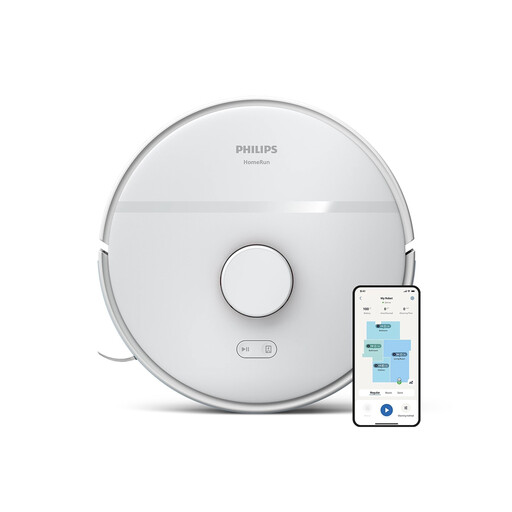 No image available
Philips HomeRun XU2000/25 robot vacuum cleaner with mopping function
Suited to anyone looking for room-by-room cleaning settings and a passive mopping function.
LDS radar navigation; maps for multiple floors; room settings and no-go zones; passive mopping function.
View at Joybuy
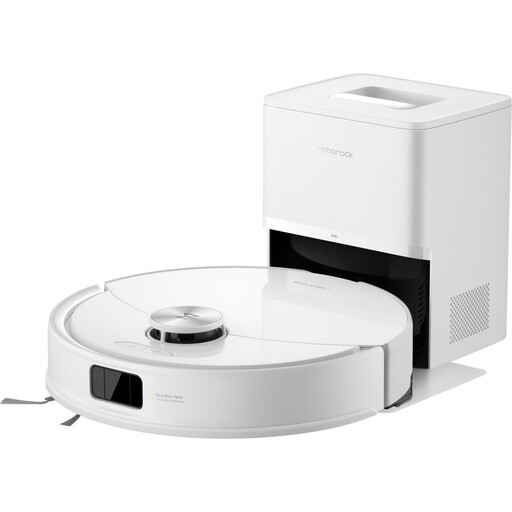 No image available
Roborock Q10 VF+ White (Q10VFP02-00)
Suited to anyone who wants to combine app-controlled cleaning with automatic emptying of the robot’s dustbin.
LiDAR navigation; mop lifts when carpet is detected; automatic emptying base.
View at Joybuy
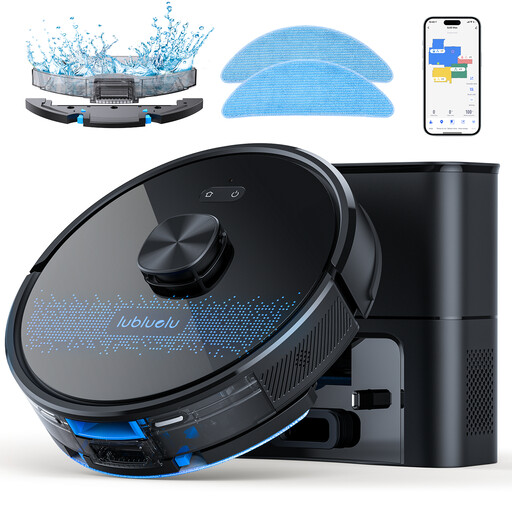 No image available
Lubluelu robot vacuum cleaner with suction station
Suited to anyone who wants to select a specific room in the app and have a self-emptying station.
LiDAR maps; room selection in the app; adjustable water flow; base that automatically empties the dustbin.
View at Joybuy
Frequently asked questions
How do I set the robot to clean the open-plan floor first, then one room?
Create a map according to the instructions for your chosen model, then check the room boundaries. Set up individual rooms or no-go zones if the app supports them. Pick up loose cables and other items beforehand; map-based navigation doesn’t automatically clear obstacles from the floor.
Can I skip routine maintenance if I have an emptying station?
No. An emptying station means you need to empty the robot’s dustbin less often, but the station, brushes and filters still need maintenance. Before you buy, check which dust bags and parts are compatible with the model.
What cooling-off period and warranty apply when buying online in the Netherlands?
The Dutch Government states that many distance purchases from a business come with a 14-day cooling-off period. The seller must also provide a solution if a product is faulty. In the Netherlands, there is no fixed two-year statutory warranty period for every product.
What should I check for product safety?
Electrical and electronic devices placed on the market in the Netherlands must meet the applicable European product safety requirements. To demonstrate compliance, the manufacturer must apply a CE mark and draw up an EU Declaration of Conformity. If in doubt, ask for documentation for the exact model.
What happens to my home’s map in the app?
That depends on the manufacturer and the settings. Before buying, the Dutch Data Protection Authority recommends checking the privacy notice, data security and service provider.


