What should you look for in a robot vacuum for a narrow home?
First, measure your narrowest passage and the space available for the station. Then check which routes the robot can handle and whether independent information is available about its dust pick-up on your floors.
| Concern |
What to look for when buying |
Who is this important for? |
| Passages and furniture |
Measure the narrowest passage and the clearance beneath furniture; compare these with the dimensions of the exact model. |
If I want a robot to pick up dust every day in a narrow home, I need to know whether it can get through passages and around furniture. Around 36% of consumers prioritise this kind of reach. |
| Thresholds and floors |
Check the model-specific information on thresholds, cliff sensors and floor mapping. |
If there are several floors or thresholds, I need to know whether I can move the robot safely and manage its route on each floor. Around 29% of consumers prioritise dealing with interruptions between rooms or floors. |
| Dust pick-up on your floors |
Look for independent test results for hard floors, edges and any rugs; make sure you’re comparing the same model. |
For everyday dust on my hard floors, I want information about actual dust pick-up, not just a Pa figure. Around 21% of consumers prioritise dry dust pick-up. |
| Maintenance and space for the station |
Measure the space available for the station and check that compatible dust bags and replacement parts are available. |
If I want to empty the robot as little as possible but have limited space, I need to weigh up the space needed for the station against manual maintenance. Around 14% of consumers prioritise maintenance and station space. |
Joybuy products for everyday vacuuming
These Joybuy products are robot vacuums with mopping functions or larger stations. Compare their dimensions and features, and the space their stations need, with your home. Before buying, also check the relevant EU conformity documents and CE marking for the exact model. The Dutch government notes that electronic devices placed on the EU market must meet the applicable safety requirements.
 No image available
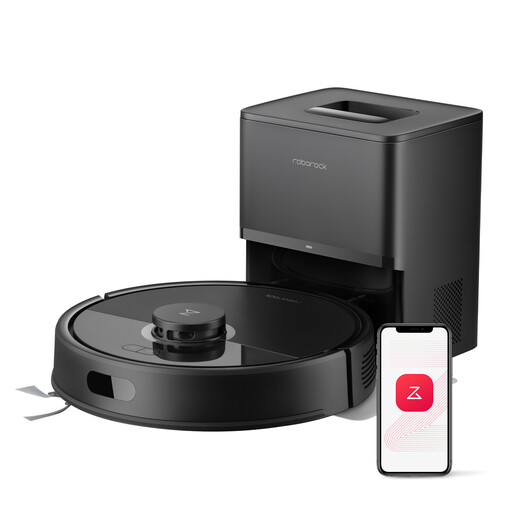
Roborock Q7 L5+ robot vacuum with mopping function
The advertised combination of vacuuming, mopping and automatic emptying could suit anyone looking for all these functions in one robot. Measure the space available for the station first.
The product name lists 8,000 Pa suction pressure, LiDAR navigation and an anti-tangle system.
Joybuy
 No image available
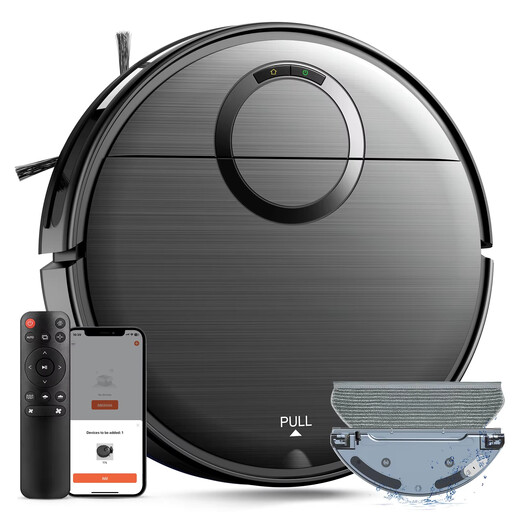
Teendow T7S robot vacuum
The product name lists hard floors and low-pile carpet as suitable surfaces. Check that these match the floors in your home.
The product name lists a 2.9-inch profile, a 180-minute run time, 2,000 Pa suction pressure and a 2600 mAh battery.
Joybuy
 No image available
EUREKA J15 Pro Ultra robot vacuum with mopping function
This model is listed as vacuuming and mopping. Compare the space needed for its self-cleaning station with the space you have available.
The product name lists 16,200 Pa, liquid detection, a liftable brush and cleaning with 75°C water.
Joybuy
 No image available
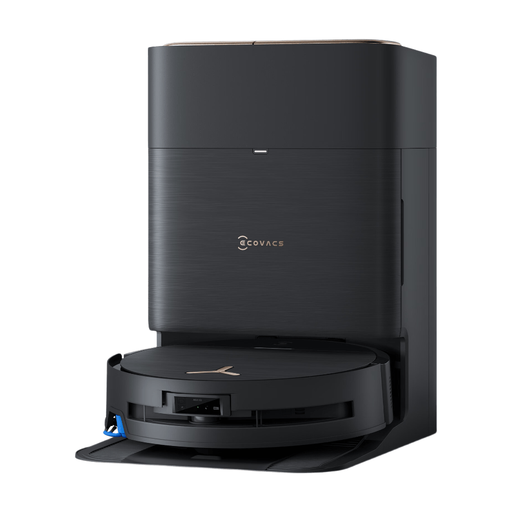
ECOVACS DEEBOT X9 PRO Omni robot vacuum with mopping function
The listed mopping function and Omni station could suit anyone looking to mop as well as vacuum. Check that the station fits in the space available.
The product name lists 16,600 Pa, an OZMO Roller, ZeroTangle 3.0 and TruEdge 2.0, plus hot-water washing and warm-air drying.
Joybuy
 No image available
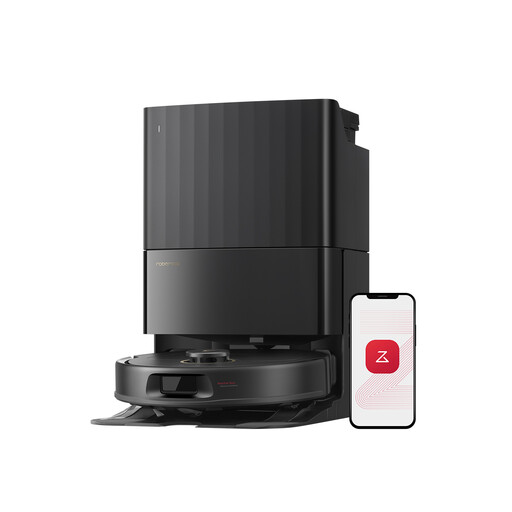
Roborock Qrevo S5V Black robot vacuum with station
The product name lists a station and mopping function. Compare the total space needed with the space you have for charging and your daily cleaning route.
The product name lists 12,000 Pa suction pressure, FlexiArm mopping, dual anti-tangle protection, warm-air drying and obstacle avoidance.
Joybuy
Frequently asked questions
Can a robot vacuum clean the whole home if there are stairs?
No, a robot vacuum can’t climb stairs by itself. The Dutch Consumers’ Association lists stairs as a surface a robot can’t vacuum. If your model supports multiple floor maps, you can carry it to another floor yourself. Check its cliff sensors and make sure there’s a safe place for the charging station there.
Where should I put the charging station if there are stairs?
Follow the instructions for the exact model. For the Roomba Mini with AutoEmpty Dock, iRobot specifies a hard, level surface and recommends placing the dock at least 1.5 metres from the stairs. This distance applies to that model; it isn’t a general guideline for all robot vacuums.
What maintenance is still needed with automatic emptying?
Even with automatic emptying, you’ll still need to check and clean parts such as the brushes, wheels, filters and sensors. Before buying, check which compatible dust bags and other replacement parts are available.
In the Netherlands, do you still have a guarantee alongside the manufacturer’s guarantee?
Yes. According to ACM ConsuWijzer, your statutory guarantee is in addition to any retailer’s or manufacturer’s guarantee. The right solution depends on the product and circumstances, so check the retailer’s information if there’s a problem.
What should I check about the privacy of a robot vacuum with an app?
Read the privacy policy and check what data the manufacturer processes and how the device is secured. The Dutch Data Protection Authority recommends using a strong password and, where available, multi-factor authentication. This doesn’t prove that a specific model is safe or unsafe.
What product safety information should I check before buying?
Check the documents for the exact model being offered to make sure it meets the applicable EU safety requirements and has the required CE marking. The Dutch government says electronic devices placed on the EU market must meet these requirements. A product listing alone isn’t a substitute for checking the product documentation.


