What should you look for when choosing?
Start by considering the route and cleaning schedule for your home. Then decide whether an emptying station, mopping function and the associated maintenance are right for you.
| What to consider |
What should you check? |
Who is this most relevant to? |
| Running a cleaning session independently |
Check the scheduling and app features of the exact version, and whether it comes with an emptying station. |
If I can’t step in while I’m at work, I want the robot to run to schedule and not stop unnecessarily to be emptied. Around 36% of consumers prioritise independent cleaning while they’re away. |
| Reaching the rooms |
Measure doorways and the clearance beneath furniture; move cables and loose items out of the way and test the route in advance. |
If there are thresholds, narrow doorways or furniture in the way, I want to know which rooms the robot can actually reach. Around 29% of consumers give accessibility their highest priority. |
| Vacuuming or mopping hard floors |
Check whether the version you’ve chosen can mop, and how to prepare and maintain the mop pad. |
If my accessible floors are hard, I want to know whether vacuuming or mopping is suitable for them. Around 21% of consumers prioritise this type of floor care. |
| Maintenance and app use |
Check which bags, filters or pads you’ll need. If you use the app, read its privacy notice and security information. |
If ongoing maintenance, consumables or data use are important to me, I want to weigh these up in advance. Around 14% of consumers prioritise these aspects of use. |
Robot vacuums at Joybuy
These robot vacuums are designed for scheduled cleaning, with versions that combine vacuuming with automatic emptying or mopping.
 No image available
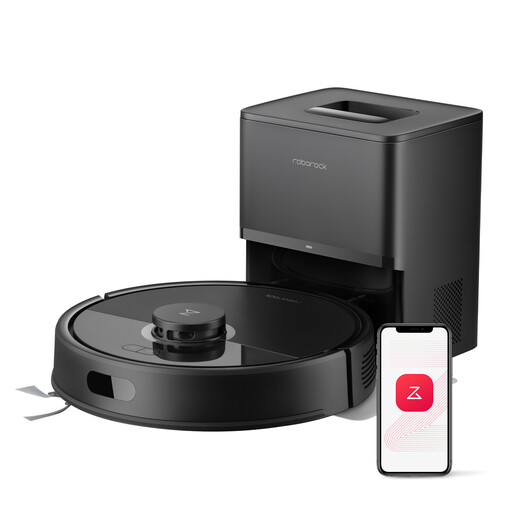
Roborock Q7 L5+ robot vacuum with mopping function, 8,000 Pa, black
An option for scheduling cleaning via an app and reducing the need to empty the dust container by hand.
The product information lists LiDAR navigation, automatic emptying, a mopping function and a dual anti-tangle system. The stated suction power is 8,000 Pa.
Joybuy
 No image available
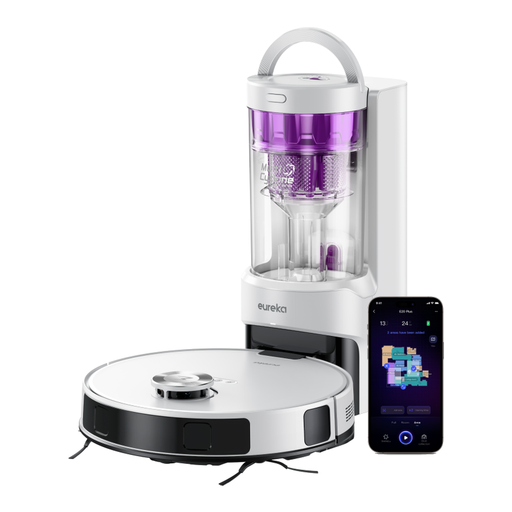
Eureka E20 Plus robot vacuum, 8,000 Pa
An option for combining scheduled cleaning with a station that automatically empties the dust container.
The product information lists LiDAR, obstacle detection, an app and a bagless self-emptying station. According to the description, the mop module lifts when carpet is detected; the stated suction power is 8,000 Pa.
Joybuy
 No image available
Eureka J15 Pro Ultra robot vacuum, 16,200 Pa
A version that combines automatic emptying and mop maintenance with floor cleaning.
The product information lists a self-cleaning base station, an anti-tangle function, liquid detection and brush lifting. It also mentions 75°C hot-water cleaning.
Joybuy
 No image available
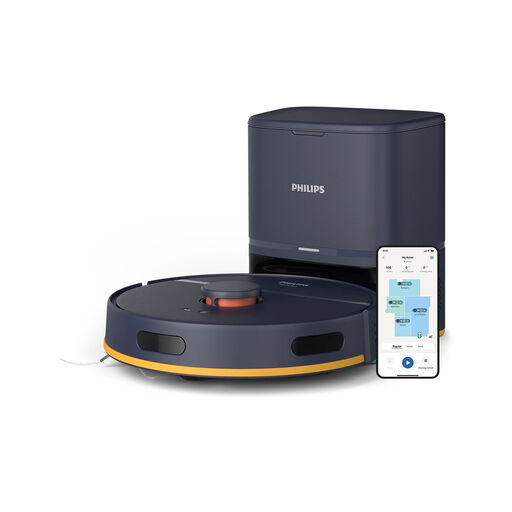
Philips HomeRun 2000 XU2100/15, 6,000 Pa
A version with app control and automatic emptying for scheduled cleaning while you’re at work.
The product information lists LDS navigation, a mopping function and a station with an S-bag. The stated suction power is 6,000 Pa.
Joybuy
 No image available
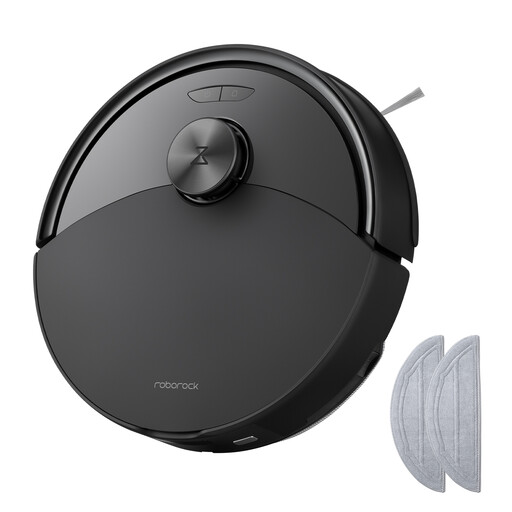
Roborock Q10 S5 robot vacuum, 10,000 Pa, black
A model to consider if you have both carpets and hard floors.
The product information lists a mop module that lifts when carpet is detected and a dual anti-tangle system. The stated suction power is 10,000 Pa.
Joybuy
Frequently asked questions
Can I run the robot for the first time while I’m at work on the day I hand over the property?
That’s not a good idea. Test the route, app settings and return to the charging station first. Consumentenbond assesses, among other things, whether robots miss obstacles and parts of a room. Leave yourself enough time to check the property.
What should I tidy away before the robot starts cleaning?
Move loose items and cables out of the way, and follow your model’s instructions on where to place the charging station. For the Roomba Mini with AutoEmpty Dock, iRobot specifies a hard, level surface and clear space around the dock; according to the manual, the dock must be at least 1.5 metres from a staircase.
Does a robot vacuum replace cleaning before handing over the keys?
No. A robot can’t reach every corner, crevice or small space. Before your tenancy ends, ask your landlord how you’re expected to leave the property; the robot doesn’t determine those requirements.
What maintenance costs and rights should I check after buying?
Check which dust bags and other consumables are compatible with the version you’ve chosen. ACM ConsuWijzer explains that the seller is responsible for the statutory guarantee if a product doesn’t do what you could reasonably expect when used normally; an additional guarantee doesn’t replace this. For online purchases, you generally have a statutory 14-day cooling-off period after delivery, with some exceptions.


