What should you look for when choosing?
Start with the stair edge and the full route the robot needs to take. Then check whether the emptying method, noise and maintenance suit your home. An app schedule is only useful if the robot can reliably complete the route in your home.
| What to consider |
What should you check? |
Who is this important for? |
| Stair edge and navigation |
Check the stair-edge detection and available route-setting options for the exact model. Test the setup while you’re at home and don’t cover the cliff sensors. |
If I only want to run the robot while I’m out, I first want to know how it behaves near my open stair edge; around 28% of consumers prioritise stair safety. |
| Cleaning on its own |
Compare information about navigation, returning to the charging station and picking up dust on your type of flooring. Clear cables and other obstacles from the route. |
I want to come home to clean floors without the robot getting stuck along the way; around 22% of consumers prioritise the robot’s ability to cover the floor independently. |
| Noise for neighbours |
Where available, compare noise measurements while the robot is running and during automatic emptying. Take any arrangements in your building into account. |
If the noise could also be noticeable to my neighbours in an upper-floor flat, I want to choose the cleaning time carefully; around 22% of consumers prioritise noise for neighbours. |
| Station and maintenance |
Measure the space available for the exact station and check which dust bags, filters and brushes it needs, and how to maintain its parts. |
I want to empty the dust container less often, but I also need enough space and want to know what maintenance is involved; around 17% of consumers prioritise station space and maintenance. |
| App and privacy |
Read the privacy notice for the exact model and check which app features and account settings you want to use. |
If I want to control the robot through an app, I first want to understand how my data will be processed; around 11% of consumers prioritise app privacy. |
Robot vacuum cleaners at Joybuy
These Joybuy products have an automatic emptying station and are intended for comparison if you want your home cleaned while you’re out. Before using one in an upper-floor flat, check the stair edge, route and noise level of the exact model separately.
 No image available
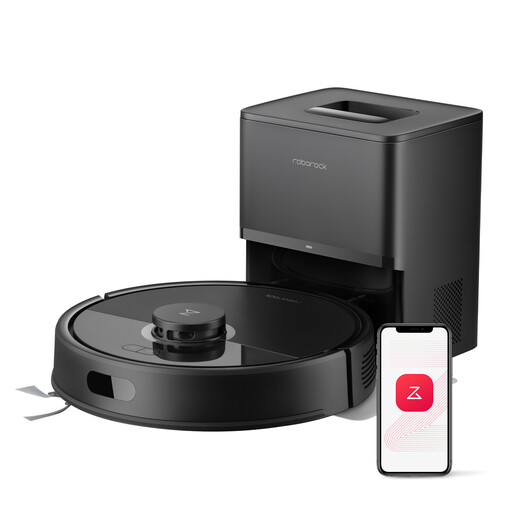
Roborock Q7 L5+ robot vacuum cleaner with mopping function
A model to compare if you’re looking for a robot with automatic emptying to clean while you’re at work.
The product name lists 8.000 Pa suction power, LiDAR navigation, an anti-tangle system and app control. According to the product information, the emptying station uses a disposable dust bag.
View at Joybuy
 No image available
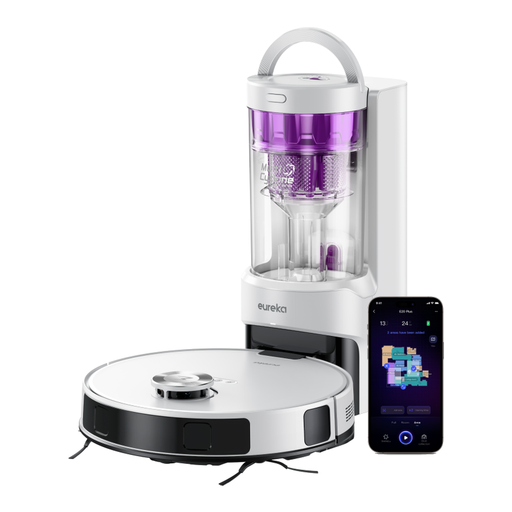
Eureka E20 Plus robot vacuum cleaner
An option to compare if you want to combine app control with an automatic emptying station.
The product name lists 8000 Pa suction power, DuoDetect AI 3D obstacle avoidance, an anti-tangle brush and app control. According to the product information, the app features require 2.4 GHz Wi-Fi.
View at Joybuy
 No image available
Eureka J15 Pro Ultra robot vacuum cleaner with mopping function
Compare this model if you’re looking for a mopping function and a base station as well as vacuuming.
The product name lists 16200 Pa, anti-wrap technology and cleaning with 75°C hot water. According to the product information, emptying the dust container and refilling the water tank are still regular tasks.
View at Joybuy
 No image available
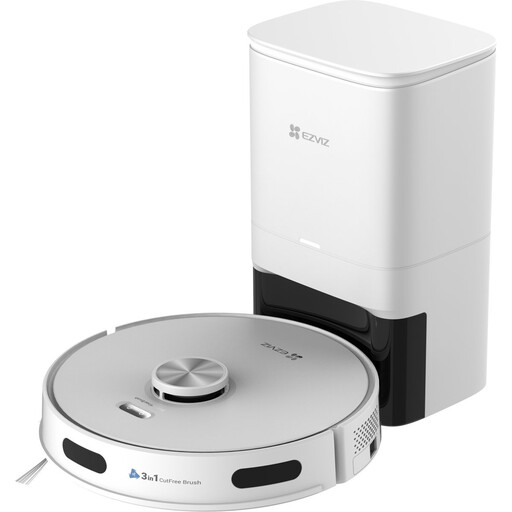
EZVIZ RE5S Plus robot vacuum cleaner with automatic emptying station
An option to compare if you’re looking for an automatic emptying station for use on one floor.
The product name lists LiDAR navigation and an automatic emptying station. According to the product information, app control requires a 2.4 GHz Wi-Fi connection.
View at Joybuy
 No image available
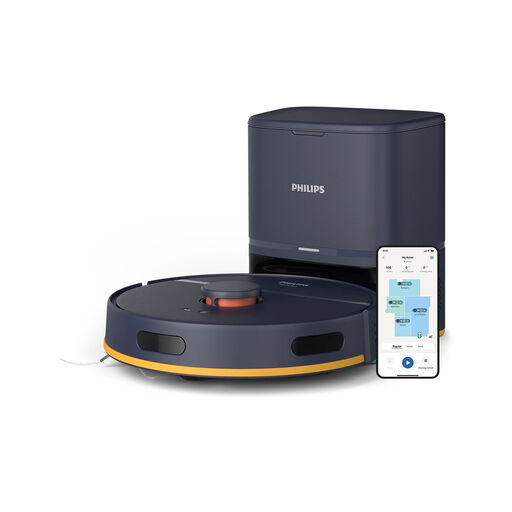
Philips HomeRun 2000 Series XU2100/15 robot vacuum cleaner with mopping function
Compare this model if you’re looking for app control, mopping and automatic emptying in one version.
The product name lists 6000 Pa suction power and a compact automatic emptying station. The user instructions specify at least 0,5 metres of clear space on either side of the station and 1,5 metres in front; the dust bag is a consumable.
View at Joybuy
Frequently asked questions
Can a robot vacuum cleaner clean the stairs too?
No. A robot vacuum cleaner is designed for accessible floors, not stair treads. The Consumentenbond lists stairs as a limitation; you should also check how the exact model behaves near your open stair edge.
What should I do before letting the robot run for the first time while I’m at work?
Clear loose cables from the route and test a full run while you’re at home, including the stair edge and the return to the charging station. Only then set a schedule, and maintain the sensors, brushes and wheels according to the model’s manual.
Can I clean during the day if I have neighbours living below?
The Rijksoverheid considers vacuuming during the day to be normal household noise that neighbours should generally accept. If it causes a nuisance, you can agree arrangements with your neighbours and, if necessary, speak to your landlord or VvE. Also check the rules that apply to your building.
What are my rights if a robot I bought online doesn’t work properly?
For online purchases, you generally have a statutory 14-day cooling-off period after delivery, with some exceptions. The product must also meet the standard you could reasonably expect when used normally. If it doesn’t, the seller is your point of contact. ACM ConsuWijzer explains these rules.
What should I look for when it comes to the robot vacuum cleaner app’s privacy?
Read the provider’s privacy notice and check what data the app processes and how your account is protected. The Dutch Data Protection Authority recommends paying attention to the privacy notice, data security and provider when buying a smart device.


