What should you look for when choosing?
Start with the layout and flooring of your new home. Then compare which maintenance tasks the dock takes care of and what data the app processes.
| What to consider |
What should you check? |
Who is this important for? |
| Independent navigation |
Check the mapping features, no-go zones and whether the robot can return to its dock. After moving, run a full test cycle while you’re at home. |
If I want it to clean while I’m working, the robot needs to reach the rooms and find its way back to the dock. Around 33% of consumers put independent navigation first. |
| Different floor types |
Make a note of hard floors, rugs and carpets. Compare dirt pick-up on each surface, and check the mop settings for the exact model. |
With both hard floors and carpet, I want to know how the robot handles each one and whether its mopping function is suitable for my rugs. Around 25% of consumers let their combination of floor types guide their choice. |
| Daily maintenance |
Check which tasks the dock handles, how much space it takes up and which bags or other parts are compatible with the model. |
After a working day, I don’t want to keep emptying the dust container or looking after mop parts. Around 25% of consumers prioritise less hands-on maintenance. |
| Privacy and app use |
Read the privacy and security information, and check which app features or data sharing are required for your chosen model. |
If the robot uses a floor plan through an app, I want to understand how my home data is processed. Around 17% of consumers put privacy and app security first. |
Robot vacuum cleaners at Joybuy
These robot vacuum cleaners are suited to scheduling cleaning in a new home and cutting down on regular dust or mop maintenance.
 No image available
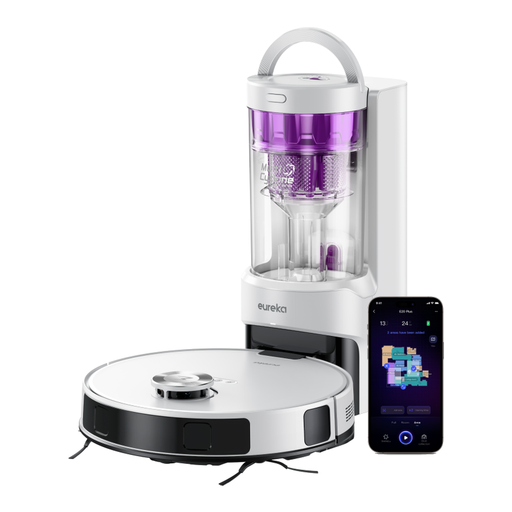
EUREKA E20 Plus
Suited to anyone who wants to schedule cleaning in a new home and empty the dust container less often; the product information lists mapping and app control.
The product name lists 8000Pa, DuoDetect AI 3D obstacle avoidance, an anti-hair brush and app control.
Joybuy
 No image available
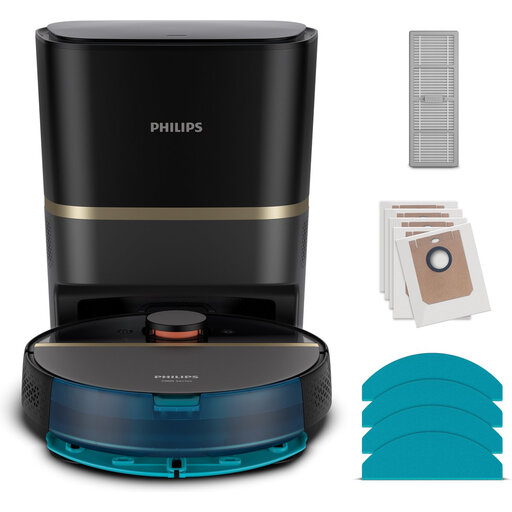
Philips XU7100/01 HomeRun 7000 Series
Could suit you if you want to schedule cleaning by room and empty the dust container less often; the product information lists home maps and automatic return to the dock for charging.
The product name lists 5000Pa, a running time of 180min, an automatic emptying station and LiDAR navigation.
The product information states that an account with data sharing is needed for full app functionality.
Joybuy
 No image available
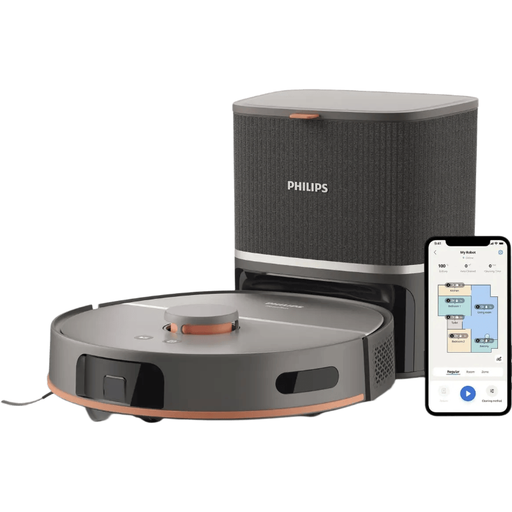
Philips XU5100/10 HomeRun 5000 Series
Suited to anyone who wants to schedule cleaning remotely and spend less time emptying the dust container by hand; the product information lists room-by-room scheduling.
The product name lists 10000Pa, an automatic emptying station, dual rotating mop pads and app control.
Joybuy
 No image available
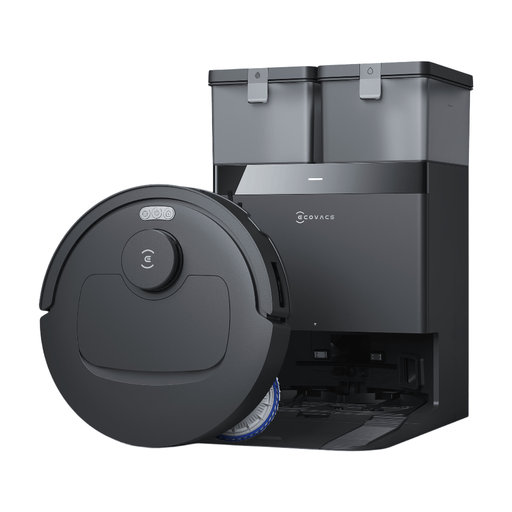
ECOVACS Deebot T30C OMNI Gen2
Could suit you if you want to set up rooms after moving and reduce dust and mop maintenance; the product information lists mapping and app control.
The product name lists 20,000 Pa, an OMNI station, OZMO Turbo 2.0 and mop washing at 75°C.
Joybuy
 No image available
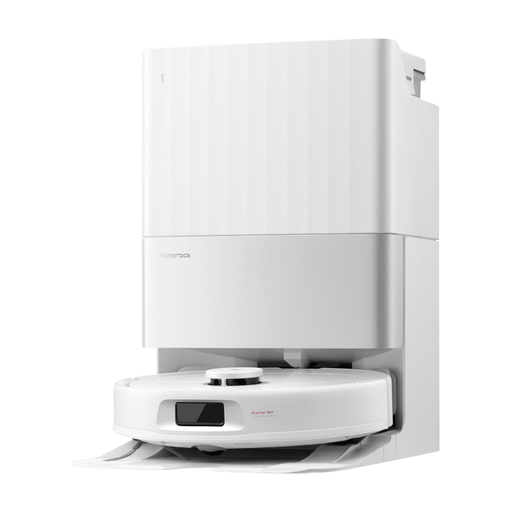
Roborock Qrevo 5AE White, QRSP02-00
Suited to anyone who wants to plan routes in a new home and reduce mop maintenance; the product information lists LiDAR mapping and app control.
The product information lists mop lifting when the robot encounters carpet. Check whether this feature suits the rugs in your home.
Joybuy
Frequently asked questions
What should you do before the first cleaning run in your new home?
Clear the route and the area around the charging dock, then run a test cycle while you’re at home. Look out for cables, loose rugs, small items and stairs. The Dutch Consumers’ Association includes navigation and returning to the dock in its test information. Don’t vacuum up glass or nails if your model’s manual advises against it.
Can a self-emptying robot clean while you work without any maintenance?
No. An emptying station takes care of emptying the robot’s dust container, but the station’s bag, brushes and filters still need maintenance. A mopping station also means looking after the water tanks and mop parts, so check the instructions for the exact model.
How can you charge a robot vacuum cleaner safely if you’re often away?
Follow the instructions for the matching docking station. The Netherlands Fire Service recommends using the original charger, avoiding damaged cables and charging battery-powered equipment in a room with a working smoke alarm. This advice doesn’t mean that charging unattended is risk-free.
What are the rules on warranties and app privacy in the Netherlands?
According to ACM ConsuWijzer, the seller is responsible for the statutory warranty if a product used normally doesn’t do what you could reasonably expect. A manufacturer’s warranty period isn’t automatically the full statutory warranty period. Before buying a connected device, the Dutch Data Protection Authority advises you to read its privacy notice and security information, then set it up with privacy in mind.


