What should you look for when buying?
A ring light on a tripod is a practical choice for a fixed overview shot. For close-ups of reflective coins, what matters most is whether you can move the light and test your setup.
Ring light on a tripod
Choose this if: you want to light the tabletop setup, or yourself and your collection, in a single shot.
Bear in mind: a central light source won’t automatically show relief and shine the way you want; check the results with your own coins.
Compact ring light for a phone or lens
Choose this if: you’re filming close to the coin and can attach the light to a compatible phone holder or lens mount.
Bear in mind: a light close to the lens gives you less freedom to change the direction of the light independently of the camera.
Movable additional light source
Choose this if: frontal lighting doesn’t show the shine, relief or holder clearly enough in a close-up.
Bear in mind: you’ll need to position and adjust the additional light source. PCGS describes variations in lighting setups for coin photography, not a fixed video setup for every coin.
| Consideration |
What should you check? |
Who should prioritise this? |
| Reflections and coin details |
Can you move or tilt the light? Test it with a matte coin and a shiny one. |
If I want to show the shine of my coins without losing detail to reflections, I focus on the direction of the light. Around 36% of consumers prioritise reflection control. |
| Flicker and banding |
Record a test video with the intended light setting and camera settings. |
If I’m filming a long tour under artificial lighting, I want to check first that my footage has no visible flicker or banding. Around 29% of consumers prioritise flicker-free video; Sony Support explains that flicker or banding can occur under certain recording conditions. |
| Positioning and mounting |
Check the included holder and whether the light will fit your workspace and recording device. |
When space is limited, I want to be able to mount the light securely in the right position next to my phone or camera. Around 21% of consumers prioritise suitable positioning and mounting. |
| Colour rendition |
Check whether you can adjust the light’s colour temperature and test the white balance with the artificial lighting in the room. |
If I want the coins to appear in consistent colours throughout the tour, I pay attention to the combination of light and white balance. Around 14% of consumers prioritise colour rendition; Nikon explains how to set the white balance under mixed lighting. |
Products at Joybuy
This selection includes ring lights for fixed and compact phone setups, as well as small video lights that can be used as movable additional light sources.
 No image available
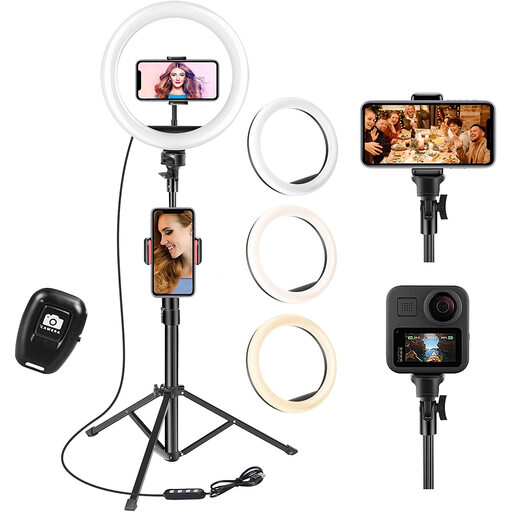
10-inch ring light with tripod
Could suit a fixed phone setup for an overview shot; check that the tripod height works with your table.
The product title lists a 63-inch tripod, phone holder, remote control, three light colours and 10 brightness levels.
Joybuy
 No image available
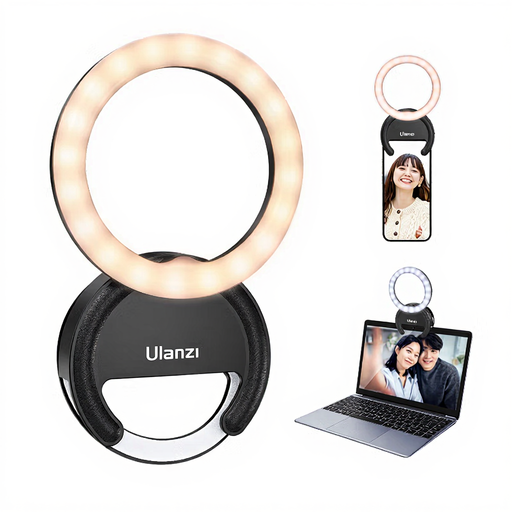
ULANZI 4-inch phone ring light
Could suit a compact phone setup for close-ups; check how the light attaches to your phone.
The title lists three colour temperatures from 3000K–7000K and five brightness levels. The description mentions a clamp mount for a smartphone.
Joybuy
 No image available
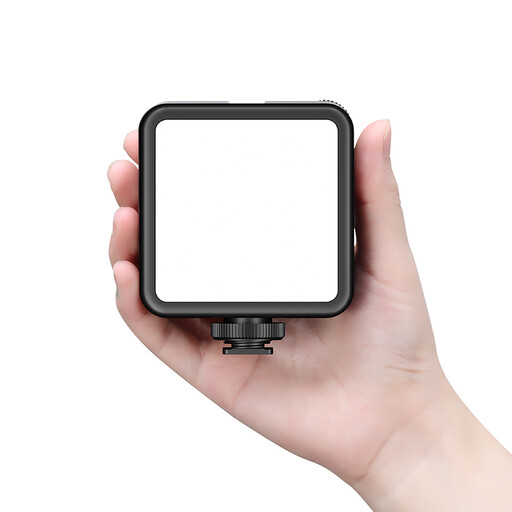
Ulanzi VL81 rechargeable LED video light
Could work as a movable additional light source for close-ups; check that the mount suits the position you want to direct the light towards.
The product information lists a magnetic back, stepless brightness adjustment, adjustable colour temperature and a cold shoe mount.
Keep the connections dry and avoid looking directly at the LED for prolonged periods.
Joybuy
 No image available
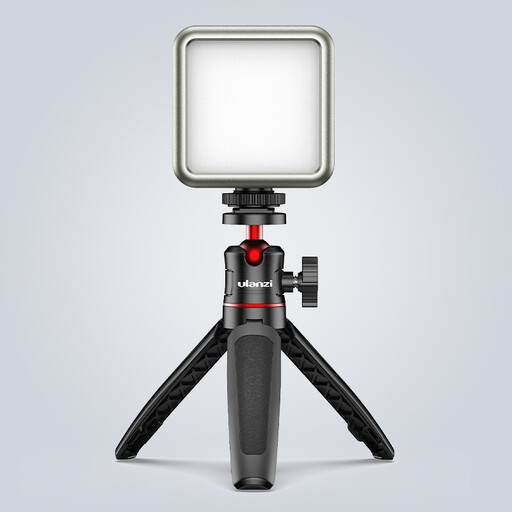
ULANZI VL49 RGB video light
Could work as a compact, movable light source for product photography; use a test shot to see whether the light position works for your coin.
The title lists a dimmable light, a colour temperature range of 2500K–9500K, a magnetic back and a 2000 mAh battery.
Use a standard adapter with a 5V output, keep the light away from wet or damp conditions, and avoid looking directly at the LED panel from close range.
Joybuy
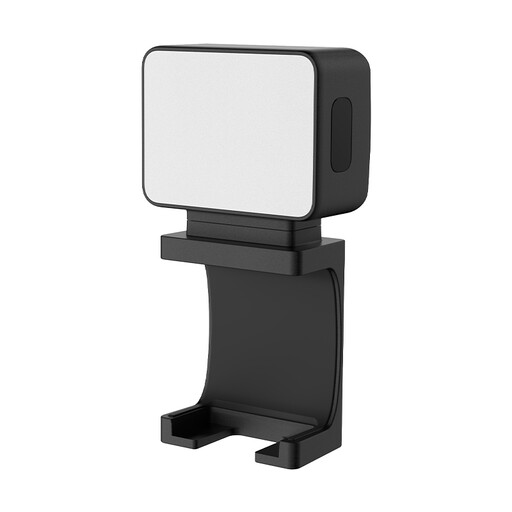 No image available
Ulanzi LM001 portable mini fill light
Could work as a small additional light source for product photography; check that the mount suits the position you want to place the light in.
The product information lists a magnetic mount, a 1/4-inch thread and a 500 mAh battery.
Joybuy
Frequently asked questions
Is one ring light enough for every coin?
Not necessarily. PCGS explains how the positioning of light sources can be adjusted for each coin. If you use a ring light as your main light, record a test shot of shiny coins to see whether a movable additional light source shows the details more clearly. This isn’t a fixed video setup for every coin.
How can I check for banding or flicker while filming?
Before recording for a longer period, make a test video using the same lights, dimmer setting and camera settings. Sony Support explains that flicker or banding can occur under certain recording conditions, so check your own setup.
What can I do if coins look different in colour under several lights?
Compare a shot taken with automatic white balance with one where you’ve set the white balance for your lighting setup. Nikon explains that measuring the white balance with a white card under mixed lighting can produce a different result from automatic white balance.
Which components should I check before buying?
Check which holder, tripod, adapter and cable are included with the version you’ve chosen, and whether the mount is compatible with your phone or camera. The included components vary by model.


