
Vandaag of morgen in huis

Kwaliteit gegarandeerd

Welkomstaanbiedingen ontgrendelen: GRATIS bezorging | Tot 80% korting | Gratis 30 dagen JoyPlus-proefperiode
Download de app
A set of new RGB case fans can completely transform the aesthetics and performance of your PC. But the market is flooded with marketing jargon and technical specs that create more confusion than clarity. It's easy to spend money on fans that are noisy, don't produce the desired lighting effects, or simply fail to dissipate heat effectively.
As a Joybuy Product Recommendation Officer, I see what buyers struggle with every day. Before you make a choice, it's crucial to understand the most common pitfalls that lead to a bad purchase.
To avoid these pitfalls, it's crucial to understand a few key technical specifications. These determine the actual performance and suitability for your specific PC build.
The two most common sizes are 120mm and 140mm. The choice depends on what your case supports and what your goal is.
These are the two most important performance metrics for PC cooling.
Modern fans offer advanced control over speed and lighting.
Based on these objective criteria, we have selected a few fans that suit different user profiles and help avoid common pitfalls.

Why This Fits Their Persona: This user is looking for a complete and balanced upgrade. A fan 3-pack offers an excellent price-to-performance ratio to optimize the entire case airflow. The iCUE LINK system is ideal for those who want a clean build without a mess of cables.
This kit offers high static pressure (3.8 mmH2O), making it effective both as a case fan and on a radiator. So you don't have to choose between airflow or pressure.
The iCUE LINK system drastically simplifies installation. The PWM fan control ensures a good balance between cooling and noise.
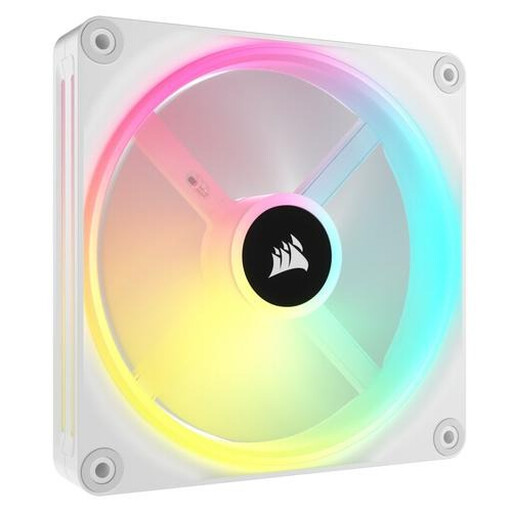
Why This Fits Their Persona: For those building a visual masterpiece, every detail matters. This white case fan offers a sleek design and advanced lighting. The 140mm case fan ensures quiet performance, while the iCUE LINK ecosystem enables a flawlessly finished look with no visible cables.
This fan completely bypasses the RGB vs. ARGB pitfall. With 34 individually addressable LEDs per fan, it offers the smoothest and most complex lighting effects possible.
Premium build quality and a very low noise level of 10 dB at low RPMs. The combination of aesthetics and quiet performance is the key advantage here.
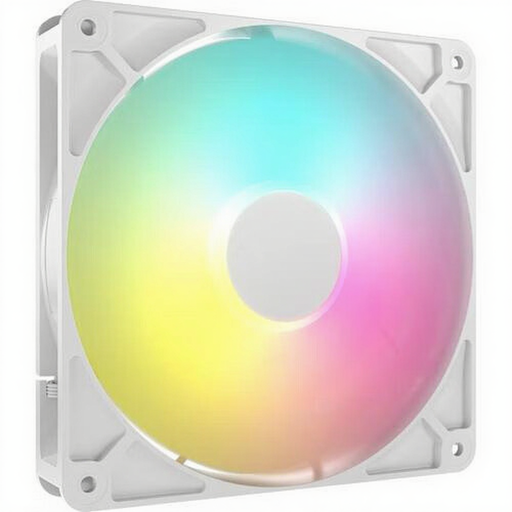
Why This Fits Their Persona: This user wants a powerful PC that they can't hear. The focus is on the lowest possible noise level without sacrificing cooling performance. This 140mm fan is designed to be efficient at low RPMs, resulting in whisper-quiet operation.
Instead of focusing on a high maximum RPM, this fan is optimized for lower speeds. This avoids the pitfall of a noisy fan that only performs well on paper.
According to the manufacturer, it produces only 10 dB of noise at low speeds. The ARGB lighting is a nice bonus, but the silent operation is the real star of the show.
We've curated a complete, up-to-date list of products that meet these strict selection criteria.
A standard RGB case fan uses a 4-pin 12V connector and can change all LEDs to a single color at once. An ARGB fan (Addressable RGB) uses a 3-pin 5V connector. This allows you to give each LED on the fan a different color and effect, resulting in complex animations like a rainbow wave. Always check which type of header your motherboard supports.
It depends on the placement.
A good baseline for most systems is two to three fans. A typical setup is one or two fans at the front for cool air intake and one fan at the rear for warm air exhaust. For high-end gaming PCs with powerful components, additional fans at the top (exhaust) can help lower temperatures even further.
