
Listener with an existing hi-fi system
Wants to connect a record player to an amplifier or active speakers. It’s important to understand the difference between a phono and line input, and whether a pre-amplifier is needed.


Start with the records you want to play and the inputs on your amplifier or speakers. Then choose between automatic operation, Bluetooth output and more adjustment options. A built-in phono pre-amplifier can make it easier to connect to a suitable line input, but check which output is right for your model and setup. If you have old 78 rpm records, you’ll also need to check that the stylus is suitable.
Wants to connect a record player to an amplifier or active speakers. It’s important to understand the difference between a phono and line input, and whether a pre-amplifier is needed.
Wants to start and stop a record with as few steps as possible. Automatic operation may be important, but check exactly what this feature does on the model you’re considering.
Wants to check in advance whether their collection includes 78 rpm records or whether recordings need to be digitised. As well as playback speed, check that the stylus is suitable.
First, check that the player can connect to your existing audio equipment. Then decide which controls, wireless connections and record formats you need for your collection.
| What to consider | What to look for | Who will find this important? |
|---|---|---|
| Connecting to your audio system | Check whether your amplifier has a phono or line input, and whether the player has a phono pre-amplifier or switch. | If I want to use my existing amplifier or active speakers, I need to know which input and pre-amplification are required. Around 20% of consumers prioritise connecting to their existing setup. |
| Ease of use | Check whether the player is fully or semi-automatic, and which steps you’ll need to take yourself. | If I want to start and stop a record easily, I look at exactly how the controls work rather than relying on the word ‘automatic’. Around 20% of consumers give this top priority. |
| Adjustability | Check which tonearm parts can be adjusted, whether the cable can be replaced and which phono connection is required. | If I want to build or adjust my own hi-fi setup, I look for suitable adjustment options. Around 20% of consumers prioritise adjustability. |
| Wireless listening | Check whether the player transmits Bluetooth audio and whether the receiver is compatible; Bluetooth doesn’t mean the player has built-in speakers. | If I want to connect the player wirelessly to my audio equipment, I check that the receiver is suitable. Around 20% of consumers start by looking for wireless output. |
| Record formats and recording | List the speeds you need, and separately check the stylus for 78 rpm records and whether USB recording is available. | If I want to play old 78 rpm records or digitise recordings, I check the speed, stylus and recording function. Around 20% of consumers prioritise their record formats or digitisation. |
The player’s output needs to match the input on your amplifier or speakers. If they don’t match, your system may not work as intended.
Make a note of the inputs on your equipment, then check the output and any phono/line switch on the exact model you’re considering.
Depending on your existing setup, you may need a separate phono pre-amplifier or other compatible audio equipment.
Having the right speed doesn’t automatically mean the stylus is suitable. Audio-Technica warns that playing old 78 rpm records with an LP stylus can damage the record and the cartridge.
Check the record material and make sure the stylus or cartridge is suitable before playing it.
Some collections may require a suitable 78 rpm stylus or cartridge.
ACM ConsuWijzer explains that the statutory guarantee in the Netherlands does not have a fixed two-year term. The retailer is responsible for the statutory guarantee.
Keep your proof of purchase and contact the retailer if a fault develops too soon under normal use.
According to Audio-Technica, the AT-LP60X is a fully automatic player for 33⅓ and 45 rpm records, with a switchable phono pre-amplifier.
According to Sony Netherlands, the PS-LX3BT combines automatic operation with Bluetooth output and a phono/line selector.
According to Pro-Ject, the Debut EVO 2 is designed for a wired hi-fi setup with adjustable components.
According to Denon, the DP-450USB is a semi-automatic player with USB recording.
According to Rega, the Planar 1 Plus is a wired player with an integrated MM phono pre-amplifier.
This selection includes record players for listening to vinyl in your hobby room, with features such as automatic operation, Bluetooth and built-in speakers. Check each model to make sure its connections and features suit your setup and collection.
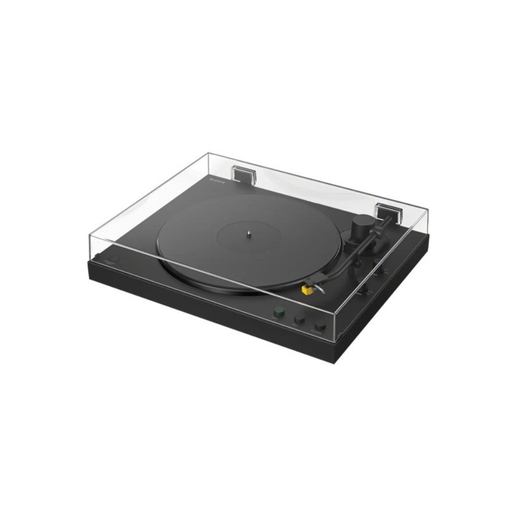 No image available
An option if you want to play records automatically and are looking for Bluetooth output.
The product description lists 33⅓ and 45 rpm, automatic operation and a phono/line switch.
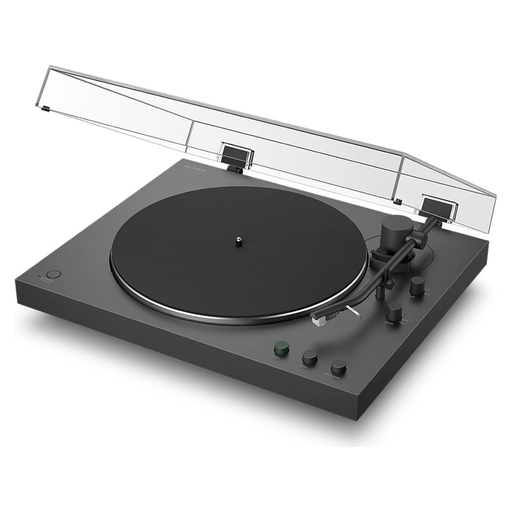 No image available
Suited to a listening setup where automatic operation and wireless output are important.
The product description lists 33⅓ and 45 rpm, automatic operation and Bluetooth. There’s also a phono/line switch for a wired connection.
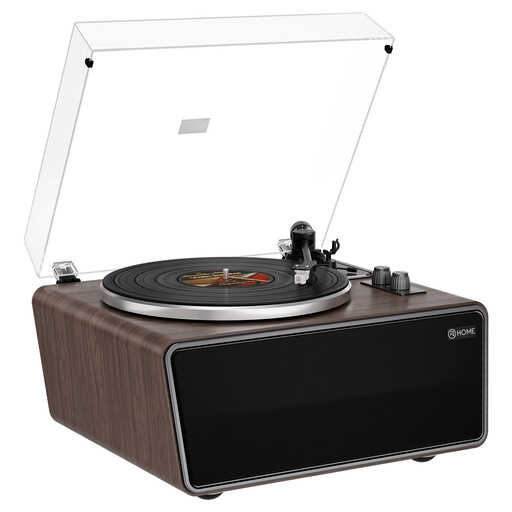 No image available
An option if you want to play vinyl through built-in speakers rather than using a setup with separate speakers.
The product information lists 33⅓ and 45 rpm, USB recording, Bluetooth, four built-in speakers and an AT-3600L (MM) cartridge.
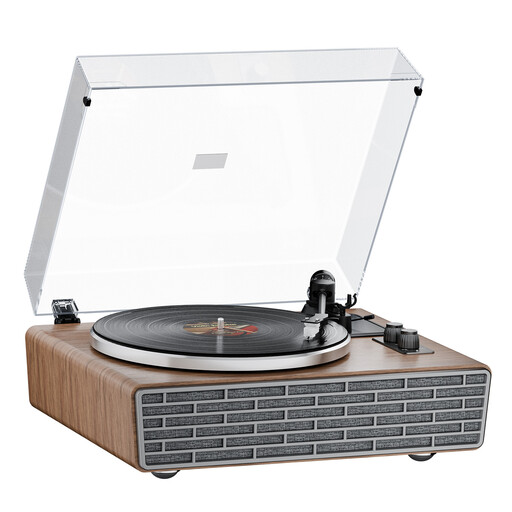 No image available
An option if you want built-in speakers alongside Bluetooth and the ability to connect external audio equipment.
The product information lists 33⅓ and 45 rpm, four built-in speakers, Bluetooth, phono/line RCA outputs, a belt drive, an AT cartridge and a transparent dust cover.
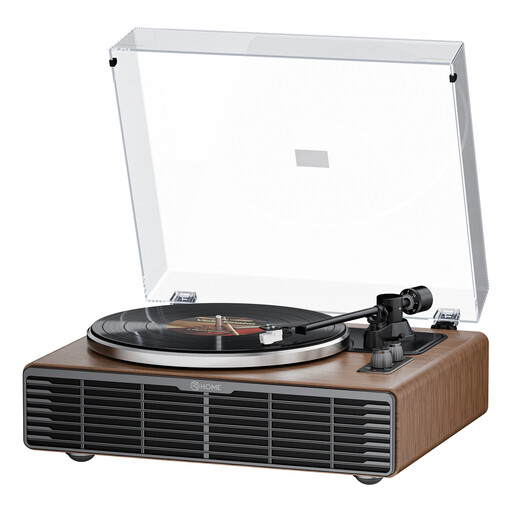 No image available
An option if you want to use built-in speakers or connect the player to external audio equipment.
The product information lists 33⅓ and 45 rpm, four speakers, Bluetooth, phono/line RCA outputs, a belt drive and an AT3600L cartridge.
Match the output of the specific record player to the input on your equipment. Audio-Technica describes using the built-in phono pre-amplifier on the AT-LP60X with a suitable line input; check the manuals for both devices too.
No, Bluetooth output doesn’t replace speakers. Check whether the player can connect to the Bluetooth receiver you want to use, or choose a model with built-in speakers if you need them.
No. As well as the speed, check the record material and whether the stylus or cartridge is suitable. Audio-Technica warns that playing old 78 rpm records with an LP stylus can damage the record and the cartridge.
For the AT-LP60X, Audio-Technica says the drive belt must sit correctly around the motor pulley. Clean a dirty stylus carefully, following the instructions for the stylus or cleaner you’re using; built-up dirt can affect playback and may damage the stylus assembly.
Not automatically: ACM ConsuWijzer explains that the statutory guarantee in the Netherlands does not have a fixed two-year term. The retailer is responsible for the statutory guarantee; contact them if a fault develops too soon under normal use.