
Night-time gamer who doesn’t want to wake anyone
You play beside someone who’s asleep, so the sound of the main buttons and scroll wheel is your first consideration. A silent rating doesn’t guarantee that the whole mouse will be quiet.


For stealth games played beside someone who’s asleep, a mouse with a specifically listed silent switch option is a sensible place to start. You’ll also want to consider the connection and button layout that suit your game. Keychron offers the M6 with different switch options, while Razer lists silent switches and a 1000 Hz polling rate for the compact Pro Click Mini. A quiet office mouse may be a good fit if softer clicks and everyday use matter more to you than gaming-focused features. However, manufacturers’ specifications can’t tell you how quiet a mouse will sound in your bedroom.
You play beside someone who’s asleep, so the sound of the main buttons and scroll wheel is your first consideration. A silent rating doesn’t guarantee that the whole mouse will be quiet.
You want to keep noise down, but you also need a connection, sensor and button layout that suit your game.
You’re looking for a shape that suits your hand and buttons you can easily reach while playing. Compact and ergonomic don’t mean the same thing for everyone.
Choose this option: if you want quieter clicks alongside gaming-focused connection options and configurable buttons. For the M6, Keychron specifically recommends the ‘All Silent Micro Switch’ version.
Consider: the M6 is available with different switches, sensors and polling rates. The silent option doesn’t mean every part of the mouse is quiet.
Choose this option: if a compact model with programmable buttons suits your hand and the way you play. Razer lists silent switches and a 1000 Hz polling rate for the Pro Click Mini.
Consider: Razer positions this as a productivity mouse, and wireless use requires AA batteries.
Choose this option: if softer clicks and everyday use matter more to you than an explicitly gaming-focused design.
Consider: Logitech compares its click noise with the MX Anywhere 3. That claim doesn’t tell you how this model compares with the other mice, or how quiet it will sound in your room.
| What to consider | What to look for | Who is this important for? |
|---|---|---|
| Clicking and scrolling noise | Check the exact switch option and consider the main buttons, thumb buttons and scroll wheel. | If I’m playing beside someone who’s asleep, I want to know whether the scrolling is audible as well as the main buttons. Around 36% of consumers in this situation put reducing noise first. |
| Game controls and connection | Check the connection, polling rate and reach of the buttons you want to use for each version. | When I play stealth games, the controls and connection need to suit the actions I want to perform. Around 29% of consumers prioritise game controls. |
| Fit and button reach | Compare the shape with your current mouse and check whether you can reach the thumb buttons without changing your grip. | For longer sessions, I want a comfortable grip and buttons that are easy to reach. Around 21% of consumers put fit first. |
| Power and accessories | Check whether a receiver is included and which batteries or charging cable the version you choose uses. | I want to know in advance what my mouse needs and whether a receiver is included with the version I’m buying. Around 14% of consumers prioritise ease of use and what’s included. |
Keychron offers the M6 with different switch, sensor and wheel options. Another version may therefore have different features from the ones you expect.
Compare the full version description with ‘All Silent Micro Switch’ and check which sensor version you’re choosing, too.
Choosing the wrong version could mean having to choose again or return the mouse.
DPI and click noise describe different things. Logitech positions the MX Anywhere 3S as an office mouse; its stated DPI figure isn’t a measure of input lag.
Assess noise, connection, fit and button layout separately.
The Dutch government explains that a manufacturer’s warranty applies alongside your statutory rights. There is no fixed statutory warranty period in the Netherlands.
Compare any additional warranty with the rights you have when dealing with the seller.
Worth considering if you’re looking for a gaming-focused mouse with a specifically listed silent switch option.
The Pro Click Mini is a compact productivity mouse with listed features that may also suit some games.
The MX Anywhere 3S may suit you if quieter clicks and everyday use matter more than an explicitly gaming-focused design.
These Joybuy products match the choice between quiet clicks, a compact mouse and gaming-focused controls.
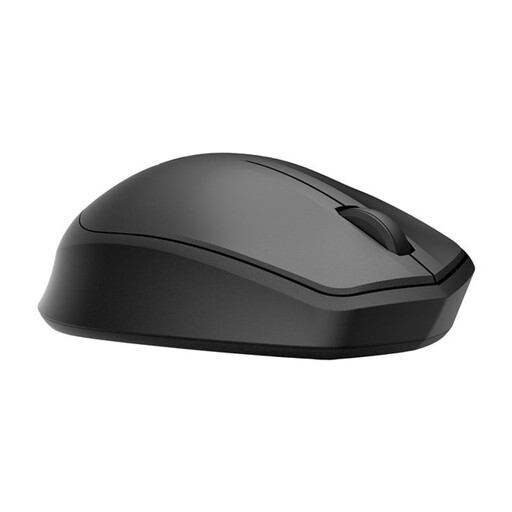 No image available
The silent label makes this model worth considering if you want quieter clicks; also check whether its controls suit your game.
The product name identifies it as a wireless mouse.
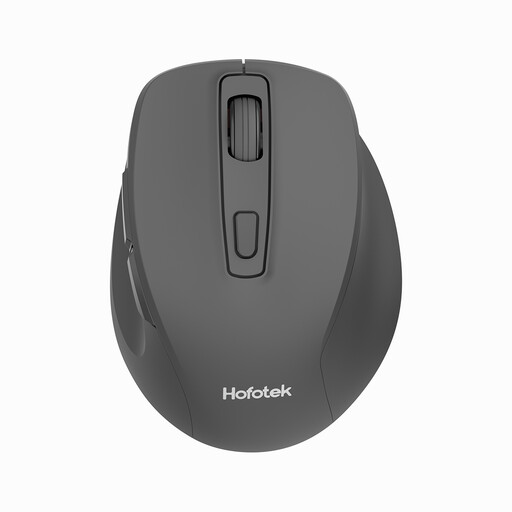 No image available
This model may be worth a look if quiet clicks matter; compare its controls with what you need for your game.
The product name lists the M308 and 2.4G.
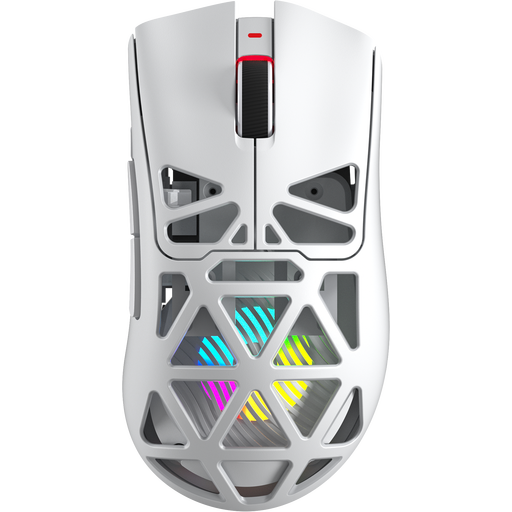 No image available
Its gaming label and programmable buttons make this model worth considering if in-game controls matter to you; the name doesn’t mention silent switches.
The product name lists PAW3311, 12000 DPI, 8KHz, Bluetooth 5.0, 2.4G and USB-C.
 No image available
Its compact design and silent label suit the need for quieter clicks in a smaller mouse; check that the shape fits your hand.
The product name lists the MS355 model.
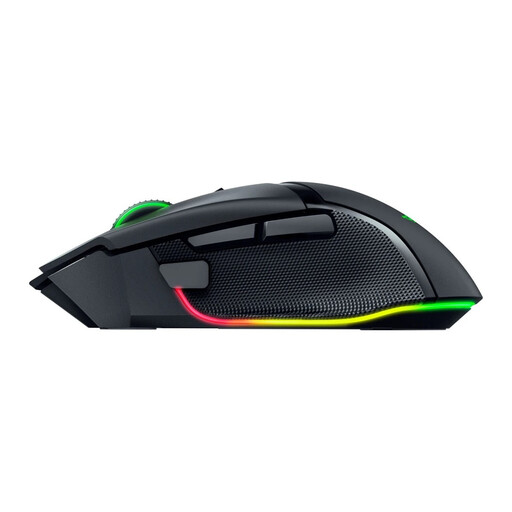 No image available
This gaming model may suit you if in-game controls come first; the product name doesn’t mention silent switches.
The product name describes a black wireless gaming mouse.
No. Keychron and Razer describe silent switches for specific models or versions, while Logitech claims the MX Anywhere 3S makes less click noise than the MX Anywhere 3. These claims don’t measure how all the buttons and the scroll wheel will sound in your bedroom.
According to Razer, you can connect the Pro Click Mini using the 2.4GHz dongle or Bluetooth. Before buying, check that your computer supports the connection you want to use and the software for configuring the buttons.
According to the Dutch government, online purchases from a business usually come with a 14-day cooling-off period, subject to legal exceptions. The Netherlands has no fixed statutory warranty period: you’re entitled to a product that meets reasonable expectations, and the seller is your point of contact if something goes wrong.
Only if you want to use Logi Bolt and don’t already have a compatible receiver. According to Logitech Netherlands, a receiver isn’t included with the standard MX Anywhere 3S; Bluetooth is another listed connection option.