
Writer working beside a colleague
You edit within earshot of someone else and want quiet buttons, while still being able to navigate smoothly through long scripts. Logitech and CHERRY describe models with quiet buttons.


Start with a mouse whose buttons are explicitly described as quiet, and whose size and connection suit your hand and computer. A vertical mouse may be a good fit if hand position is important to you; a trackball can help if you have limited room to move, but it requires thumb control. None of these mouse shapes replaces a well-set-up workstation or taking breaks from prolonged screen work.
You edit within earshot of someone else and want quiet buttons, while still being able to navigate smoothly through long scripts. Logitech and CHERRY describe models with quiet buttons.
You spend a long time working on a script and want a shape that suits your hand. Logitech describes a vertical mouse, among other options; Arboportaal also highlights the importance of a well-set-up workstation and taking breaks from screen work.
You share your workspace with paper and other items, and don’t want to keep moving your mouse around. Logitech describes the ERGO M575S as a thumb-operated trackball.
Choose this style if: you want to keep scrolling and moving as usual, and mainly want to reduce clicking noise.
Bear in mind: a standard mouse needs room to move; wired and wireless models have different requirements for cables, ports and battery management.
Choose this style if: hand position matters more to you and the mouse’s size and controls feel right.
Bear in mind: it works differently from a standard mouse and may take some getting used to; an ergonomic shape doesn’t guarantee that discomfort will go away.
Choose this style if: you have little room to move the mouse itself.
Bear in mind: you move the pointer with your thumb, which may feel different from using a standard mouse.
| What to consider | What to look for | Who it matters to |
|---|---|---|
| Clicking noise | Check that the main buttons are explicitly described as quiet for the exact model; if possible, try the scroll wheel too. | When I work beside someone, I want to disturb my colleague as little as possible while editing. Around 36% of consumers say quiet operation is their top priority. |
| Hand comfort | Check the mouse size, whether it’s designed for left- or right-handed use, and whether a vertical shape feels comfortable to use. | During long writing sessions, I want a mouse shape that suits my hand, without assuming that a particular model will prevent discomfort. Around 29% of consumers put hand comfort first. |
| Room to move | Check how much free space you have next to your keyboard, and consider whether thumb control would work well for you. | When my desk is covered with script pages and notes, I don’t want to keep shifting my mouse. Around 21% of consumers prioritise the amount of workspace available. |
| Connection | Check Bluetooth support, available USB ports and whether the required receiver is included with that version. | I want to make sure the mouse will work with the computer I use, even if that means choosing a cable or receiver. Around 14% of consumers start by checking the connection. |
A manufacturer can describe a mouse’s shape and intended hand position, but that doesn’t prove it will prevent discomfort. Your workstation set-up and taking breaks from screen work also play a part.
Check for yourself that the size and controls suit you. Set up your workstation properly, vary your tasks and seek suitable workplace advice if you experience discomfort.
A claim about quiet operation may apply to certain buttons or be based on a comparison with a specific older model; it doesn’t mean every sound is eliminated.
Check the exact model and what the claim refers to. If possible, try both the buttons and the scroll wheel.
A wired CHERRY GENTIX Silent requires USB-A. Wireless models may use Bluetooth, a receiver or both; these options aren’t interchangeable.
Compare your computer’s connections with those of the exact mouse version, and check what’s included.
If your computer doesn’t have the required connection, you may need a separate adapter.
The models mentioned cover quiet conventional use, a vertical shape and a trackball.
The GENTIX Silent is a wired option with quiet buttons; the MW 9100 is a rechargeable mouse with two connection types.
The Nito is a wireless option with quiet buttons; the Verto has a separate vertical design.
According to Rapoo, the M500 Silent combines quiet clicks with Bluetooth and a 2.4GHz receiver.
These Joybuy products are aimed at quiet use at a shared desk, with conventional and vertical mouse shapes.
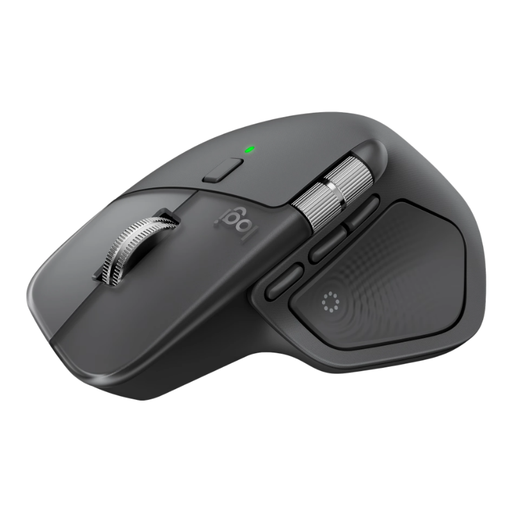 No image available
An option if you’re looking for quiet buttons and features to help you navigate long scripts.
The product description lists Bluetooth, a USB-C receiver and pairing with up to three devices. It also mentions quiet buttons, MagSpeed scrolling and horizontal scrolling. According to the description, the mouse is shaped for right-handed use.
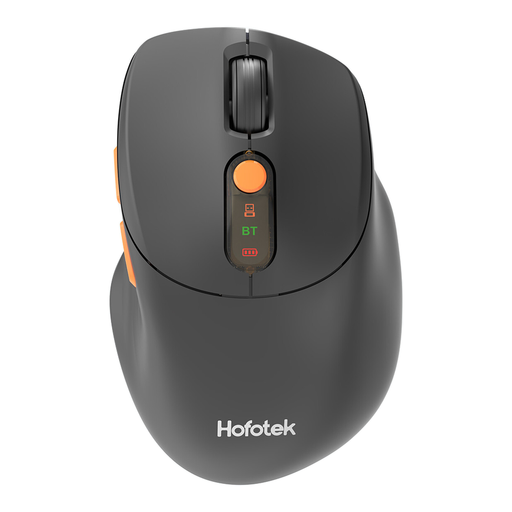 No image available
An option if quiet clicks and a choice between Bluetooth and a 2.4GHz connection are important to you.
The description mentions switching between up to three devices and adjustable DPI. It lists a USB receiver and one AA battery.
 No image available
An option if you’re looking for a compact mouse with quiet operation and several connection options.
The product description mentions quiet clicks and scrolling, RF via a receiver and Bluetooth. It also lists a symmetrical shape for left- and right-handed use and adjustable DPI up to 4020.
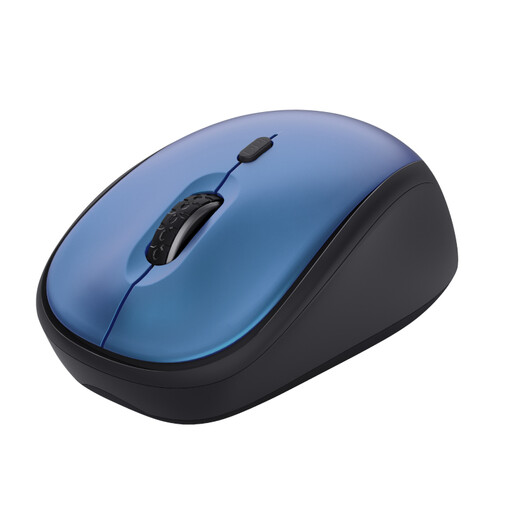 No image available
A compact option if you want quiet buttons and a receiver connection that works with your computer.
The product description mentions quiet buttons, a scroll wheel and a USB micro receiver. Bluetooth isn’t listed for this version.
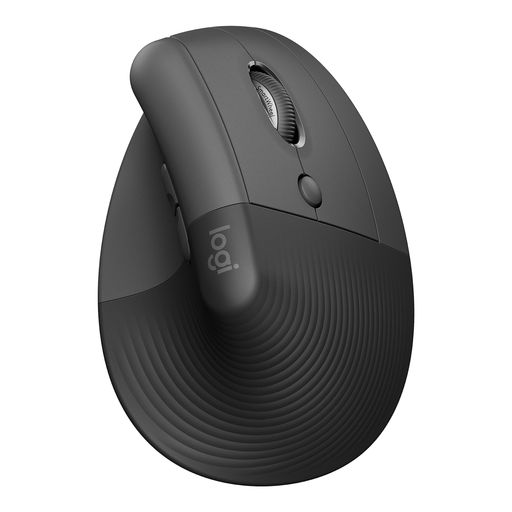 No image available
A vertical option if this hand position suits you and you want quiet operation.
The product description lists a 57° angle, quiet clicks and a SmartWheel. According to the description, this version is designed for small to medium-sized right hands; it can connect via Bluetooth or a USB receiver.
Choose Bluetooth only if your computer supports it. According to Logitech, the Signature M650 can connect via Bluetooth Low Energy or a Logi Bolt receiver; the wired CHERRY GENTIX Silent requires USB-A. Check the connection and version before choosing.
Set up your workstation to suit your body and vary your screen-based tasks. Arboportaal recommends, among other things, changing your working posture and taking short microbreaks. Speak to an appropriate professional if you start experiencing discomfort.
For eligible distance purchases, you generally have a 14-day cooling-off period. The Dutch government lists exceptions, including online purchases from a private individual. Check who the seller is and what returns conditions apply.
According to the Dutch Authority for Digital Infrastructure, manufacturers, importers and sellers of radio equipment must comply with the applicable European requirements. If the radio equipment meets those requirements, the manufacturer applies the CE marking.
Dutch government information doesn’t specify a particular mouse model as a legal requirement. However, Arboportaal outlines employers’ obligations regarding safe screen work, taking breaks and workstation set-up where applicable.