What should you look for in a mouse for checkout testing?
When you’re repeatedly clicking and scrolling in a quiet space, the key factors are the sound of the controls, cursor control, connectivity and fit.
| What to consider |
What should you check? |
Who is this important for? |
| Click noise in a quiet space |
Check which buttons are described as quiet, and assess the scroll wheel separately. HP specifies that its claim applies to the left and right buttons. |
If I’m repeatedly clicking form buttons in a quiet study space, I don’t want the noise to disturb the peace. Around 33% of consumers put quietness at the top of their list when choosing a mouse. |
| Controlled clicking and scrolling |
Consider the scrolling modes and test whether the cursor speed suits your screen settings. Logitech describes the Signature M650 as offering precise and fast scrolling. |
When checking fields and long pages, I want to point accurately and control how quickly I scroll. Around 27% of consumers prioritise this level of control. |
| Connectivity with test devices |
Check the available USB ports, supported Bluetooth connections and how many devices you can switch between. |
If I’m switching between devices during a test, I want to know whether the connection works with each one. Connectivity or switching is a top priority for around 20% of consumers. |
| Hand comfort during longer sessions |
Check the size of your hand, whether you need a left- or right-handed model, and how much desk space you have. Logitech offers different M650 versions, while Trust describes the Ozaa+ as a large model. |
During a longer testing session, I want a shape that fits my hand, not just a mouse described as quiet. Hand comfort is the top priority for around 20% of consumers. |
Joybuy mice for checkout testing
These mice are suited to checkout testing in a quiet space, with options for a single computer, multiple devices and controlled scrolling.
 No image available
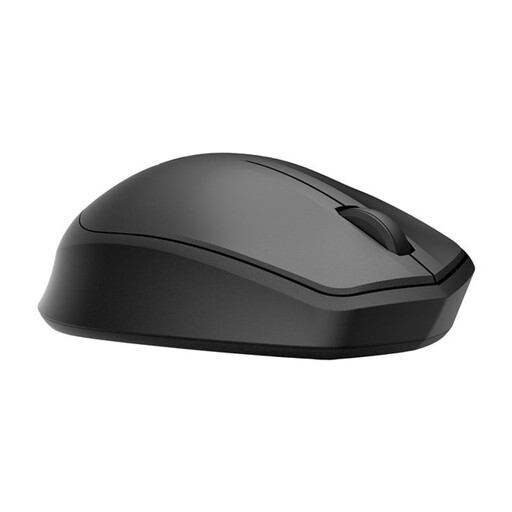
HP 285 Silent Wireless Mouse
Suitable for a single computer if a wireless connection via a USB receiver works with your test setup.
According to the product description, the noise reduction claim applies to the left and right buttons. The 2.4 GHz receiver needs an available USB port; the claim says nothing about the sound of the scroll wheel.
Joybuy
 No image available
Dell Pro Compact Silent Mouse MS355
Could suit testing across multiple devices if you want the option of using both RF and Bluetooth.
According to the product description, this model offers RF and Bluetooth connectivity, with quiet operation when clicking, scrolling and moving. The description also mentions a compact, ambidextrous shape and adjustable dpi up to 4020.
Joybuy
 No image available
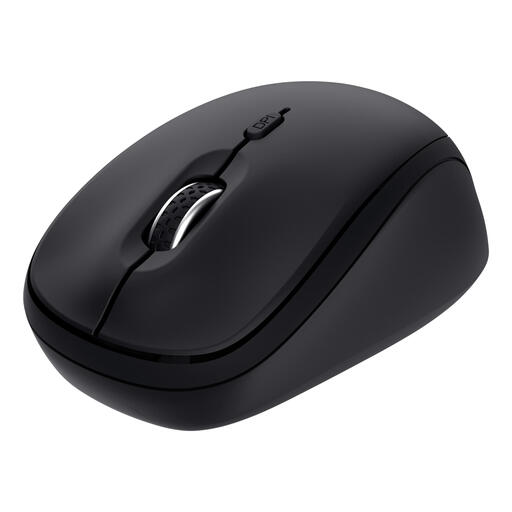
Trust Yvi+ Multi-Device Silent Mouse
Suitable for a multi-device test setup if you want to switch between a receiver connection and Bluetooth.
The product description lists two dpi settings and connectivity with up to three devices via a USB receiver and two Bluetooth channels. The quiet-button claim doesn’t mean the scroll wheel is quiet.
Joybuy
 No image available
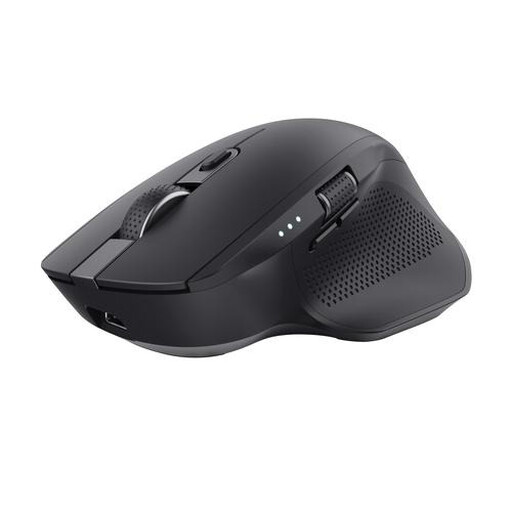
Trust Ozaa+ wireless mouse
Could suit tests where you switch between multiple computers or tablets.
The product description lists a sensor adjustable between 800 and 1600 dpi, with connectivity via a USB receiver or Bluetooth. The receiver needs an available USB-A port; the quiet-button claim doesn’t confirm that the scroll wheel is quiet.
Joybuy
 No image available
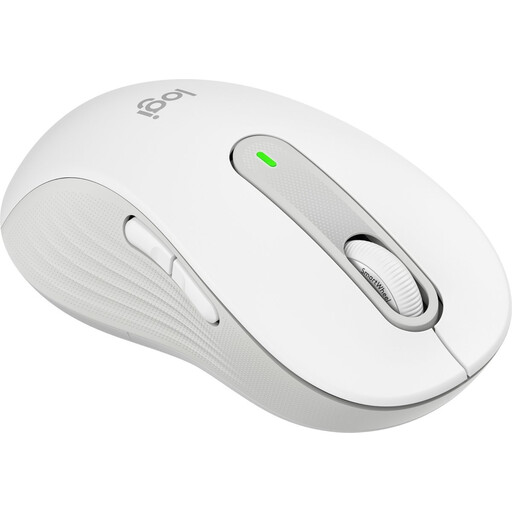
Logitech Signature M650 L Left, White, 910-006240
Could suit long checkout flows if you’re looking for a large, left-handed model and want to switch between precise and fast scrolling.
Logitech says this version features SilentTouch and scrolling with line-by-line precision or at high speed. The product description lists Bluetooth Low Energy or Logi Bolt; this model is designed for left-handed people with larger hands.
Joybuy
Frequently asked questions
How do you connect a mouse before testing a checkout page?
First check which connections your computer has. The CHERRY GENTIX SILENT uses USB-A; according to HP, the HP 280 Silent uses a 2.4 GHz receiver that needs a spare USB-A port. Logitech says the M650 offers Bluetooth Low Energy or Logi Bolt. If you’re using a wireless model, check the battery or charge level too.
Does a quiet mouse make every part silent?
No. Don’t assume so just from the product name. HP limits its noise claim to the left and right buttons; c’t’s older comparison also assessed the individual sounds of the buttons and scroll wheel. So check the parts you use most during testing.
Can a different mouse confirm that payments work properly on a checkout page?
No. A mouse helps you use the interface, but it doesn’t test the payment outcome. If the page uses Stripe, Stripe describes sandboxes and test data for simulating transactions without moving real money; this doesn’t automatically apply to a page using another payment service.
What rules apply if this is paid screen-based work?
The Dutch Arboportaal states that screen-based work must be alternated at set intervals with other work or a break. This applies to employers and employees in the relevant working situation; it isn’t a general legal requirement that every mouse must meet.
Do you have a cooling-off period when buying online, and what if the mouse is faulty?
According to the Dutch government, a standard online consumer purchase from a business often comes with a 14-day cooling-off period, subject to exceptions that depend, among other things, on the seller and type of purchase. The Dutch government also outlines rights when a product is faulty, including repair or replacement under applicable conditions. Check who the seller is and whether you’re buying as a consumer or a business.


