
Vandaag of morgen in huis

Kwaliteit gegarandeerd

Welkomstaanbiedingen ontgrendelen: GRATIS bezorging | Tot 80% korting | Gratis 30 dagen JoyPlus-proefperiode
Download de app
A QHD gaming monitor combines a sharper picture than Full HD with a refresh rate suited to fast-paced games. But a high Hz rating isn’t automatically the right choice. A screen may look impressive on paper, yet prove less suitable for your graphics card, desk or intended use.
The main pitfalls to watch out for are:
A 1440p gaming monitor typically has a resolution of 2560 × 1440 pixels, also known as WQHD. At 27 inches, it offers a good balance of sharpness, screen space and graphics processing demands. This size works well for competitive games, RPGs, work and streaming.
A 32-inch QHD screen displays the same number of pixels over a larger area. Text and details may therefore look slightly less sharp from the same viewing distance, while games feel more immersive. An ultrawide monitor, such as one with a 3440 × 1440 resolution, gives you extra horizontal space but also puts more demands on your graphics card.
Refresh rate is measured in Hz. A 144Hz gaming monitor is well suited to smooth gameplay, while a 180Hz gaming monitor or 240Hz gaming monitor gives you more headroom for high frame rates in fast-paced shooters and esports.
When checking response time, pay attention to the measurement used:
Make sure you also set your preferred refresh rate correctly in Windows, your game and your graphics card driver. Otherwise, the screen may keep running at 60 Hz.
An IPS gaming monitor typically offers wide viewing angles and consistent colour reproduction. VA panels are often known for higher static contrast, which can be useful for dark scenes and films. An OLED gaming monitor uses self-lit pixels and can display very deep blacks. If you use the screen for long periods with static elements on display, follow the manufacturer’s recommendations for pixel protection and screen care.
An HDR gaming monitor can display compatible content with a wider range of brightness and contrast. Check the exact certification and brightness rating: HDR10, HDR400 and HDR True Black aren’t the same.
Adaptive sync matches the refresh rate to the frame rate. A FreeSync monitor uses AMD FreeSync technology. A G-Sync Compatible monitor is compatible with technology supported by NVIDIA or identified as compatible by the manufacturer. Always check the current support offered by your graphics card and connection.
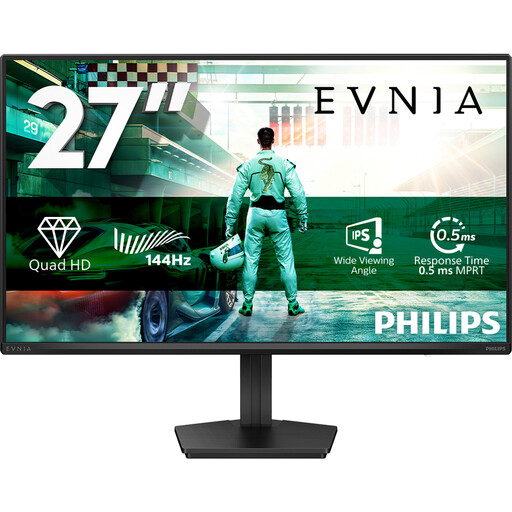
Why it suits this profile: This 27-inch IPS screen combines QHD resolution with a 144 Hz refresh rate, making it a practical choice for gaming, studying, office work and entertainment.
The specifications clearly list the resolution, panel type, connections and refresh rate, so you don’t have to focus on a low response time alone.
IPS panel, 2560 × 1440, 144 Hz, Adaptive Sync, HDR10, DisplayPort 1.4 and VESA 100 × 100 mm.
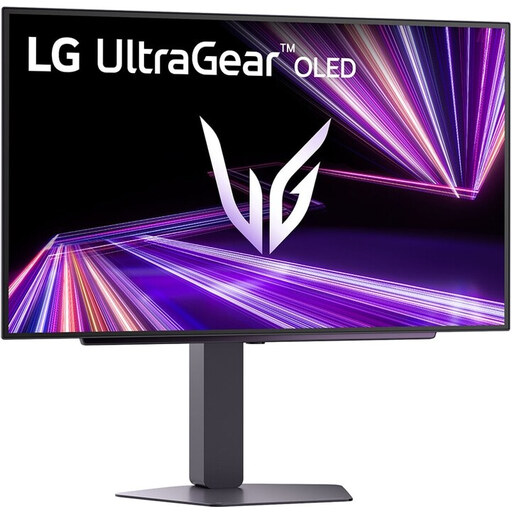
Why it suits this profile: Ideal if you want to combine QHD sharpness, OLED contrast and a high refresh rate in a 27-inch screen.
Alongside the 0.03 ms response time, the product details list the OLED panel, HDR True Black 400 and maximum 240 Hz refresh rate, so you can assess the key picture features together.
OLED panel, 2560 × 1440, 240 Hz, 0.03 ms, HDMI 2.1, DisplayPort 1.4 and FreeSync Premium Pro.
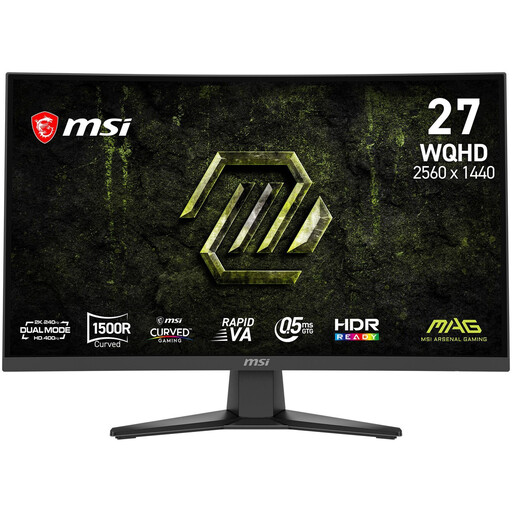
Why it suits this profile: With a 240 Hz refresh rate, 1500R curvature and Rapid VA panel, this monitor is designed for fast-paced games and immersive entertainment.
The stated 240 Hz refresh rate is complemented by DisplayPort 1.4a, two HDMI 2.0b ports and AMD FreeSync Premium, so you can check the connection requirements in advance.
27 inches, 2560 × 1440, 240 Hz, Rapid VA, 1500R, 0.5 ms GtG, Adaptive Sync and VESA mounting.
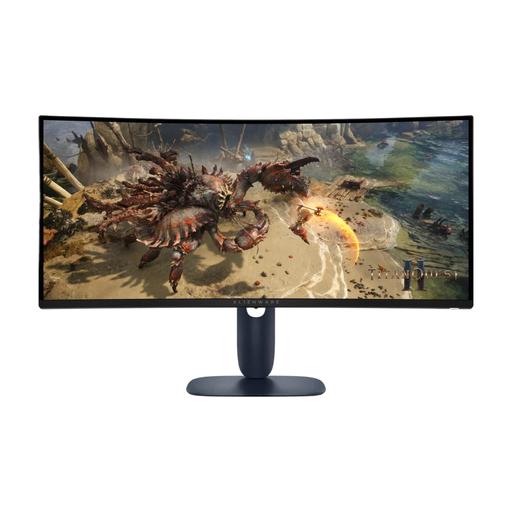
Why it suits this profile: The 21:9 format and 3440 × 1440 resolution are ideal for simulators, RPGs, films and multitasking with multiple windows.
The product information lists the size, 1500R curvature, ports, ergonomic features and power consumption, helping you assess the space and connection requirements.
34 inches, 21:9, 3440 × 1440, 180 Hz, VA panel, DisplayHDR400, USB hub and height adjustment.
We’ve put together a complete, up-to-date list of products that meet these strict selection criteria and current European safety regulations.
Yes. 2560 × 1440 pixels gives you a noticeably sharper picture than Full HD on a 27-inch screen, without the graphics demands of 4K. Make sure your graphics card can achieve your desired frame rate, though.
It depends on the model and resolution. DisplayPort 1.4 is often used for high refresh rates at QHD resolution. HDMI may support them too, but the HDMI version and product specifications determine the limit. Use the supplied cable, or one that’s suitable, and set the maximum mode manually.
Power consumption varies by model, brightness and the content on screen. OLED may use power differently from LCD when displaying dark images, while HDR and high brightness can increase consumption. Check the energy label and stated figures before you buy.
