Joybuy products
This selection includes projection screens for viewers sitting to the side, as well as projectors to compare. Check the screen size, the viewing angle you need and the placement against your room.
 No image available
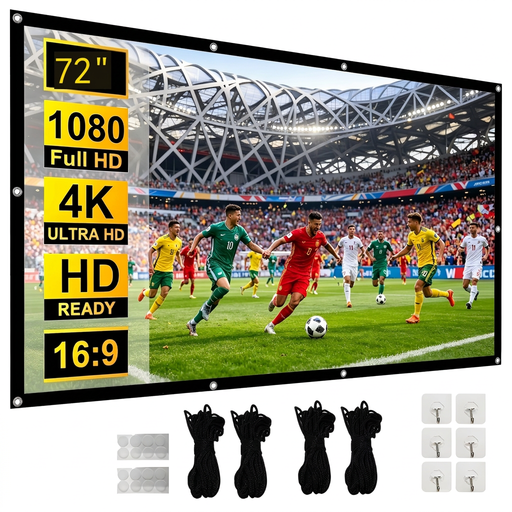
XBJ 72-inch 16:9 projection screen
A screen to compare if you watch from different seats.
The product information lists a viewing angle of 160° and front and rear projection.
72 inches, 16:9 and foldable.
Joybuy
 No image available
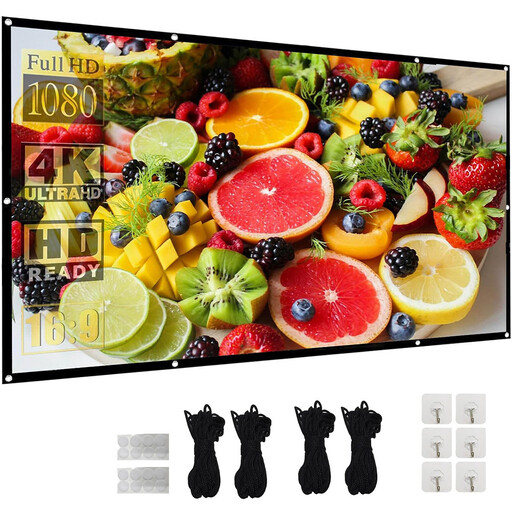
XBJ 120-inch 16:9 projection screen
A larger screen to compare if you’re considering a 120-inch screen for your viewing setup.
The product information lists a viewing angle of 160° and front and rear projection.
120 inches, 16:9 and foldable.
Joybuy
 No image available
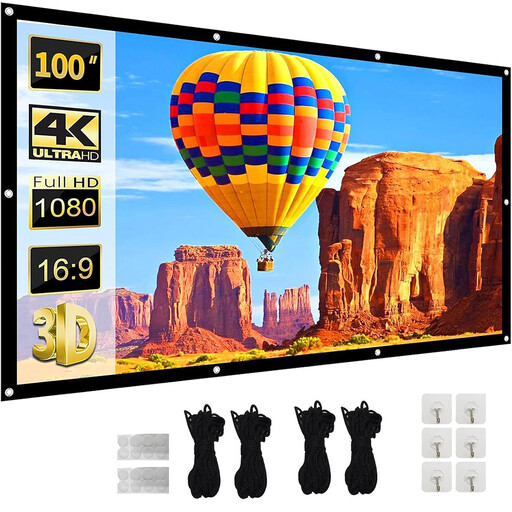
XBJ 100-inch 16:9 projection screen
A screen to compare if you’re looking for a foldable option for different viewing positions.
The product information lists a viewing angle of 160°.
100 inches, 16:9, foldable and suitable for projection from both sides according to the product name.
Joybuy
 No image available
Optoma Photon Beam PK52
A projector to compare if 4K UHD resolution is part of your decision.
The product information lists a DuraCore laser light source and 1.3× manual zoom.
The product information specifies 4K UHD.
Joybuy
 No image available
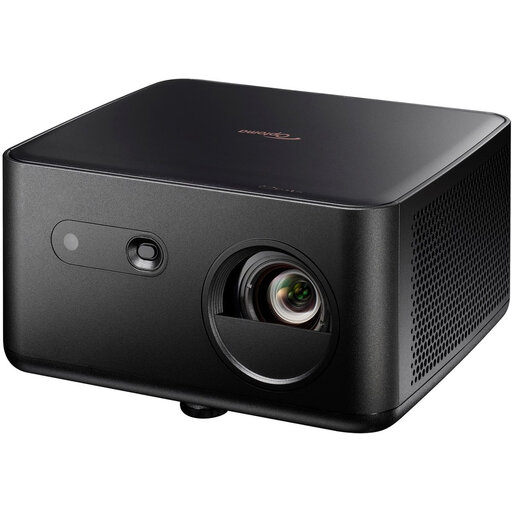
Optoma Photon Life PK32 4K UHD
A projector to compare if you want to weigh the stated resolution and light source against your setup.
The product name lists 1,100 ISO lumens, HDR10, HLG and a 4LED light source.
The product information lists 1.3× manual zoom.
Joybuy
Frequently asked questions
Does lens shift help if you’re sitting at the side of the sofa?
No. Lens shift doesn’t correct the screen’s viewing angle. To check visibility from a side seat, compare the specific screen material and its stated viewing angle; lens shift is about positioning the projected image.
How do you set up a projector that can’t be positioned centrally in front of the screen?
Measure the distance from the lens to the screen, the screen size and the horizontal offset. Then check the installation specifications and the lens shift and zoom range of the exact model. BenQ warns that digital keystone correction can affect sharpness and image size, among other things.
What should you consider when it comes to light and dark scenes?
Assess how much ambient light falls on the screen while you’re watching and whether you can darken the room. A wide stated viewing angle on its own doesn’t tell you how a screen performs in ambient light; check both characteristics separately.
What should you look for when it comes to projector maintenance?
Check which light source and maintenance parts are needed for the exact model. Epson states a lamp life of 5,000 hours in Eco mode for the EH-TW7000 and lists this model as compatible with a specific air filter; follow the device manual for maintenance.
What warranty and cooling-off period apply to an online purchase in the Netherlands?
If a product is faulty, the seller must provide a solution, according to the Dutch government; the Netherlands has no fixed statutory warranty period. For a standard online consumer purchase, you generally have up to 14 days after delivery to change your mind, according to ACM ConsuWijzer. Check the terms and exceptions that apply to your purchase.


