
Viewer with limited projection space
You want a wide picture for the match without placing the projector behind your seats. Measure the distance from the lens and the available picture width, then compare them with the chosen model’s specifications.


First, measure the distance from the lens to the wall or screen and decide how wide you want the picture to be. Then compare those measurements with the throw ratio of the exact model. If you’ll be watching with ambient light, pay particular attention to the stated brightness and how much light reaches your viewing area. Also check that you can connect your match source and that the sound suits your setup.
You want a wide picture for the match without placing the projector behind your seats. Measure the distance from the lens and the available picture width, then compare them with the chosen model’s specifications.
You want to follow the match without blacking out the whole living room. Take the room’s lighting, picture size and the projector’s stated brightness into account.
You want to watch the match and hear the commentary without a complicated setup. Check which input, app or external player you’ll need, and how the sound will be played.
| Key consideration | What should you check? | Who is this important for? |
|---|---|---|
| Picture width and distance | Measure the available width and the distance from the lens, then compare both with the model’s throw ratio and placement instructions. | If I have limited space, I want to position the projector without the picture extending beyond the wall or screen. Around 36% of consumers give placement top priority. |
| Visibility in bright conditions | Note whether you’ll be watching during the day, with the lights on or in a darkened room. Compare brightness figures only after checking the units used. | If I want to follow the match in daylight or with the lights on, I want to know how my viewing space affects my choice of picture. Around 29% of consumers rank visibility in ambient light as their top priority. |
| Fast-paced action | Check the picture modes and supported input signal. A sports mode or image-processing feature is not, by itself, a comparative real-world test. | When I watch rugby, I want to follow the ball and fast-paced action clearly. Around 21% of consumers give the display of moving sports footage top priority. |
| Match source and sound | Check which input or app you need, and whether the built-in speakers or an external sound system will suit your seating distance. | If I want to start the match easily and hear the commentary clearly, I want to know in advance which source and audio connection I’ll need. Around 14% of consumers rank connectivity and sound as their top priority. |
A stated maximum diagonal measurement doesn’t tell you whether you can achieve that picture size from your available position.
Measure the wall, furniture and projector position, then compare the distance from the lens and your desired picture width with the exact model’s specifications.
The Joybuy listing for the YOTON Y7 states native 1080p and support for 4K input. These are two different features.
Check the stated picture resolution separately from the resolutions the device accepts as an input signal.
Lumen figures aren’t directly comparable if they’re based on different measurements. A stated figure also doesn’t, by itself, show what the picture will look like with your lighting and picture size.
Check the unit of measurement and consider brightness alongside your intended picture size and viewing conditions.
A built-in platform doesn’t confirm that the app or broadcast for your specific rugby match is available.
Check the match source and the app you’ll need in advance, or see whether the source works through a suitable external player and input.
BenQ offers short-throw models for situations where the distance to the projection surface is limited.
The EH-LS670W is an ultra-short-throw model to consider if you’re looking for a fixed setup close to the wall.
The HORIZON S Max is a living-room projector to consider if you want to use it for other viewing occasions too, and the projection distance works for your space.
The Mars 3 Air is an example of a portable projector for anyone who values being able to move it around.
These projectors are worth comparing for placement and connection to an external match source. For each model, check that its dimensions and connections suit your living room and chosen broadcast.
 Image unavailable
Worth considering if you have limited projection distance and want to connect an external match source via HDMI.
Native 1080p; stated throw ratio of 1.17:1; 520 ISO lumens; Google TV and two 5 W speakers.
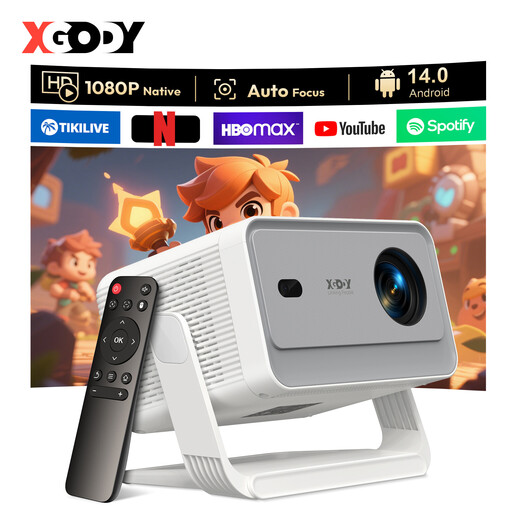 Image unavailable
Worth considering if you want to position the projector flexibly and connect a match source via HDMI or USB.
Native 1080p; 650 ANSI lumens; 180° rotation; Android 14.0.
 Image unavailable
Worth considering if you want to connect an external match source and may want to use Bluetooth audio.
Native 1080p; supports 4K input. The description lists HDMI, USB, AV and Bluetooth 5.2.
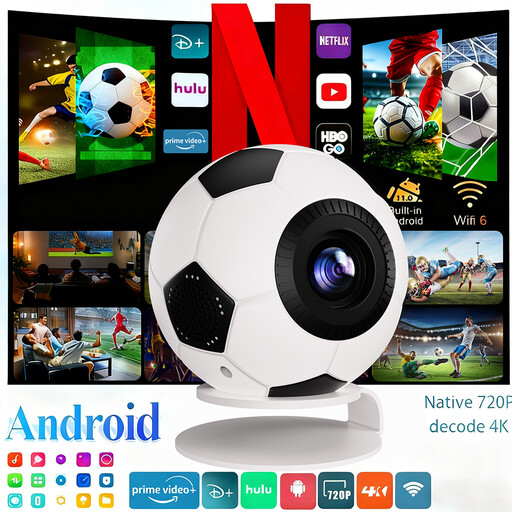 Image unavailable
Worth considering if you want to connect an HDMI or USB match source and may want to play the audio through an external speaker.
1080p Full HD; 800 ANSI lumens; the title lists 4K decoding, Android 14 and Bluetooth 5.4.
 Image unavailable
Worth considering if you’re looking for a compact setup and want to connect an external match source via HDMI.
Native 1080p Full HD; 900 ANSI lumens; stated throw ratio of 1:1; Android 14 and 180° rotation.
Measure the usable picture width and the distance from the lens to the projection surface. Compare these measurements with the exact model’s throw ratio and placement instructions. A stated maximum screen diagonal alone isn’t enough.
No. Google TV doesn’t confirm that your match is available through a Dutch app. Check the specific broadcaster and app, or see whether the source works through a suitable external player and the required input.
Follow the instructions for placement and ventilation. For a lamp-based model, check the stated lifespan and whether replacement parts are available; BenQ lists different lifespans for the TH671ST depending on the usage mode. For a smart model, also check for available firmware updates.
No. According to the Government of the Netherlands, there is no fixed statutory guarantee period: you’re entitled to a product that meets what you could reasonably expect from it. If a product is faulty, contact the seller; a manufacturer’s guarantee is in addition to your statutory rights.
For an online purchase from a business, the Government of the Netherlands says you’ll often have a 14-day cooling-off period. Check which terms apply to your purchase. It also states that electronic devices placed on the market in the EU must carry a CE mark. Check the mark on the product itself.