
Subtitle readers sitting in different places
You watch together from different distances and want the text to remain readable from the furthest seat. Check the screen size, focus and subtitle settings on your playback device using an actual episode.


A projector is a good fit for a shared living room if subtitles are clear and sharp from the furthest seat at your chosen screen size and with your planned set-up. Test the streaming service, language and lighting you actually use. A compact smart projector, a standard-throw projector and an ultra-short-throw model each need a different position. Before you buy, also check the CE marking on the specific device: the Netherlands Food and Consumer Product Safety Authority (NVWA) says this is mandatory for electrical consumer products.
You watch together from different distances and want the text to remain readable from the furthest seat. Check the screen size, focus and subtitle settings on your playback device using an actual episode.
You can’t always turn off every light or block out daylight while watching. So assess your intended screen size in the lighting conditions you usually watch in.
The projector needs to be easy to position or sit close to the wall, and your chosen streaming service needs to work with the playback method you plan to use.
Start with the position and screen size. Then check the picture in your usual lighting and choose a suitable streaming and audio set-up.
| What to consider | What to look for | Who is this important for? |
|---|---|---|
| Readable subtitles | Test an episode with subtitles from every seat; check the focus and text settings on the device you’ll use. | If I’m watching from the furthest seat, I want to be able to read the subtitles clearly at my chosen screen size. Around 29% of consumers put text readability first. |
| Picture in ambient light | Check the unit used for the stated light output, and test your intended screen size with the lighting you usually have on. | If the lights or daylight can’t always be switched off, I want to know what the picture will look like in my living room. Around 23% of consumers prioritise performance in ambient light. |
| Suitable positioning | Measure the distance between the lens position and the projection surface, then compare it with the projection specifications for the exact model. | When there’s little spare space in a shared room, I want a set-up that keeps walkways and seats clear. Around 18% of consumers put positioning flexibility first. |
| Streaming and subtitles | Check your chosen service, title and language on the built-in app or external player you plan to use. | If I want to play series without complicated extra steps, I’m looking for a set-up that works with my service and subtitle language. Around 18% of consumers prioritise easy streaming. |
| Audio for watching together | Check the connections on the exact model and listen from different seats. | When we watch together, I want everyone to be able to follow the dialogue from different seats. Around 12% of consumers put clear audio for group viewing first. |
A supported input signal and native picture resolution are two different things. So if small subtitle text matters, check how it looks at your final screen size.
Look up the native resolution of the exact model and assess a real scene with subtitles.
Manufacturers quote figures in units such as ISO lumens and lumens. Room lighting and screen size also affect how visible the picture is.
Make a note of the unit used for each figure and test the picture in your usual lighting.
The projection distance you need depends on your chosen screen size, even with models that are easy to position.
Measure the wall, lens position and available space before choosing a specific model.
BenQ warns that digital keystone correction can affect sharpness and picture size, among other things.
Where possible, position the projector appropriately in relation to the projection surface, then check the subtitles once it’s set up.
The W2720i is worth considering for a permanent home cinema set-up, with specified HDMI and audio capabilities.
The EH-TW7100 and EH-LS670B show two different set-ups: standard-throw projection and ultra-short-throw projection.
The N2 mini and DBOX02 represent a compact Full HD smart projector and a larger 4K laser option respectively.
The HORIZON Pro is worth comparing if you’re looking for a portable 4K home projector with built-in speakers.
This selection includes projectors for watching series with subtitles, with different resolutions, streaming options and positioning requirements. Check the CE marking on the specific device; the NVWA says this is mandatory for electrical consumer products.
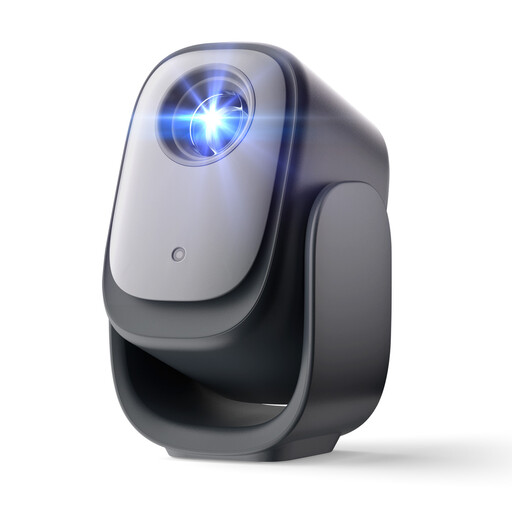 No image available
A portable smart projector to compare if you’re looking for a model with built-in streaming and automatic focus.
Native 1080p; according to the product title, an officially licensed Netflix app, autofocus and automatic keystone correction.
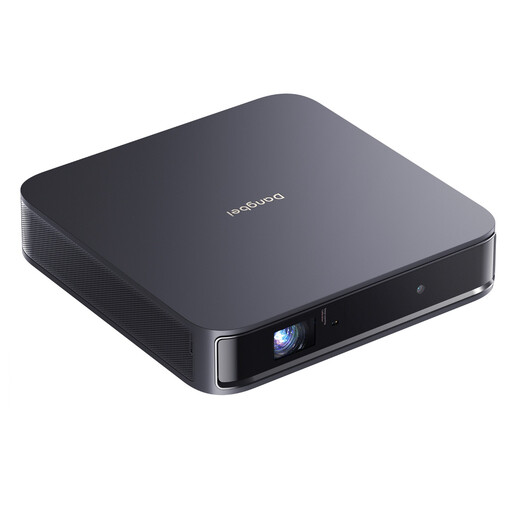 No image available
A portable projector to compare if you want to weigh up built-in streaming against using an external playback device.
The product title lists 1200 ISO lumens, 1080p and 4K HDR input support. ISO lumens aren’t directly comparable with figures given in different units.
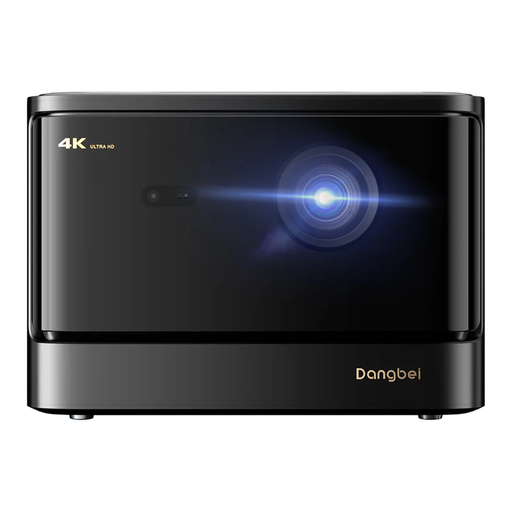 No image available
A model to compare if you’re looking for a laser projector with built-in streaming and speakers.
The product title lists 2450 ISO lumens, 4K, a licensed Netflix app and two 12 W speakers. The stated light output isn’t a measurement taken in your room.
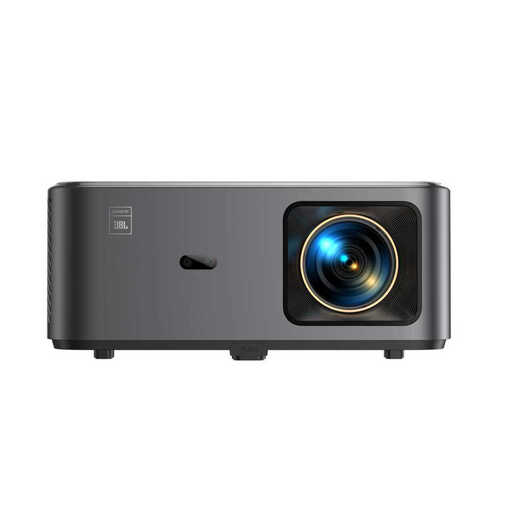 No image available
A projector to compare if you’re looking for Google TV and built-in speakers in one set-up.
The product title lists native 1080p and 4K support. The product information mentions Google TV, Netflix and two built-in 10 W JBL speakers.
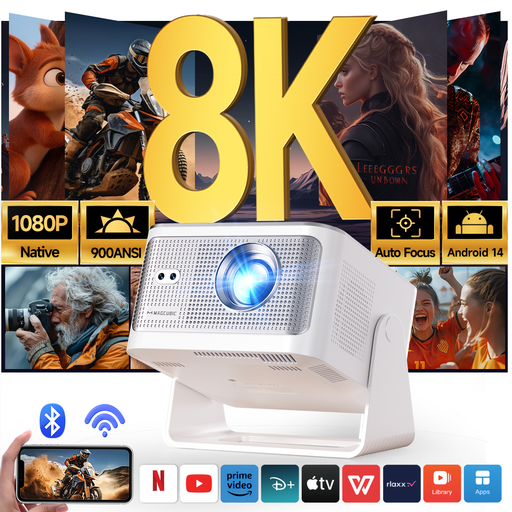 No image available
A model to compare if you’re looking for a projector with built-in software and several connection options.
Native 1080p and 900 ANSI lumens; the product information lists Android 14, Wi-Fi 6, Bluetooth 5.4, HDMI and a 180° rotating body.
Watch the same scene with subtitles from the furthest and most off-centre seats, using the screen size you plan to use. Netflix says text size and style can vary by language and connected device, so test the playback method you’ll actually use.
Keystone correction can fix picture geometry, but BenQ warns that applying more correction can affect sharpness and picture size, among other things. Where possible, position the projector appropriately in relation to the projection surface, then check how the text looks.
No. A compatible external player connected via HDMI can also be used for playback. Check the projector’s connections and whether your chosen service is available on that player; don’t assume an app is available just because the projector is described as ‘smart’.
Check which parts are compatible with the exact model. For example, Epson lists a separate air filter that’s compatible with the EH-TW7100; this doesn’t tell you anything about other models. In the Netherlands, the statutory warranty is separate from any additional retailer or manufacturer’s warranty.
According to the Netherlands Food and Consumer Product Safety Authority, CE marking is mandatory for electrical consumer products. Check the marking on the specific device before you buy it.