First, limit the light falling on the projection surface and decide how large you want the image to be; then compare the stated light output and throw distance. If you have limited room to position the projector, choose a short-throw model, and consider Full HD if close-ups are important. No lumen rating on its own can guarantee a clearly visible film image next to tall windows.
Who is this relevant to?
Workshop leader working in bright daylight
Wants participants to be able to follow the film while light streams in through tall windows. So assess the light falling on the screen alongside the image size; ViewSonic's guide to projector lumens discusses both as factors affecting visibility.
Teacher showing close-ups
Shows hands, the pottery wheel or the finishing process, and wants participants to see the details from the back of the room. Compare WXGA with Full HD, and view your own film at the intended image size.
Organiser with limited space for setup
Needs to position the projector without obstructing walkways or sightlines around the worktables. Measure the available distance to the screen before choosing a model.
What should you look for when choosing?
First, decide where the screen will go and how much light will fall on it; then check the image size and throw distance. Next, assess resolution and light source based on the film and how often you plan to show it.
| What to consider |
What should you check? |
Who should prioritise this? |
| Visibility in daylight |
Check the screen location at the time of the showing, whether you can block out light and the intended image size. Compare stated light output using the same measurement method. |
I want everyone to be able to follow the film while light comes in through the tall windows. This is a priority for around 36% of consumers who value daylight visibility. |
| Film detail |
Check the projector's native resolution and the resolution of the film file. View close-ups from the back of the room. |
I want participants to be able to follow hand movements and details of the material. Around 29% of consumers prioritise film detail. |
| Throw distance |
Measure the distance between the lens position and the screen, then compare it with the throw ratio for your desired image width. |
I want to position the projector so it doesn't obstruct the walkways around the worktables. Around 21% of consumers prioritise a compact setup. |
| Maintenance and use |
Compare the type of light source and its stated lifespan in the operating mode relevant to your showings. Include the screen, mounting and any separate audio equipment in your decision. |
I show the film regularly and want to know in advance what maintenance the light source requires. Around 14% of consumers prioritise maintenance and running costs. |
Common buying mistakes
-
Assuming a large advertised image will be easy to see
Daylight falling on the projection surface and the image size affect how visible the film is. A high stated light output on its own doesn't guarantee sufficient contrast.
Measure the intended image size and check the screen location at a time similar to when the workshop will take place. If possible, test the projector in the lighting conditions you expect to encounter.
You may need to block out light or use a different screen; also consider the practical implications of doing so.
-
Treating a product title as a complete specification
Epson's available information describes the EB-W53 as WXGA, while the Joybuy title gives a different resolution. Don't assume, without checking, that the resolution figure confirms the native resolution of the version on offer.
Before buying, ask for the full manufacturer code and check the native resolution of the specific version.
-
Choosing a short-throw projector without measuring your setup
The throw ratio helps you work out which distance is right for your desired image width. A short throw won't, however, solve the problem of daylight falling on the screen.
Measure the lens position and the desired screen width, then compare them with the specifications of the specific model.
If the measurements don't work, you may need a different position or mounting option. Check this before setting up the room.
Brands to compare
Epson
The EB-W53 and EB-FH54 offer a choice between WXGA and Full HD for showings in daylight.
- For the EB-W53, Epson states a white and colour light output of 4.000 lumens and two HDMI ports; the EB-FH54 is listed as Full HD with 4.100 lumens.
- These model specifications aren't the result of an independent test beside windows. According to Epson, the EB-W53 has a built-in 2 W mono speaker.
BenQ
The MW809STH is a short-throw option if a standard throw distance would get in the way in your workshop.
- BenQ specifies a throw ratio of 0,49 and WXGA resolution for this model.
- BenQ states 3.600 ANSI lumens; that figure alone doesn't tell you how visible the image will be beside the windows.
ViewSonic
The PA700W is a WXGA presentation projector to compare if stated light output and input connections are important to you.
- ViewSonic specifies 4.500 ANSI lumens and two HDMI ports for this model.
- The specifications don't establish how the image will perform in your workshop.
Optoma
The ZH450 is a Full HD laser projector worth considering for detail-focused films and regular use.
- For this model, Optoma states 4.500 lumens and a quoted laser lifespan of up to 30.000 hours.
- This lifespan is a manufacturer's stated figure, not a measured lifespan or proof of lower overall running costs.
Acer
The H6815P is a 4K UHD home entertainment option to compare if you also plan to use the projector for films outside the workshop.
- For this specific model, Acer lists 4K UHD and up to 4.000 lumens.
- A manufacturer's claim about a bright image in daylight doesn't confirm how the projector will perform with the windows and screen in your room.
Projectors at Joybuy
These projectors include options for detail-focused film viewing, a compact setup and a standard WXGA setup. Compare the stated light output with the light falling on your screen; a lumen rating alone can't predict how the image will look beside tall windows.
 No image available
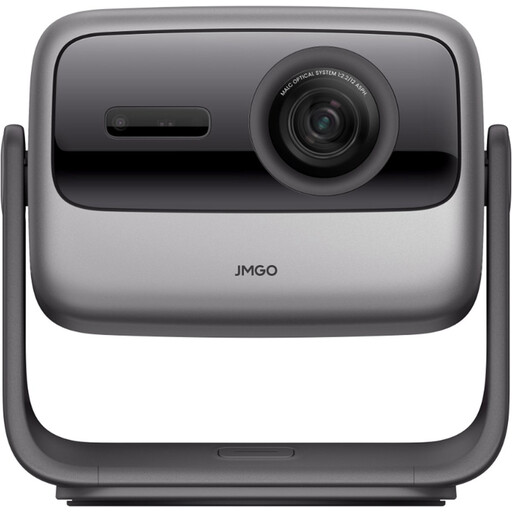
JMGO N1S Ultra 4K Triple Laser UHD Projector
The stated 4K and triple-laser specifications may be relevant when comparing projectors for close-ups; assess the image using your own film and screen size.
View at Joybuy
 No image available
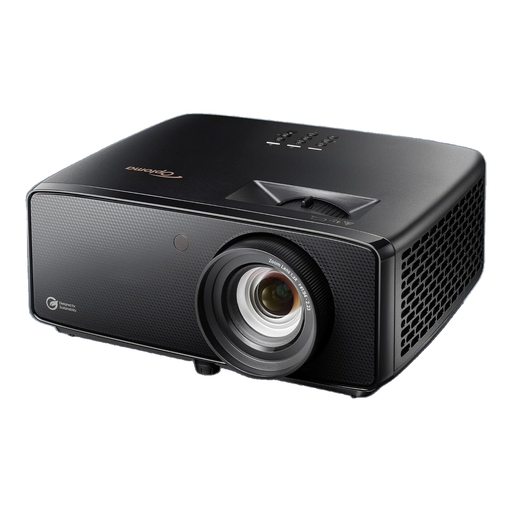
Optoma Photon Beam PK52
This option is included for comparison when viewing detail-focused films. Before choosing it for your screen setup, check the resolution, stated light output and throw distance of the specific version.
View at Joybuy
 No image available
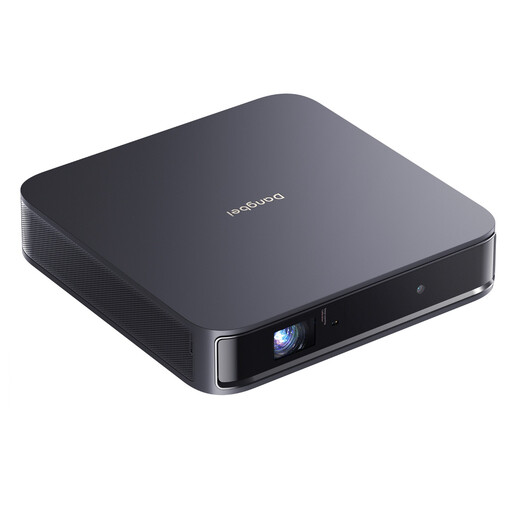
Dangbei Atom Portable Laser Projector, 1080p, 1200 ISO Lumens
The product title lists 1080p and 1200 ISO lumens. Compare the resolution with the detail in your film, and assess the light output alongside the ambient light and image size.
View at Joybuy
 No image available
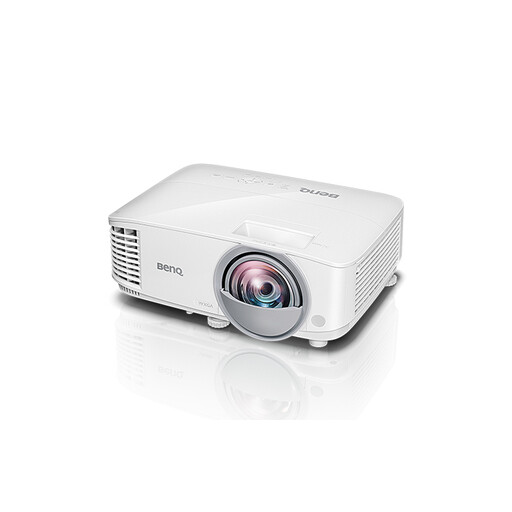
BenQ MW809STH Short Throw Projector
BenQ states a throw ratio of 0,49 for the MW809STH; compare this with the distance and image width in your setup.
The Joybuy title and model specifications give different resolution details. If film detail is important, check the native resolution of the specific version.
View at Joybuy
 No image available
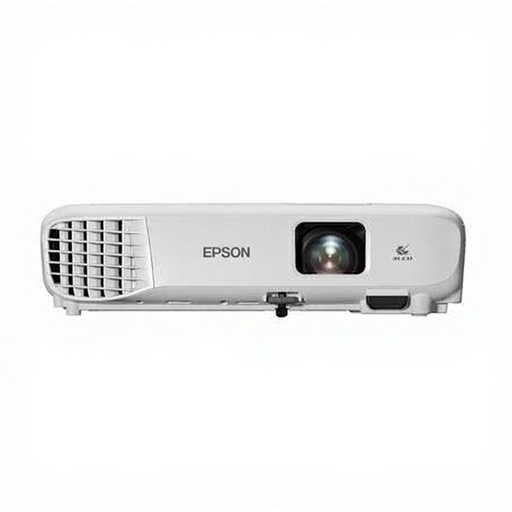
Epson EB-W53 WXGA projector
Epson describes the EB-W53 as WXGA and states a white and colour light output of 4.000 lumens. Compare the light falling on the screen with your desired image size; this figure doesn't guarantee contrast beside tall windows.
Before buying, check the native resolution and full manufacturer code of the version on offer, as the product title gives a different resolution figure.
View at Joybuy
Frequently asked questions
Will a higher lumen rating always help with light coming through tall windows?
No. First check whether daylight falls directly on the projection surface and how large the image needs to be. Use the stated light output as a point of comparison, not as a guarantee of contrast in your room.
What should I measure before setting up the projector?
Measure the distance from the intended lens position to the screen and decide on your desired image width. Compare the two with the throw ratio of the specific model; for example, BenQ gives a figure of 0,49 for the MW809STH.
Should I consider sound and maintenance?
Yes. Test whether the sound is clear from the back of the room; Epson lists a built-in 2 W mono speaker for the EB-W53. If you use the projector regularly, also compare the stated lifespan of the light source and the conditions under which it applies.
What returns and warranty rights apply to online purchases in the Netherlands?
According to the Dutch government, consumers generally have a 14-day cooling-off period for applicable distance sales. Consumers are entitled to a product that is fit for purpose, but there is no fixed statutory warranty period of exactly two years. If you're buying for a business, check the applicable contractual terms separately.
What should I check for product safety?
The Dutch government states that electrical appliances placed on the EU market must carry the CE mark. Check the marking and product documentation for the version actually supplied; a model name or product title alone doesn't confirm that the relevant requirements have been met.


