What should you look for when buying?
When presenting a portfolio in a studio with tall windows, the main factors to weigh up are the light on the screen, the level of detail you need, the available setup space and how you plan to use the projector.
| Factor to consider |
What to check before buying |
Who is this important for? |
| Visibility in daylight |
Compare light output figures measured on the same basis and consider them in relation to your intended image size. If possible, test the setup during the brightest part of the day when you’ll be presenting. |
If I’m showing work while daylight falls on the projection surface, I want the image to remain clear and readable at my chosen screen size. Around 36% of consumers put visibility in daylight first. |
| Colour and detail |
Check the native resolution and colour information available for the exact model. Try out images from your own portfolio. |
If I’m presenting illustrations, photography or fine lines, I want to assess the detail without mistaking a bright image for an accurate colour proof. Around 29% of consumers give colour and detail top priority. |
| Projection distance |
Measure the distance from the lens to the screen and the image width you want. Compare these with the distance chart or throw ratio for the exact model. |
If there’s only a limited place to position the projector, I want to know in advance whether it can produce the image size I want. Around 21% of consumers put setup and projection distance first. |
| Use and maintenance |
Compare the stated light-source life for each model and operating mode. Check the service and replacement options for the exact model. |
If I’m going to use the projector frequently, I want to know what maintenance and replacement requirements to expect for my usage. Around 14% of consumers put use and maintenance first. |
Projectors for portfolio presentations
These projectors are product options to compare for portfolio presentations, with image quality, colour characteristics and setup space in mind. Assess brightness, native resolution and projection distance in relation to your own room and screen size.
 No image available
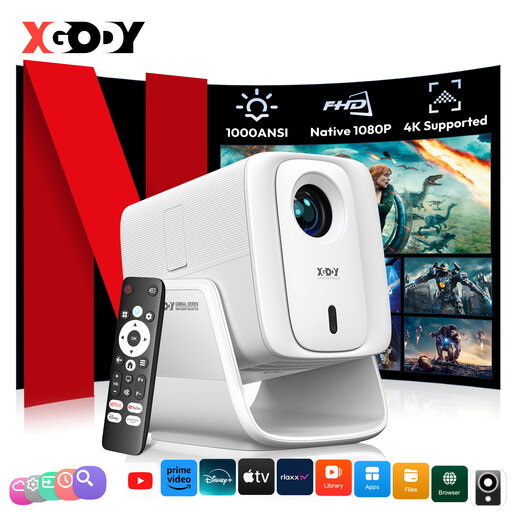
XGODY N7 Cine Smart Projector
An option to compare if native 1080P and short-distance projection are important for your presentation.
The description lists 1.000 ANSI lumens, native 1080P and a colour gamut of 99% NTSC. According to the description, a 60-inch image is projected from 1,33 metres away.
View at Joybuy
 No image available
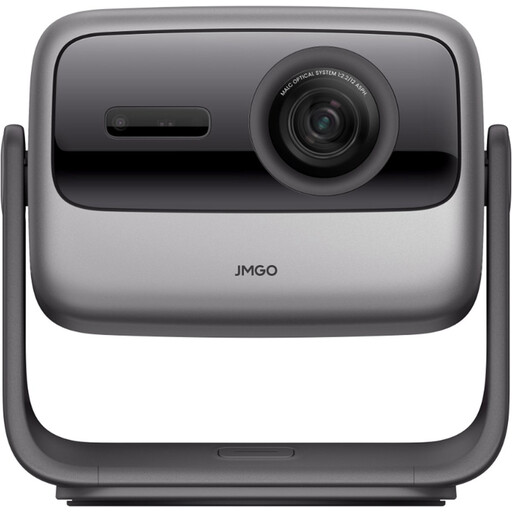
JMGO N1S Ultra 4K Triple Laser UHD Projector
An option to compare if you want to consider a 4K UHD listing and flexible positioning as part of your decision.
The description lists 3.000 ANSI lumens, a triple-colour laser, gimbal adjustment and automatic keystone correction.
View at Joybuy
 No image available
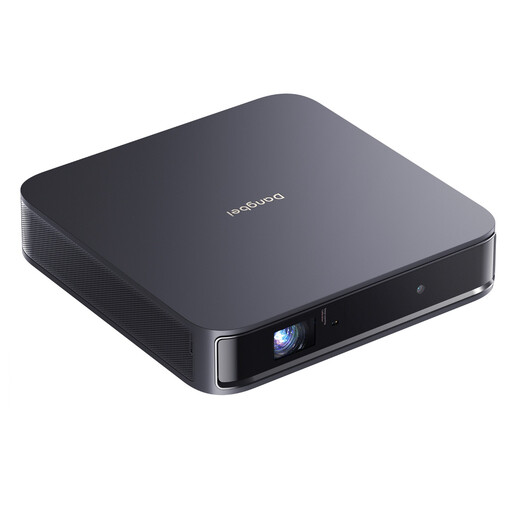
Dangbei Atom Portable Laser Projector
An option to compare if you’re weighing up native Full HD, colour settings and automatic image correction.
The description lists 1080p Full HD, 1.200 ISO lumens and a D65 colour temperature.
View at Joybuy
 No image available
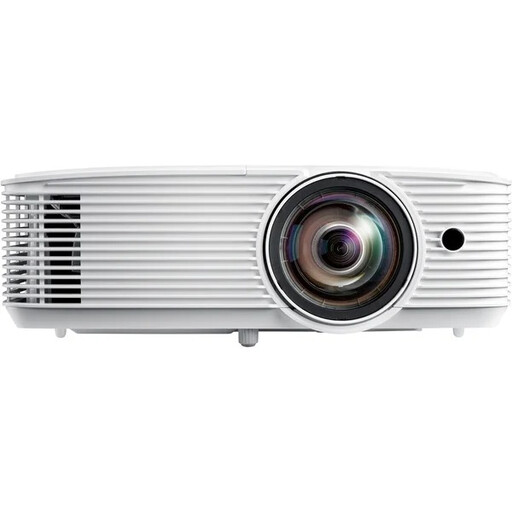
Optoma H117ST Short Throw DLP Projector
A short-throw option to compare if the projector needs to be positioned close to the screen.
The description lists a throw ratio of 0,52:1 and 3.800 ANSI lumens. The native resolution is WXGA (1280 × 800), which is worth bearing in mind for fine lines and details.
View at Joybuy
 No image available
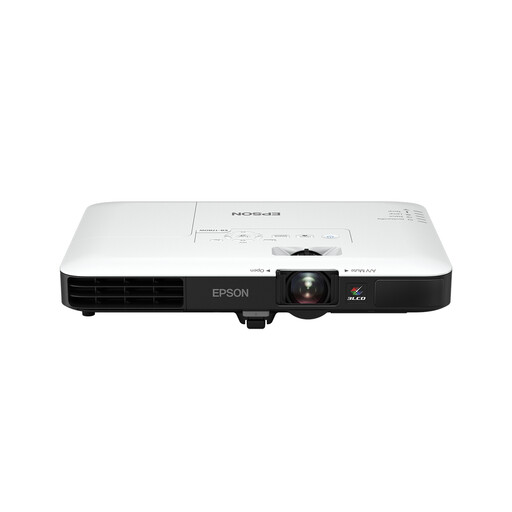
Epson EB-1780W Short Throw Projector
A portable presentation option to compare if short projection distance and colour light output are important considerations.
The description lists 3LCD and equal white and colour light output of 3.000 lumens. The native resolution is WXGA (1280 × 800), which is worth bearing in mind for fine details. A carrying case is also mentioned.
View at Joybuy
Frequently asked questions
Can I rely on a stated lumen figure to tell me whether I’ll get a good picture by tall windows?
No. Also consider the light on the screen and the image size you want: the same light output is spread over a larger area when the image is bigger. If possible, assess the setup in the lighting conditions you’ll be presenting in.
How can I tell whether a short-throw model will work in the room?
Measure the distance from the lens to the screen and decide how wide you want the image to be. Then check the distance chart or throw ratio for the exact model, rather than relying on the short-throw label alone.
What should I look for if I’ll be using the projector for long periods?
Compare the light-source type and the stated lifespan for each operating mode. Epson lists a laser light source with a lifespan of up to 20.000 hours for the EB-L260F; that model specification doesn’t mean the whole projector will work for that long without maintenance.
What product safety information is relevant when a product is sold in the Netherlands?
Electrical appliances must meet the applicable European requirements. According to the Dutch Ondernemersplein, once a product has been assessed and found to comply, the manufacturer affixes a CE mark and draws up an EU Declaration of Conformity. Models with Wi-Fi, Bluetooth or another radio module may also be subject to the applicable radio equipment rules.
What warranty rights do I have as a consumer in the Netherlands?
In addition to any manufacturer’s or seller’s warranty, you have a statutory guarantee: a product must do what you can reasonably expect it to do under normal use. If a product is faulty, the seller is responsible for providing an appropriate remedy free of charge.


