
Viewers with limited space between the projector and wall
You want a large image for opera, but have little room between the projector’s position and the wall. Start with the throw ratio and the space available, rather than the maximum image size.


First, measure the distance to the projection wall and decide whether the projector can stay in place permanently. A short- or ultra-short-throw model may suit a fixed position close to the wall, while a portable model could be more appealing if you want to put everything away after watching. Then check how you’ll play the recording and connect the audio; built-in speakers alone don’t tell you whether the vocals and orchestra will sound right to you.
You want a large image for opera, but have little room between the projector’s position and the wall. Start with the throw ratio and the space available, rather than the maximum image size.
You want to hear the vocals and orchestra through your existing equipment. Check the connections between your recording source, projector and sound system before choosing a model.
You don’t want a permanent setup. A compact model with an adjustable stand can make setup easier, provided the distance and connections suit your room.
Start with the distance to the wall and the image width you want. Then decide how you’ll connect the recording and audio, and whether you’ll need to put the projector away after use.
| What to consider | What to look for when buying | Who is this important for? |
|---|---|---|
| Throw distance and placement | Measure the distance and image width you want, then compare them with the throw ratio and placement instructions for the exact model. | If I have little space between the projector and the wall, I want to know whether my preferred image size will fit. Around 36% of consumers prioritise finding a suitable position. |
| Source and audio | Make a note of how you’ll play the recording and check that the projector has the required inputs and audio output. | If you want to use an existing player or sound system, it helps to have connections that work with both devices. Around 29% of consumers prioritise source and audio connections. |
| Picture in ambient light | Decide whether you can darken the room. Compare brightness figures only when they use the same units. | If I want to follow subtitles easily in my own viewing space, I consider the lighting, image size and viewing distance together. Around 21% of consumers make picture quality in their own lighting conditions a priority. |
| Setup and storage | Check the dimensions, any stand, power supply and required cables for the version you choose. | If you don’t have a permanent shelf or spot for your projector, you’ll want to put it away after the performance without overlooking the placement requirements. Around 14% of consumers prioritise ease of storage. |
The available distance and space can determine whether the image size you want is achievable in your room.
Measure the distance and image width, then check the placement instructions and throw ratio for the exact model.
The presence or power rating of the speakers won’t tell you how the vocals and orchestra will sound where you sit.
Decide in advance whether you want to use your own audio equipment, and check that the necessary connections are available.
A product listing for the XGIMI MoGo 4 Match Night EU Edition describes a bundle. It isn’t automatically the same version as the standard MoGo 4.
Compare the full model and bundle name, and check which items are included with the version you choose.
According to ACM ConsuWijzer, the statutory guarantee in the Netherlands has no fixed two-year term. What you can expect from a product depends, among other things, on the product itself and normal use.
Keep your proof of purchase and contact the seller if there’s a fault.
The TK705STi is an example of a short-throw projector for setups with limited space.
The EH-LS970 is an example of an ultra-short-throw model designed to sit close to the wall.
The Photon Life PK32 is an example to consider if external playback and audio connections matter to you.
The MoGo 4 is worth considering if you’re looking for a portable projector with an adjustable stand, built-in speakers and streaming.
The NeoPix 550 is a compact Full HD model that Philips describes as suitable for use in a dark room.
This selection at Joybuy includes an ultra-short-throw model and projector options suited to setups that need to be moved or put away. For each model, check that the throw distance, connections and version suit your room and recording source.
 No image available
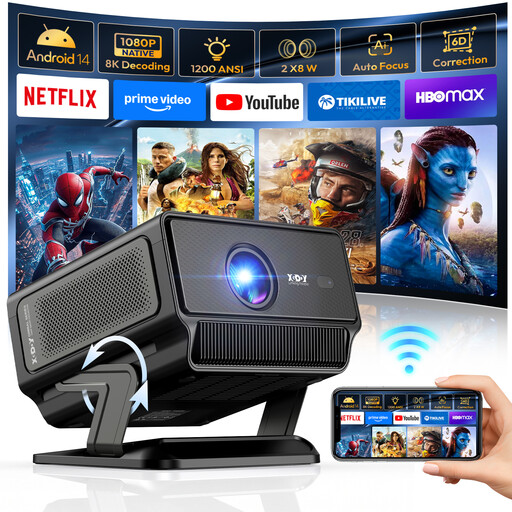
This option may suit you if you want to put the projector away after watching; the product description mentions an adjustable gimbal stand. Check the required distance from the wall in advance.
The product name lists native 1080P, 1200 ANSI and support for 4K/8K video decoding.
 No image available
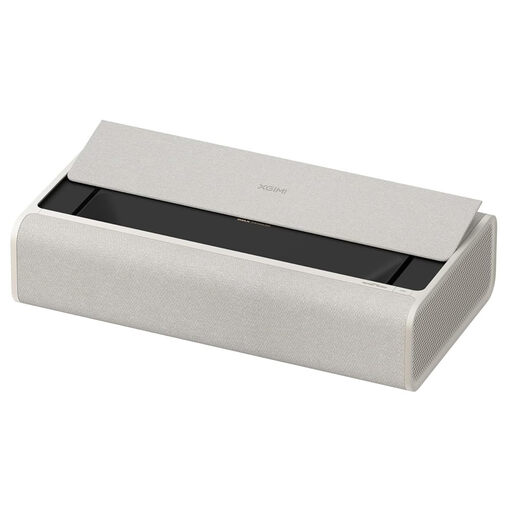
This model suits a setup close to the projection wall. Check that the available space and image size you want match the installation instructions.
The product name lists UHD 4K and ultra-short-throw projection.
 No image available
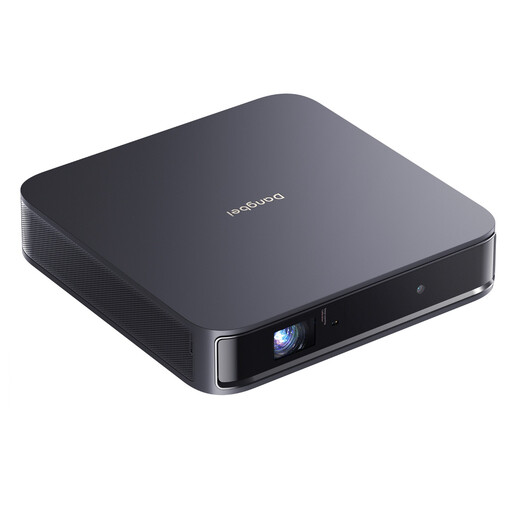
This portable model may suit you if you want to put the projector away after use. Check that the setup distance and connections work for your viewing space and playback source.
The product name lists 1080p HD and 4K HDR input.
 No image available
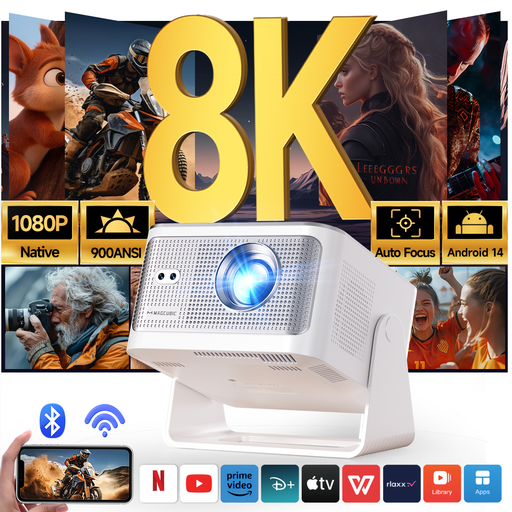
This portable projector could suit a setup you want to be able to move. Measure the distance to the wall and check whether you can darken the viewing room.
The product name lists native 1080P Full HD and 900 ANSI.
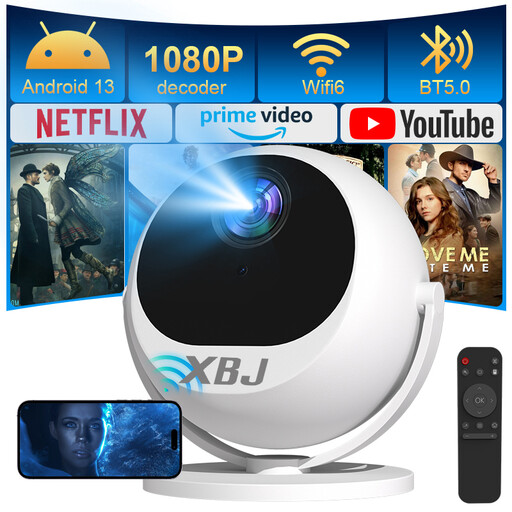 No image available
The product name describes a portable projector with a rotating projection direction, which may suit you if you want to put it away after watching. Check the distance required and where you want to project the image.
The product name lists Full HD 1080P and 360° rotation.
Measure the distance from the potential projector position to the projection wall, then decide on the image width you want. Compare both with the throw ratio and placement instructions for the exact model; ‘short throw’ on its own doesn’t give you all the measurements you need.
That depends on the connections on your devices. Optoma lists two HDMI inputs, eARC on the stated HDMI connection and a 3.5mm audio output for the Photon Life PK32. Check which connections your player and sound system support.
That depends on where you sit and what you prefer. A stated speaker power rating won’t tell you how the vocals and orchestra will sound in your room. Check whether you can connect your own audio equipment, too.
Follow the manual for your chosen model for placement, ventilation and cleaning. If you listen close to the projector, also take its stated fan noise into account: Optoma lists 30–32 dB for the PK32.
According to ACM ConsuWijzer, online purchases generally come with a cancellation period of up to 14 days after delivery, subject to statutory exceptions. The statutory guarantee is separate from a manufacturer’s warranty: if a product doesn’t meet what you could reasonably expect under normal use, the seller is your point of contact.
Check the safety information, power supply and CE marking for the specific version. Directive 2014/35/EU sets requirements for electrical equipment within its scope; this alone doesn’t confirm that a specific item complies with the rules.