
Presenter keeping the room lights on
Wants to show photos and captions while guests can still see one another. Epson Nederland and Beamerexpert highlight room lighting and image size as factors to consider when choosing.


Start by considering the lighting during the gathering, the image size you want and the available projection distance. Then check the projector’s native resolution and how it connects to your presentation device. A presentation projector with a suitable light output is a more obvious choice if the lights will stay on, while a portable model may be more practical if you can darken the room. Manufacturer figures aren’t a real-world test, so check the setup and readability using the slides you plan to show.
Wants to show photos and captions while guests can still see one another. Epson Nederland and Beamerexpert highlight room lighting and image size as factors to consider when choosing.
Wants to keep details and small place names legible, so pays attention to native resolution and the size of the projected image. Epson Nederland, Optoma Europe and ViewSonic Nederland describe the resolutions of their respective models.
Needs to take the projector along and set it up again in each room. Projection distance and portability may be important factors; Epson Nederland, BenQ Nederland and XGIMI cover these aspects in their product and buying information.
First, decide which lights will stay on and how large the image needs to be. Then measure the distance to the projection surface and check the projector’s native resolution and how it connects to your presentation device.
| Factor to consider | What should you check? | Who should pay extra attention? |
|---|---|---|
| Visibility with the room lights on | Which lights will stay on, the image size you want and how the stated light output was measured. | If I can’t darken the room completely, I want the photos and captions to remain visible. Around 33% of consumers prioritise visibility with the room lights on. |
| Detail and legibility | The projector’s native resolution and a test slide at the intended image size and viewing distance. | If I’m showing old maps or photos with small place names, I pay particular attention to detail. Around 27% of consumers give the legibility of photos, maps and captions top priority. |
| Distance and portability | The usable distance, image width you want and throw ratio of the exact model. | If the room is small or the setup changes from venue to venue, I want to know whether the projector will fit in the space available. Around 20% of consumers prioritise positioning and portability. |
| Connecting your presentation source | The video output on your laptop or phone, the projector’s inputs and any adapters you may need. | If I’m presenting from my own device, I want to know in advance how to connect it reliably. Around 20% of consumers say connecting to their presentation source is their main buying concern. |
Optoma states that the EH401 can process a 4K signal, while its native resolution is 1920 × 1080. Signal compatibility doesn’t change the projector’s resolution.
For small captions, compare the native resolution and view a test slide at the image size you intend to use.
According to ViewSonic, the archived ViewSonic M1 mini has a native resolution of 854 × 480. Portability alone doesn’t tell you how much detail a model can display.
Assess the exact model by its native resolution and light output, as well as the conditions in the room.
BenQ states that wireless projection with the LH600ST requires an optional dongle. The Optoma EH401 uses a lamp as its light source.
Before buying, check which connection accessories you’ll need and the light source used by the version you’re considering.
An optional dongle or suitable adapter may mean an extra accessory to buy. With a lamp model, light-source maintenance is another practical factor to consider.
According to Epson Nederland, the EB-FH08 is a Full HD lamp projector with two HDMI inputs.
The MW560 is designed for presentations; the LH600ST is another option when projection distance is limited.
Optoma describes the EH401 as a compact Full HD presentation projector with two HDMI inputs.
The MoGo 4 is a portable Full HD projector for anyone who can darken the room and wants flexibility.
The M1 mini illustrates the trade-offs involved in choosing a pocket projector; its Dutch product page is archived.
These projectors are worth considering for showing historical photos and captions. Compare their stated resolution, light output and positioning features with the conditions in your room.
 No image available
The stated Full HD resolution may be useful when your slides contain fine details.
Native resolution: 1080p (1920 × 1080). The product information lists 1.000 ANSI lumens, 3LCD, built-in speakers and a weight of 3 kg.
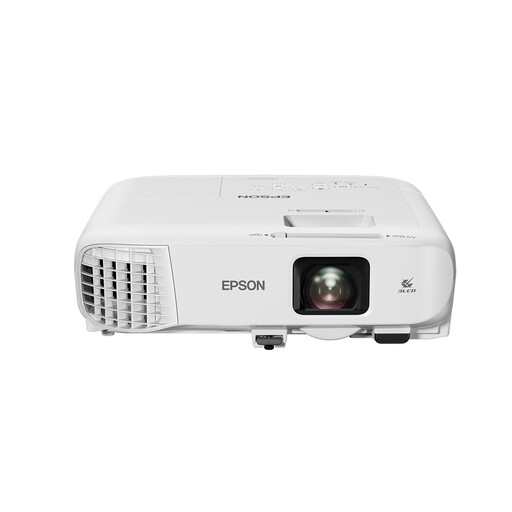 No image available
The stated zoom and keystone correction may be useful if you need to adjust the projector in a particular position.
The product information lists 4.200 ANSI lumens, 1,6× optical zoom, keystone correction and HDMI. Native resolution: WXGA (1280 × 800); check how legible small captions are at the image size you intend to use.
 No image available
The two HDMI ports listed may suit a setup with HDMI presentation sources.
The product information lists 4.000 ANSI lumens, 3LCD, two HDMI ports and a weight of 2,5 kg. Native resolution: WXGA (1200 × 800); check whether small captions are legible at the image size you choose.
 No image available
The product information mentions a carry case and a lightweight design for anyone taking the projector to another venue.
The stated light output is 3.000 ANSI lumens. Native resolution: WXGA (1280 × 800). The description mentions wireless presentations using the iProjection app.
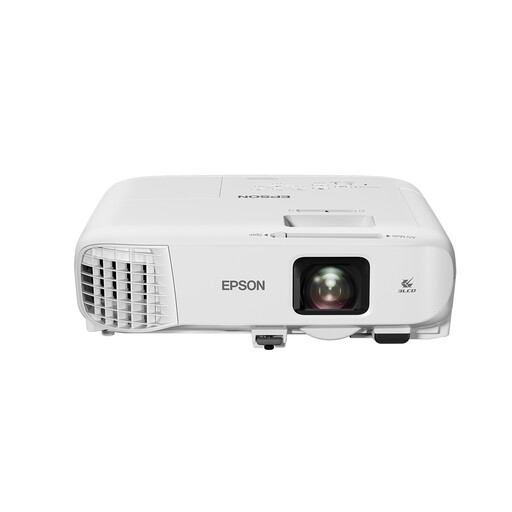 No image available
The HDMI connection listed may suit you if you connect your presentation device via HDMI.
The product information lists 3.600 ANSI lumens, 3LCD and HDMI. Native resolution: XGA (1024 × 768). It also mentions automatic vertical and manual horizontal keystone correction; the stated weight is 2,7 kg.
Measure the usable distance to the projection surface and decide how wide you want the image to be. Then check the throw ratio of the exact model. The image size at a given distance depends on the model; there’s no general rule that applies to all projectors.
Check your device’s video output and the projector’s inputs. The Epson EB-FH08, Optoma EH401 and BenQ MW560 described here have HDMI; check whether your particular setup needs a phone adapter or wireless functionality.
For online purchases from a business, consumers are often entitled to a 14-day cooling-off period, according to the Dutch Government. You’re also entitled to a product that meets legal standards; there’s no fixed general warranty period in the Netherlands. An additional warranty doesn’t replace your statutory rights.
Not automatically. The Dutch Government states that you may need permission to use copyright-protected photos. The exception for showing works in a domestic setting is interpreted strictly; according to Auteursrecht.nl, even a private association event doesn’t automatically qualify. So check the rights for each image and consider the nature of the gathering.
According to the Dutch Data Protection Authority, the exception for personal or household use alone doesn’t apply to a business or organisation. A legal basis under the GDPR is needed to take and publish identifiable images; the regulator often cites consent as an appropriate legal basis. This doesn’t automatically determine whether every historical photo in a private slideshow falls under the GDPR.