
Group viewing in a small space
You want everyone to be able to see the picture, but the picture width you want needs to suit the available projection distance. BenQ explains how distance and picture width relate to each other.


For a holiday film with several viewers, the picture width you want needs to suit the measured projection distance. You should also match the brightness to the room and check which unit of measurement is used. Test the entire film file with sound beforehand. A compact projector is a good choice if you want to move it between different locations and can darken the room.
You want everyone to be able to see the picture, but the picture width you want needs to suit the available projection distance. BenQ explains how distance and picture width relate to each other.
You can’t darken the room completely, so you’ll want to weigh the stated brightness against your viewing space. Epson and BenQ list the brightness of their own models.
You want to use the projector in different places, so you check the set-up and power supply each time. XGIMI and Nebula describe models or product ranges designed for portable set-ups.
When showing a film to a group, the main considerations are your room, the picture width you want and how you’ll play the film.
| What to consider | What should you check? | Who will prioritise this? |
|---|---|---|
| Visibility in ambient light | Check the stated brightness and unit of measurement, and assess the model at your intended picture width and in your room. | If I can’t darken the room properly, I want to know whether the picture will still be visible from where I’m watching. Around 33% of consumers say visibility in ambient light is their main concern when buying. |
| Picture width and projection distance | Measure the distance from the lens to the wall or screen, then compare it with the projection specifications for the exact model. | I want everyone to be able to see the film without choosing a picture size that won’t fit the room. Around 27% of consumers prioritise the combination of picture size and distance. |
| Playing a film with sound | Check the connections you need and which audio and video files are supported; test the entire film beforehand. | If I’m playing my own film, I want to know in advance that both the picture and sound will work. Around 20% of consumers say reliable playback is their main concern when buying. |
| Moving and setting up | Check the dimensions, picture adjustment options and power supply for the exact model. | I want to be able to use the projector in another location, and I’ll consider what I need to set it up there. Around 20% of consumers prioritise easy portability. |
Manufacturers may use different units of measurement, such as ANSI lumens and ISO lumens. Ambient light also affects how visible the projected image is.
Make a note of the unit of measurement and assess the projector in your room and at your preferred picture size. Don’t base your decision on a single figure.
Projection distance and picture width are linked. A picture size that doesn’t suit the available distance can limit your set-up options.
Measure the available distance, then check the projection specifications for the exact model.
You may need to change the set-up or add a projection screen.
BenQ says a video’s audio codec may not be supported, even if the file extension appears to be valid.
Play the entire file beforehand using the same source and sound set-up you’ll use for the screening.
If there’s no sound, you may need a different playback source or connection.
Home cinema projectors, including the EH-TW6250 as an example for a fixed set-up with several viewers.
Home projectors; the GP520 is an example of a portable model with automatic picture adjustment.
Home projectors, including the HORIZON S Pro for anyone who wants to project in different locations.
Compact Capsule projectors for anyone who wants to take their projector with them.
This selection of Joybuy projectors includes fixed and portable models for watching a holiday film with several viewers.
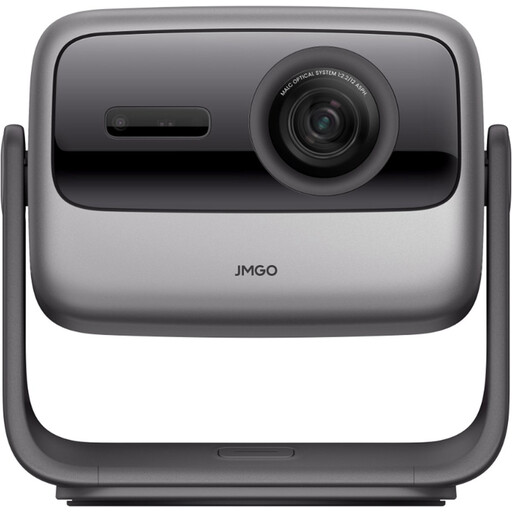 Image unavailable
For a portable home set-up; check that the location and picture width you want suit your room.
4K UHD; triple laser.
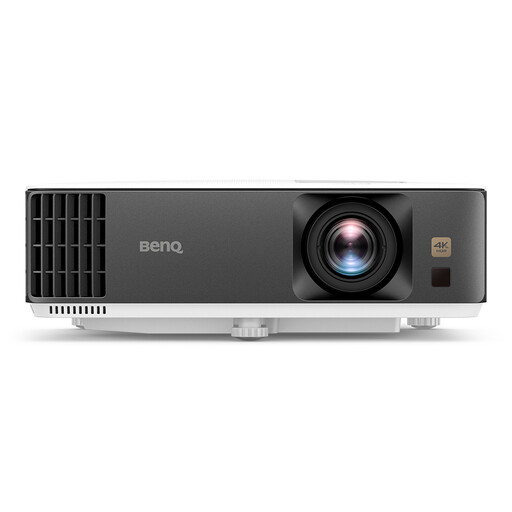 Image unavailable
For a fixed home cinema set-up; check that the projection distance and connections suit your room and playback source.
DLP; UHD 4K (3840×2160); 3D; 3200 ANSI-lumen.
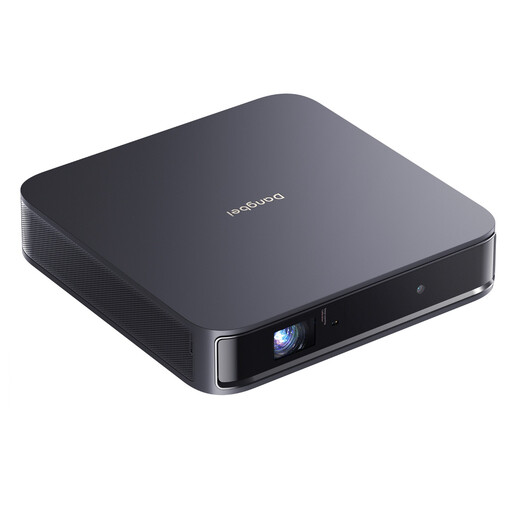 Image unavailable
For a portable set-up; bear in mind that this model has no built-in battery and needs to be plugged into a mains socket.
1200 ISO-lumen; 1080p HD; 4K HDR input.
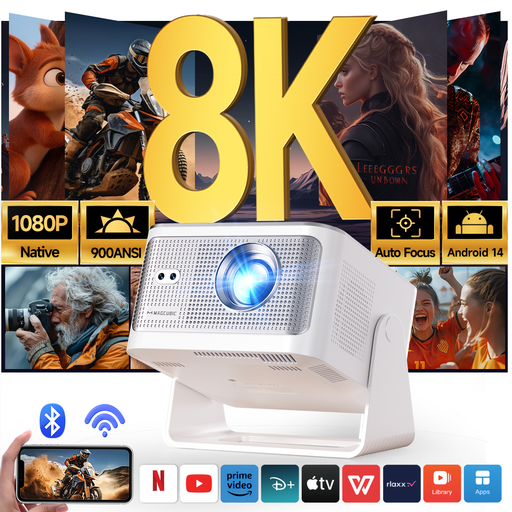 Image unavailable
For a portable set-up; check that you can aim the projector from your chosen location and that the picture width will fit.
Native 1080p; 900 ANSI-lumen.
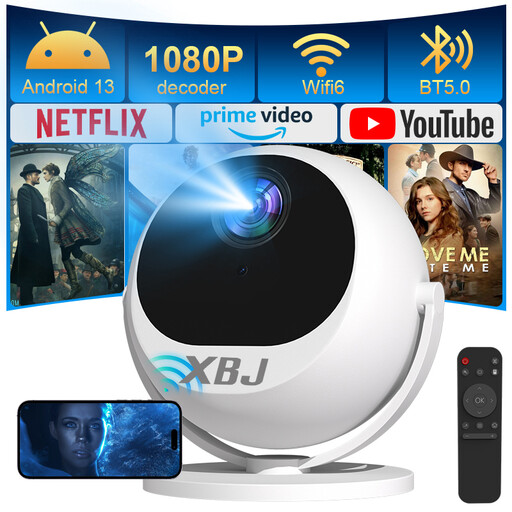 Image unavailable
For a portable set-up with flexible projection angles; check the location, power supply and visibility beforehand.
Native 1080p; 500 ANSI-lumen; 360° rotation.
Measure the distance from the intended projector position to the wall or screen, then compare it with the throw ratio and picture width you want for the exact model. The throw ratio is the projection distance divided by the picture width.
The audio codec may not be supported, even if the file extension appears to be valid. BenQ recommends checking which codecs the model you’ve chosen supports; test the entire file before the screening.
If you have a problem, contact the seller. According to the Dutch government, you’re entitled to a product that works properly in the Netherlands, and there’s no fixed statutory warranty period. An extended warranty doesn’t replace your statutory rights.
According to Auteursrecht.nl, an exception applies to copyrighted films and music when they’re shown within the strictly private circle of family and close friends. A screening for a club or business isn’t automatically covered and may require permission. If other identifiable people appear in your own film, the Dutch Data Protection Authority also says it matters whether you keep the material private or share it more widely.