Joybuy projectors for a group viewing night
This selection focuses on portable projectors and models supplied with a projection screen. Before buying, check your preferred image size, setup distance and the connections you’ll need for your series source and sound.
 No image available
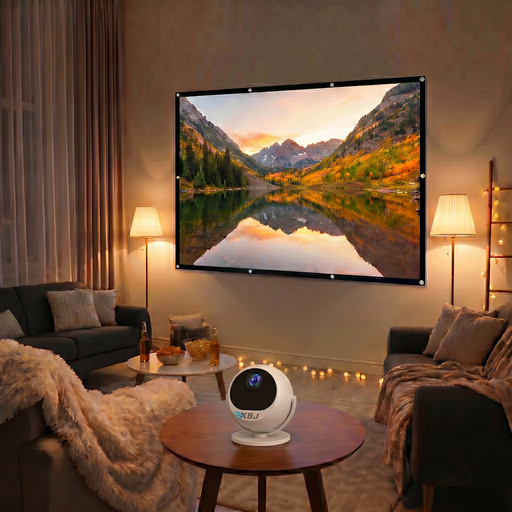
BIG Screen Entertainment Bundle-XBJ 360° Portable Projector + 100 Inch Projector Screen
Could be a good fit if you’re looking for a portable projector with a supplied projection screen for your viewing group.
The bundle includes a 100-inch projection screen.
View at Joybuy
 No image available
Yaber L2 Projector
Could be a good fit if you’re looking for a home cinema projector with built-in playback features. Check that your chosen streaming service works with your intended setup.
Listed features include 520 ISO lumens, native 1080p, built-in Google TV and dual 5 W speakers. The model is also described as compatible with a flexible stand for ceiling mounting.
View at Joybuy
 No image available
Blackview Smart Projector PV1000 Max Grey
Could be a good fit if you want to compare native 1080p and an adjustable projection angle for your group’s seating arrangement.
Listed features include 1000 ANSI lumens, native 1080p, 4K decoding and a stated image size of 40–150 inches. The title also mentions Dolby Audio, Wi-Fi 5, Bluetooth and AirPlay 2.
View at Joybuy
 No image available
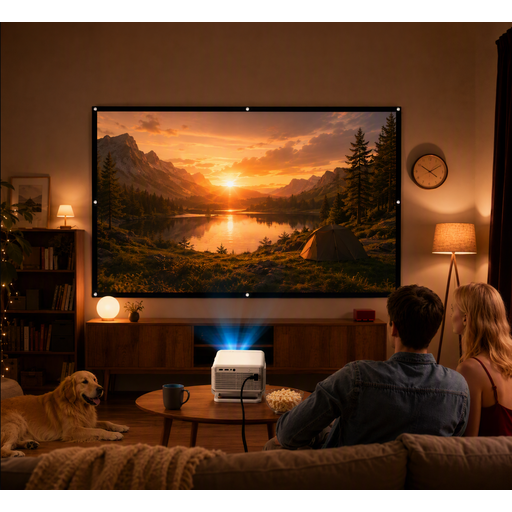
XGODY Gimbal N6 Pro Portable Projector with 120 Inch Projector Screen
Could be a good fit if a supplied 120-inch projection screen suits your group’s preferred setup.
The model is sold as a portable gimbal projector with a 120-inch projection screen.
View at Joybuy
 No image available
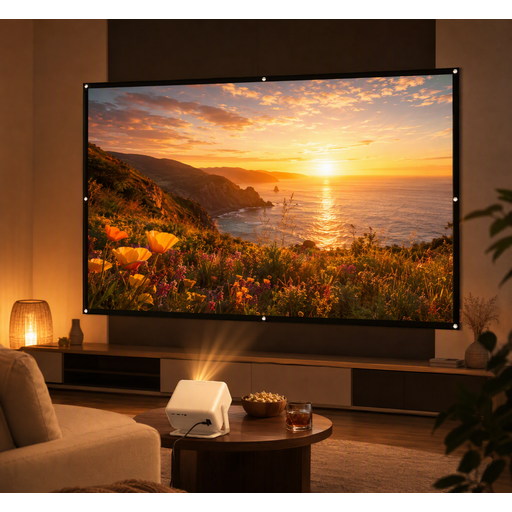
XGODY Gimbal A6 Pro Portable Projector with 100 Inch Projector Screen
Could be a good fit if you’re looking for a portable projector with a supplied 100-inch screen for a group setup.
The model is sold as a portable gimbal projector with a 100-inch projection screen.
View at Joybuy
Frequently asked questions
How can I check whether viewers at the back can read the subtitles?
First, choose a screen size that suits the room and the distance to the back seats. Epson Netherlands lists screen size, viewing distance, room size and the content being shown as relevant factors. Check the subtitles with your planned setup rather than treating the maximum image size as a guarantee.
Do I need separate speakers or a streaming device?
That depends on the projector’s connections, your chosen playback source and the room’s acoustics. Check that your service works through your planned source and that sound is clear from the seats. If needed, plan for external speakers or cabling.
Can I screen a detective series for a large group?
According to Auteursrecht.nl, screenings within the strictly defined domestic circle are permitted without separate permission from the rights holders. This guidance refers to family and close friends; a club night or work event doesn’t automatically fall within that definition. Consider who will be there and the nature of the screening, not just the size of the group.
What can I do if the projector disappoints or develops a fault after purchase?
When you buy online from a business, you’ll often have a 14-day cooling-off period, according to the Dutch Government. You’re also entitled to a product that works as it should in the Netherlands; there’s no fixed statutory warranty period. If a product is faulty, contact the seller. Check the terms that apply to your purchase.
Can I position the projector at an angle and correct the picture?
First, check that the physical setup can accommodate your preferred image size. Epson lists keystone correction for the CO-FH02, but this feature doesn’t replace checking the lens distance and placement. Follow the instructions for the exact model when setting it up.


