What should you look for?
First, measure the viewing distance and the available screen width. Then decide where the projector will need to be positioned. This lets you assess the image size you want, the projector position and the room conditions separately.
| What to consider |
What to look for |
Who is this important for? |
| Picture from your seat |
Measure the viewing distance and available screen height separately. Epson Netherlands recommends a viewing distance of up to eight times the screen’s vertical height for passive video content. This is a guideline, not a guarantee for every video or viewer. |
If you want to make out faces and details from the back row, image size comes first; around 36% of consumers say visibility from their seat is their main concern. |
| Projection distance |
Measure from the lens position to the screen, then divide that distance by your desired image width. BenQ defines throw ratio as projection distance divided by image width; check that the result falls within the range for the exact model. |
If you have a fixed shelf or ceiling position, you’ll want to know in advance whether you can achieve the desired image width from there; around 29% of consumers give finding a suitable projector position their highest priority. |
| Visibility in ambient light |
Consider how much light falls on the projection surface, and only compare light output when the units and measurement basis are clear. Manufacturer figures don’t measure how the picture will look in your living room. |
If you usually watch in daylight or with the lights on, you’ll want to know how the room affects the picture; around 21% of consumers say visibility in ambient light is their main concern. |
| Video source and sound |
Check the outputs on your playback device and the projector’s inputs and audio features. Also check how you would connect any soundbar or speakers. |
If your videos are stored on an external device or you use separate audio equipment, you’ll want to make sure you have a suitable connection option; around 14% of consumers prioritise playback and sound. |
Joybuy product picks
These Joybuy product picks are aimed at playing family videos; some bundles include a 100-inch projection screen. For your room, check the image width you want, the distance from the lens to the screen and the connections you need.
 No image available
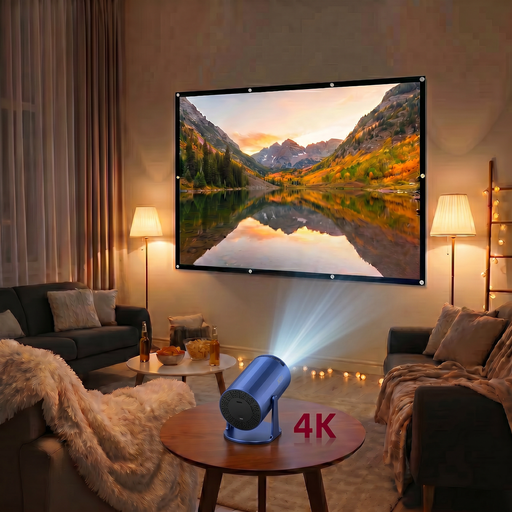
XBJ portable projector with 100-inch screen
A bundle to consider if you’re looking for a projector and screen together for videos played from an external device.
The title says a 100-inch screen is included. The description lists HDMI, USB and AV inputs, plus built-in stereo speakers.
View at Joybuy
 No image available
Optoma UZ38X 4K UHD Dual-Laser projector
The stated throw ratio gives you a starting point for checking whether the projector can achieve your desired image width from its fixed lens position.
The product description lists 1,21:1–1,59:1, 1,3× manual zoom, two HDMI inputs, 3.800 lumens and a built-in 15 W speaker. The screen and source device are not included.
View at Joybuy
 No image available
Optoma H117ST Short Throw DLP projector, WXGA
The short throw ratio is useful if the projector needs to be close to the screen; check that it suits your desired image width.
The description lists a throw ratio of 0,52:1, WXGA 1280 × 800, 3.800 ANSI lumens, HDMI and a built-in 10 W speaker. A short projection distance may not suit a fixed position at the back of a deep room.
View at Joybuy
 No image available
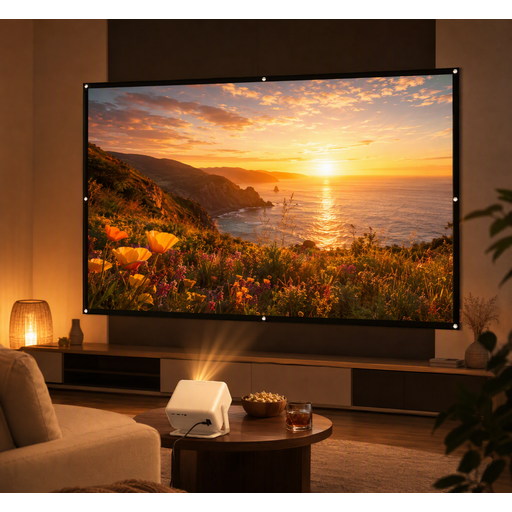
XGODY Gimbal A6 Pro with 100-inch screen
A bundle to consider if you want to buy a projection screen and projector together.
The title says a 100-inch screen is included. The description lists HDMI, USB and AV inputs, plus built-in stereo speakers.
View at Joybuy
 No image available
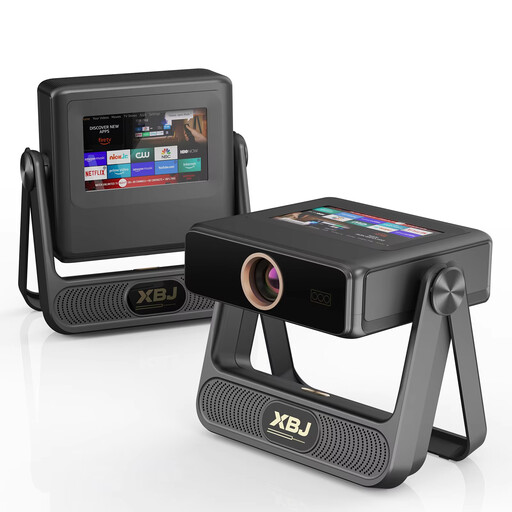
XBJ A5Pro Outdoor Smart Projector, grey
The stated image size and picture settings are worth comparing with the dimensions and positioning of your screen.
The title lists native 1080P, up to 300 inches, 900 ANSI lumens, autofocus, automatic keystone correction, Wi-Fi 6 and Android OS. 4K decoding is also listed; this is not the same as native 4K resolution.
View at Joybuy
Frequently asked questions
Is the distance from the sofa to the screen the same as the projection distance?
No. Measure the viewing distance from your seats and the projection distance from the lens to the screen. Throw ratio is the projection distance divided by the image width; consider both measurements when choosing your screen and projector.
Should the projector go behind the sofa if you sit far from the screen?
No. A long viewing distance doesn’t dictate where the projector must go. Choose a position based on the space available, then check that the exact model’s throw ratio works for your desired image width.
How can you connect family videos and external speakers?
First, check the connections on the device storing your videos and compare them with the projector’s connections. Epson lists two HDMI ports for the EH-TW7000; BenQ also lists a 3,5 mm audio output and eARC for the TK710. Don’t assume other models offer the same options.
What should you consider when it comes to light source life?
Check the light source and the conditions attached to the stated life of the exact model. Epson lists a lamp life of 5.000 hours in Eco mode for the EH-TW7000; Optoma lists a laser light source with a stated life of 30.000 hours for the UHZ66. These are manufacturer figures, not guaranteed lifespans.


