
Watching films from a distance
You want to work out what image width is comfortable to watch from your usual seat, and whether it suits the distance between the lens and the screen.


First, choose an image width that’s comfortable to watch from your seat. Then check that the distance from the projector lens to the screen works with that width according to the exact model’s throw ratio. BenQ Netherlands describes this ratio as a useful tool when planning your set-up. Match the brightness to the room, and check the Dutch audio or subtitles for each film and viewing set-up.
You want to work out what image width is comfortable to watch from your usual seat, and whether it suits the distance between the lens and the screen.
You want to check whether specific films offer Dutch audio or easy-to-read subtitles through your chosen title, app and playback device.
You can’t always darken the room, so you want to weigh the stated brightness against the screen size and the lighting while you watch.
Choose this set-up if: you can position the projector further from the screen and the throw ratio suits your preferred image width.
Bear in mind: the distance from the lens to the screen. Your viewing distance doesn’t determine the image size the projector produces from its position.
Choose this set-up if: the projector needs to sit close to the screen while you watch from further away.
Bear in mind: the stated throw distance and image size for the specific model. Check that they suit the space available.
Choose this set-up if: you only have space right by the projection wall and the model can produce your preferred image size from there.
Bear in mind: a short throw distance won’t automatically make the image large enough for someone sitting a long way away.
Measure the distance from the lens to the screen and the available screen width separately. BenQ Netherlands uses the throw ratio to assess how each model will work in that set-up.
| What to consider | What should you look for? | Who is it important to? |
|---|---|---|
| Image size and distance | Measure the lens-to-screen distance and available image width, then check that the ratio falls within the exact model’s range. | If I sit a long way from the screen, I want to know what image width is comfortable to watch from my seat and whether the lens position allows for it. This is the top priority for around 28% of consumers. |
| Dutch audio and text | Check the film you want to watch, the language options in the app and how text displays on your intended playback device. | I want to check whether the films I watch are available with Dutch audio or subtitles on my chosen device. Language options are the top priority for around 22% of consumers. |
| Picture quality in ambient light | Take the lighting, screen size and unit used for the stated brightness into account. | If I can’t always darken the room, I want to assess brightness figures in relation to my room and screen. For around 17% of consumers, watching in ambient light matters most. |
| Fixed installation and connections | Check the space available, the zoom and lens shift range, and the connections for your playback source. | For a fixed installation, I want to know in advance whether the lens, connections and playback source will work with my set-up. Practical installation is the top priority for around 17% of consumers. |
| Light source and use | Compare the light source and stated operating life for each model; don’t treat a manufacturer’s figure as a personal guarantee. | I want to know what light source my chosen model uses and what operating life the manufacturer states, so I can compare the terms for each model. For around 16% of consumers, the light source and use after purchase matter most. |
The distance from your seat to the screen is different from the distance between the projector lens and the screen. Getting the measurements mixed up could mean the image won’t fit on the wall you have available.
Measure both distances and your preferred screen width before checking a model’s throw ratio.
Netflix states that available languages can vary by title. A Dutch-language menu or built-in streaming platform doesn’t confirm that every film you want to watch has Dutch audio or subtitles.
Check a few films you actually want to watch in the app and on the device you plan to use.
Manufacturers use different terms, such as ANSI lumens and ISO lumens. Without checking the unit and the conditions, these figures aren’t directly comparable for your room.
Note the unit, then assess the stated brightness alongside your screen size and the lighting while you watch.
Epson offers home cinema models with different light sources and placement options. Assess the features of each model individually.
The W2720i is a home cinema model. Its lens specifications can help you check your planned lens distance and image width.
XGIMI describes the HORIZON 20 Max as a model with built-in Google TV, optical zoom and lens shift.
The UHZ66 is a laser projector with standard-throw projection. Its lens specifications are relevant when the projector is further from the screen.
The model details come from Epson, BenQ, XGIMI and Optoma. They don’t assess the availability or suitability of every model for every living room.
These Joybuy models include standard-throw and short-throw projectors. Check whether each model’s throw ratio and stated image size suit your lens position and screen.
 No image available
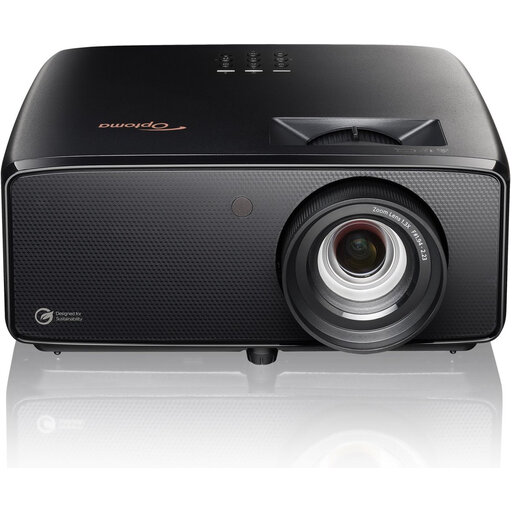
The stated throw ratio gives you a model specification to help match the lens distance to your preferred image width.
Native 4K UHD; 3.800 lumens; throw ratio 1,21:1–1,59:1; 1,3× zoom; two HDMI inputs.
 No image available
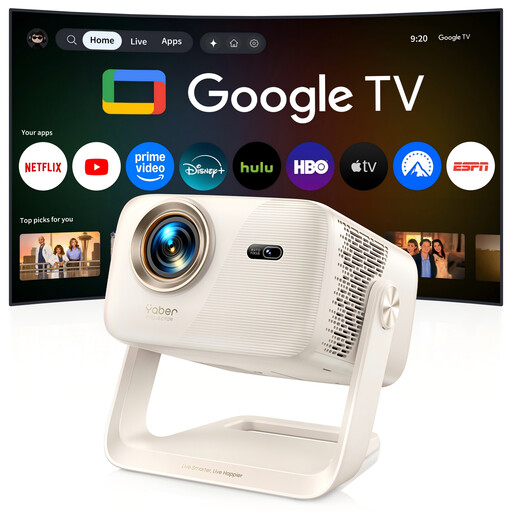
The stated short-throw ratio can help you check whether the projector can sit close to the screen while you watch from further away.
Native 1080p; 520 ISO lumens; throw ratio 1,17:1; adjustable image size from 40–150 inches; built-in Google TV; 360° gimbal.
Check the Dutch audio and subtitles for each film and app. The built-in streaming platform doesn’t guarantee these language options for every title.
 No image available
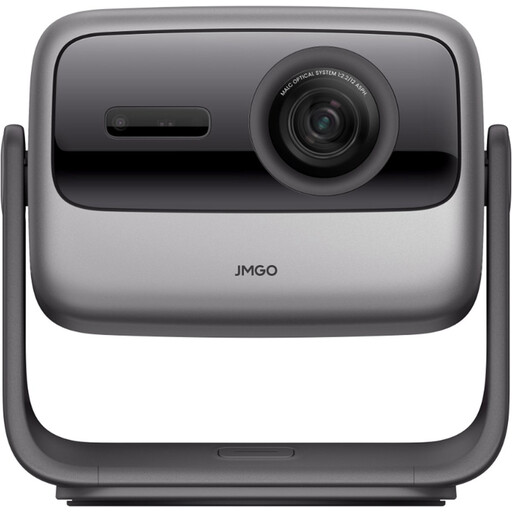
The stated throw ratio of 1,2:1 is a model specification you can check against the distance from the lens to the screen.
4K UHD; 3.000 ANSI lumens; throw ratio 1,2:1; gimbal adjustment.
 No image available
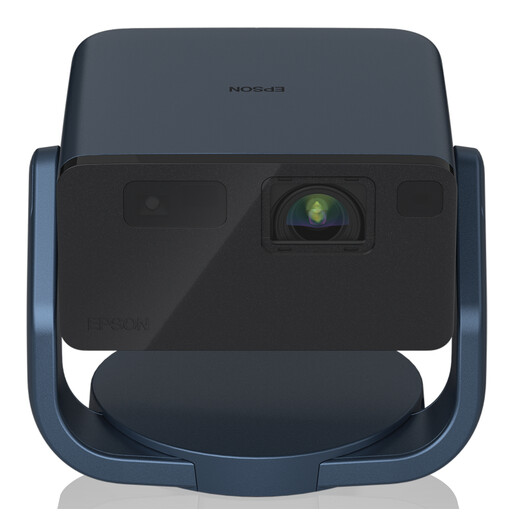
The throw ratio and stated image size help you check whether the image will fit the screen from your planned lens position.
Native 1080p; 1.000 ANSI lumens; throw ratio 1,00–1,82:1; image size 30–150 inches.
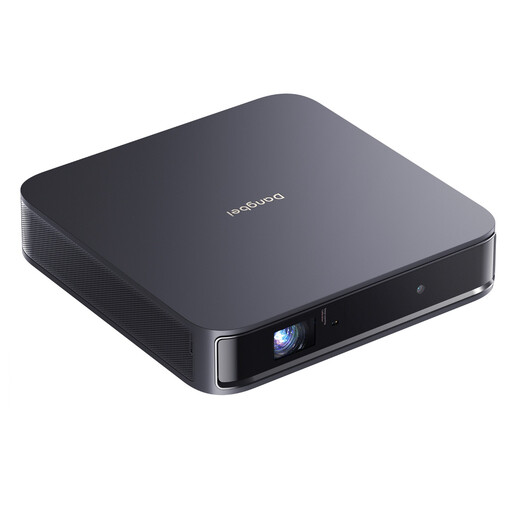 No image available
The stated throw ratio of 1,2:1 can be checked against the distance available between the lens and the screen.
Native 1080p; 1.200 ISO lumens; ALPD laser light source; Google TV with Netflix.
Check the Dutch audio and subtitles for each film. The built-in Netflix app doesn’t guarantee these language options for every title.
No. Measure the distance from your seat to the screen to plan your viewing set-up, then measure the distance from the projector lens to the screen to work out the image size the model can produce. BenQ Netherlands describes the throw ratio as a useful tool for that second check.
No. Check the title you want to watch and your playback set-up. Netflix states that available languages can vary by title. Also check that the app you want works on the device you plan to use.
First, work out the screen width you have available and where you can position the lens. Divide the lens-to-screen distance by the image width, then check the result against the exact model’s throw ratio. Finally, check the zoom and lens shift range.
No, you don’t need to pay for extra cover to have statutory rights. According to the Dutch government, the Netherlands has no fixed statutory guarantee period. Extra cover is only useful if its terms offer more. If a product is faulty, contact the seller.
For distance purchases from a business, the Dutch government says that in many cases you have a 14-day cooling-off period. There are exceptions, so check who the seller is and which terms apply to your purchase.